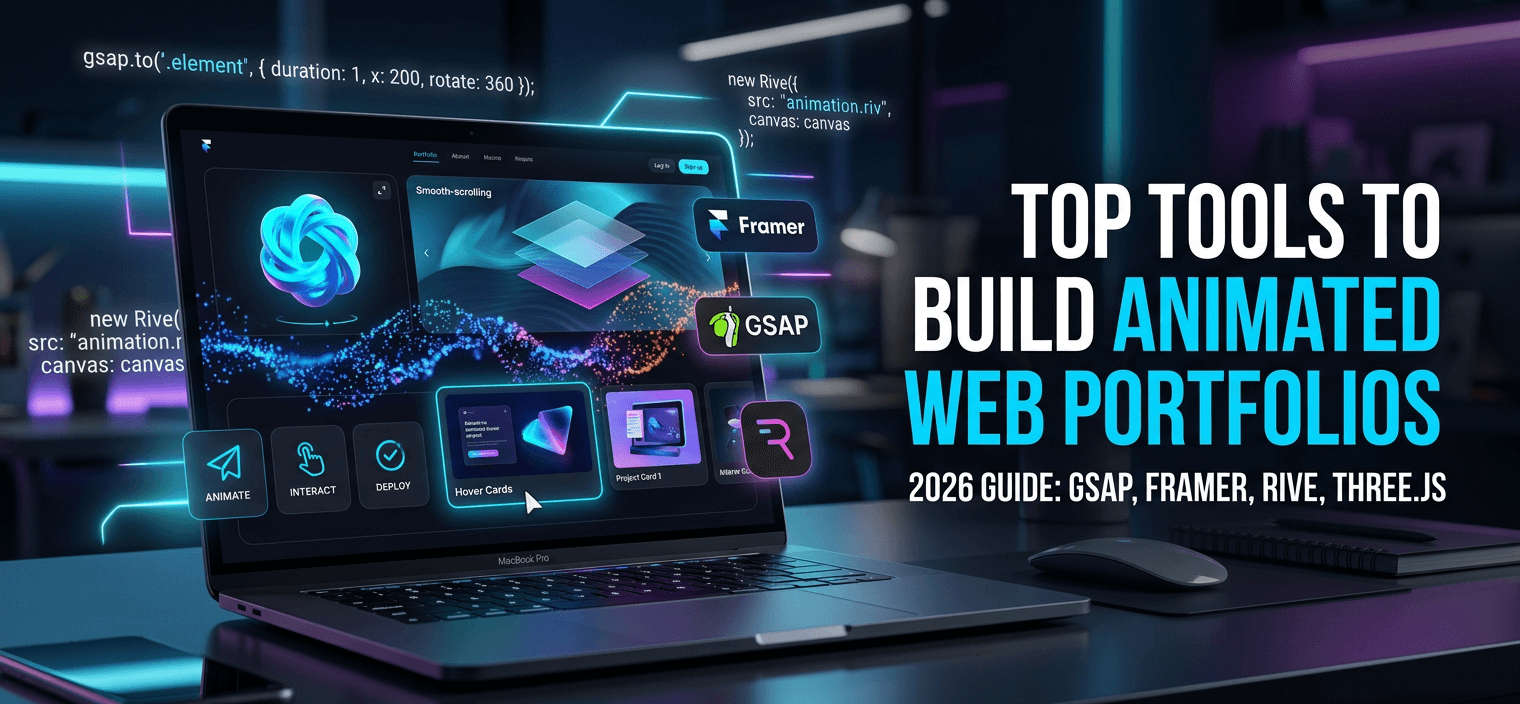
Why Animation is the New Standard
In 2026, the first five seconds a visitor spends on your portfolio determine your brand’s perceived value. A static site says “functional,” but a fluid, animated experience says “premium.” With the arrival of high-speed Edge Computing and WebAssembly, complex animations no longer kill your page load speeds.
Today, the goal isn’t just to make things move—it’s to use Intentional Motion to guide the user’s eye toward your best work. If you are building a portfolio this year, these are the five power tools you need in your stack.
1. Rive: The Game-Changer for Interactive Vector
Rive has officially surpassed traditional video and GIF exports in 2026. It allows developers to create functional, state-machine-driven animations that respond to user input (like mouse hovers or clicks) with tiny file sizes.
- The Evolution: Unlike a video, a Rive animation is a “living” file. You can change its state via code without re-rendering. It uses a custom renderer that bypasses the heavy DOM, running directly on the GPU.
- Why it matters: It provides game-like interactivity while maintaining a “Perfect 100” Google Lighthouse score.
Tip from Zeroradius:
Use Rive for your Call-to-Action (CTA) buttons. An animated button that subtly reacts to the user’s cursor "searching" for it can increase click-through rates by up to 15%.
2. GSAP (GreenSock Animation Platform) 4.0
GSAP remains the undisputed king of web animation engines. In 2026, GSAP 4.0 has introduced deep integration with Web Components and ScrollTrigger, making complex scroll-based storytelling easier than ever.
- The Evolution: Its “Flip” plugin allows for seamless layout transitions—like a small thumbnail smoothly expanding into a full-page hero image—without the “jank” associated with traditional CSS height/width changes.
- Why it matters: It handles the “heavy lifting” of browser compatibility, ensuring your animations look identical on a Safari iPhone and a Chrome Desktop.
Tip from Zeroradius:
Don't animate every element. Use GSAP specifically for "Scroll-Reveals." By staggering the entrance of your portfolio items as the user scrolls, you create a narrative flow that prevents "information overload."
3. Theatre.js: The Visual Motion Studio
For developers who prefer a visual timeline but want the power of code, Theatre.js is the go-to tool in 2026. It allows you to “direct” your website like a movie, creating cinematic sequences that interact with 3D elements (Three.js).
- The Evolution: It provides a “studio” UI that floats on top of your live site, allowing you to tweak motion curves in real-time. Once you’re done, it exports a tiny JSON file of the animation data.
- Why it matters: It’s perfect for “Hero Sections” where you want a high-impact, 3D entrance that wows high-ticket clients.
Tip from Zeroradius:
Use Theatre.js to animate 3D Project Mockups. Instead of a flat screenshot, show your work on a 3D laptop that rotates and opens as the user scrolls past.
4. Framer Motion (for React/Next.js)
If your portfolio is built on React or Next.js, Framer Motion is the industry standard. In 2026, it features “Layout Animations” that automatically animate elements as they move from one part of the page to another.
- The Evolution: It uses a declarative syntax, meaning you describe what you want (e.g., “fade in”) rather than how to do it step-by-step. It now supports Shared Layout Transitions out of the box.
- Why it matters: It makes “Page Transitions” (moving from the Home page to a Case Study) feel like a single, continuous experience.
Tip from Zeroradius:
Implement Shared Element Transitions. When a user clicks a project thumbnail, have that specific image "grow" to become the header of the next page. This keeps the user’s visual focus locked and reduces bounce rates.
5. Spline: 3D Animation for Everyone
3D is no longer “too heavy” for the web. Spline allows you to design 3D scenes, add interactivity, and export them as a simple web component or React hook.
- The Evolution: It has a built-in physics engine. You can create a 3D background where objects bounce and collide based on the user’s mouse movements without writing a single line of complex GLSL code.
- Why it matters: It adds a layer of “Playfulness” to your brand that flat design simply cannot match.
Tip from Zeroradius:
Keep 3D elements "Below the Fold" or use a "Loading Placeholder." Even with modern speeds, a heavy 3D scene in the very first pixels of your site can hurt your LCP (Largest Contentful Paint). Optimize for speed first, then the "Wow" factor.
Strategy: The "Performance First" Animation Checklist
Animation can kill your SEO if not handled correctly. In 2026, Google prioritizes INP (Interaction to Next Paint). Use this checklist to stay safe:
- Hardware Acceleration: Always animate transform and opacity. Avoid animating margin, width, or top, as these trigger expensive layout repaints.
- Will-Change Property: Use the CSS will-change property on complex elements to tell the browser to prepare the GPU for motion.
- Media Queries: Always wrap your heavy animations in a @media (prefers-reduced-motion: no-preference) block. This respects users with vestibular disorders and improves accessibility scores.
- Lazy-Loading Assets: Don’t load your 3D Spline scenes or heavy Rive files until the user is within 500px of that section.
Do animations hurt my SEO?
Only if they are poorly implemented. If your animations are “Content-Heavy” and block the Googlebot from reading your text, yes. However, tools like GSAP use standard HTML/CSS, which is perfectly SEO-friendly.
Are these tools mobile-friendly?
Is it expensive to add these animations?
Motion is the Language of Trust
In 2026, your portfolio is your proof of concept. By using tools like Rive, GSAP, and Spline, you aren’t just showing your work—you are showing that you understand the modern user experience. Motion builds trust by making your digital space feel alive, responsive, and meticulously crafted.