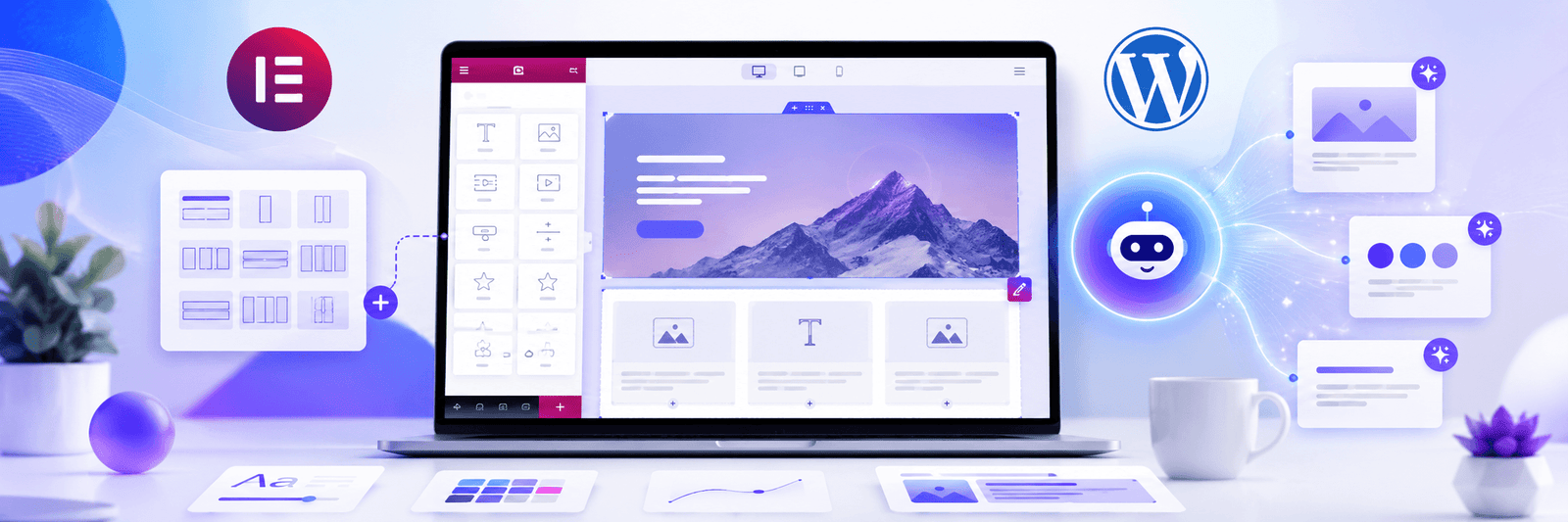
Elementor has made WordPress design easier for many businesses, designers, and marketers.
Instead of building every page from scratch with code, Elementor allows users to create pages visually. Now, with AI tools becoming part of the website-building workflow, Elementor can help users move even faster.
But faster does not always mean better.
The real value of Elementor AI is not just generating sections quickly. It is using AI in a smart way to improve layout, content, design consistency, and user experience.
If you use Elementor only to add more sections, more animations, and more effects, the website may become heavy and confusing. But if you use Elementor AI with strategy, it can help create cleaner and more effective WordPress websites.
1. Use AI to Plan Before Designing
Many people open Elementor and start designing immediately.
That is usually not the best approach.
Before designing, use AI to plan the page structure.
For example, a homepage for a service business may include:
- Hero section
- Problem statement
- Services overview
- Why choose us
- Process section
- Testimonials
- Case study highlight
- FAQ section
- Final call to action
This gives you a clear starting point.
A planned layout is always better than randomly adding sections.
If you are creating a business website, Zeroradius provides web design and UI/UX services focused on clean structure and better user journeys.
2. Use AI to Improve Headings
Headings are very important in website design.
A good heading should tell users what the section is about immediately.
Weak heading:
Our Solutions
Better heading:
WordPress Websites Built to Generate Better Business Enquiries
The second heading is more specific and gives the user a clear reason to continue reading.
Elementor AI can help generate multiple heading options. You can then choose the one that sounds most clear and natural.
Avoid headings that sound too robotic, too vague, or too promotional.
3. Use AI for Section Copy
Many Elementor websites look good but have weak copy.
The design may be polished, but the text does not explain the service clearly.
AI can help write first-draft section copy, but you should improve it with real business details.
Generic copy:
We create modern websites for businesses.
Better copy:
We build WordPress websites that are easy to manage, fast to load, and designed to help visitors understand your services clearly.
The second version feels more human and more useful.
Good Elementor design needs strong copy. Layout and content should work together.
4. Use AI to Create Better CTAs
Call-to-action buttons are small but important.
Common weak CTAs include:
- Submit
- Click Here
- Learn More
- Send
Better CTA options include:
- Request a Free Website Consultation
- Start Your WordPress Project
- Get a Website Audit
- Talk to Our Team
AI can help create CTA variations based on the page goal.
For example, a homepage CTA may be broad, but a service page CTA should be more specific.
If the page is about WordPress development, the CTA can say “Discuss Your WordPress Website.”
5. Use AI to Generate Image Ideas
Elementor AI can support image creation and editing workflows.
This is useful when you need visuals for blog banners, service pages, landing sections, or product blocks.
But do not use random AI images just because they look attractive.
Images should match the page topic.
For a WordPress development page, useful image concepts may include:
- Website dashboard interface
- Designer workspace
- Wireframe planning
- WordPress admin concept
- Website performance visuals
- Business website mockups
Avoid images with too much text. Clean visuals usually work better for modern websites.
6. Use AI for Custom CSS Ideas
Elementor gives strong visual control, but sometimes small CSS improvements can make a layout feel more polished.
AI can help generate CSS ideas for:
- Hover effects
- Gradient buttons
- Card shadows
- Responsive spacing
- Smooth transitions
- Custom section styling
But be careful.
Do not paste code blindly. Always test it.
Bad CSS can break mobile layouts or affect performance. If you are not comfortable with code, ask a developer to review it.
7. Use AI to Create FAQs
FAQs are helpful for both users and SEO.
Elementor pages can include FAQ sections for service pages, landing pages, and blog posts.
AI can help generate common questions such as:
- How long does a WordPress website take?
- Can I update the website myself?
- Is Elementor good for business websites?
- Will my website be mobile-friendly?
- Can you redesign my existing WordPress website?
After generating FAQs, edit them based on your real service process.
Do not add fake or unnecessary FAQs. Add only what users actually need to know.
8. Use AI to Improve Mobile Layout Thinking
Many websites are designed on desktop first and checked on mobile later.
That can create problems.
AI can help you think through mobile layout questions:
- Which sections should be shorter on mobile?
- Which images should be hidden on small screens?
- Should cards stack vertically?
- Is the CTA visible enough?
- Is the form easy to use?
- Is the heading too long?
Elementor gives responsive controls, but you still need design judgment.
A mobile user should not feel like they are reading a desktop page squeezed into a phone.
9. Use AI to Speed Up Repetitive Work
AI is useful for repetitive tasks such as:
- Rewriting similar service sections
- Creating meta descriptions
- Creating image alt text drafts
- Writing button variations
- Creating blog outlines
- Improving grammar
- Summarizing long content
- Creating testimonial section copy
This helps designers and marketers save time.
But the final content should always be reviewed.
A website should feel personal to the brand, not copied from a generic AI template.
10. Keep Elementor Websites Lightweight
One common Elementor mistake is adding too much.
Too many animations, plugins, widgets, background videos, and heavy images can slow down a website.
AI can help you create more ideas, but you do not have to use all of them.
A better Elementor website is usually:
- Clean
- Fast
- Easy to scan
- Mobile-friendly
- Clear in messaging
- Strong in CTA placement
- Consistent in design
If you are comparing design tools, you can also read this Zeroradius article on Elementor Atomic vs Bricks Builder.
Final Thoughts
Elementor AI can be a powerful support tool for WordPress web design.
It can help with layout planning, content writing, CTA ideas, images, CSS, FAQs, and mobile improvements.
But the best results come when AI is guided by strategy.
Do not use AI just to create more content or more design elements. Use it to make the website clearer, faster, more helpful, and easier for users to trust.
A good Elementor website should not only look modern. It should help visitors understand your business and take the next step.
FAQ
What is Elementor AI used for?
Elementor AI can help with website content, layout ideas, images, code support, and design workflow improvements inside WordPress.
Can Elementor AI design a full website?
It can help create layouts, content, and design ideas, but a complete professional website still needs strategy, editing, branding, testing, and optimization.
Is Elementor AI good for beginners?
Yes, it can help beginners move faster, but users should still learn basic design, SEO, and responsive layout principles.
Can Elementor AI improve website SEO?
It can support SEO tasks like headings, FAQs, meta content, and page structure, but SEO still needs keyword strategy, technical setup, content quality, and performance optimization.