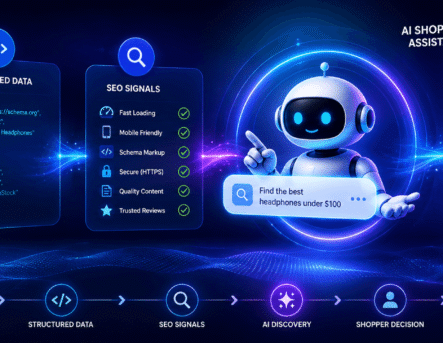
WordPress SEO has changed a lot. A few years ago, adding keywords, writing meta descriptions, and installing a basic SEO plugin were enough for many websites. But in 2026, search engines are smarter, users expect better answers, and AI-powered search results are changing how people discover content.
This is where an AI SEO plugin for WordPress can help. These tools do more than check keyword density. They can suggest better headings, improve content structure, recommend internal links, generate schema markup, and help you understand what users are really searching for.
However, AI SEO plugins are not magic ranking tools. They work best when you combine them with useful content, strong technical SEO, a clear website structure, and a human understanding of your audience.
In this guide, we’ll explain what AI SEO plugins are, how they work, which features matter, and how to use them properly on your WordPress website.
What Is an AI SEO Plugin for WordPress?
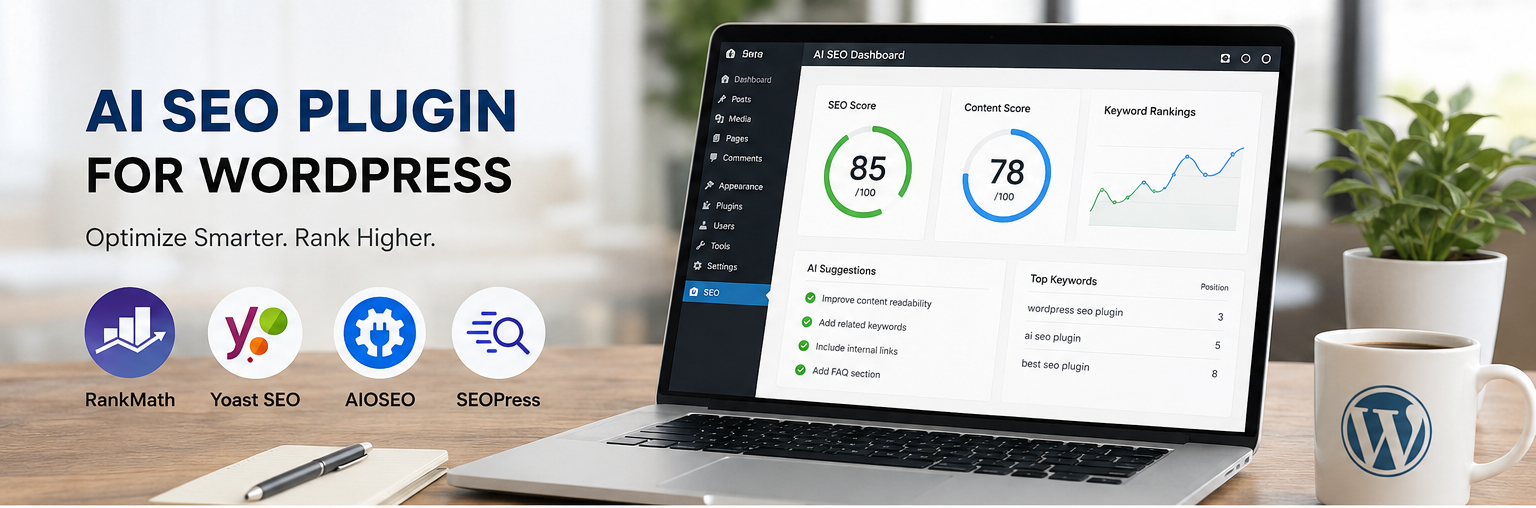
An AI SEO plugin for WordPress is a tool that uses artificial intelligence to help you optimize your website content, metadata, internal links, and technical SEO elements. Traditional SEO plugins mainly guide you through basic optimization steps. AI SEO plugins go a step further by giving smarter suggestions based on search intent, content quality, topic relevance, and user experience.
For example, instead of simply telling you to add a keyword more often, an AI SEO plugin may suggest related topics, missing subheadings, better FAQ questions, or more natural ways to improve the content.
Some AI SEO tools can also help with:
- Generating SEO titles and meta descriptions
- Improving blog structure and readability
- Finding keyword opportunities
- Creating schema markup
- Suggesting internal links
- Optimizing product pages and service pages
- Identifying content gaps
- Improving old blog posts that are losing traffic
If your website is built on WordPress, using the right plugin can make SEO easier. But the real results come from using the tool carefully, not blindly accepting every AI suggestion.
Why AI SEO Matters for WordPress Websites in 2026
Search behavior is no longer limited to typing short keywords into Google. People now search using long questions, voice search, AI assistants, and conversational platforms. Search engines are also focusing more on helpful content, user experience, authority, and trust.
That means your WordPress website needs content that is not only optimized for keywords but also useful, clear, and trustworthy.
AI SEO plugins can help website owners keep up with these changes by making optimization faster and more structured. They can help you understand what your audience wants, organize your content better, and improve pages that are underperforming.
For businesses that depend on organic traffic, this is especially important. Whether you run a service website, blog, local business site, or online store, your content needs to answer real user questions clearly.
If your website needs a stronger SEO foundation, you can also explore our digital marketing and SEO services.
Best AI SEO Plugins for WordPress in 2026
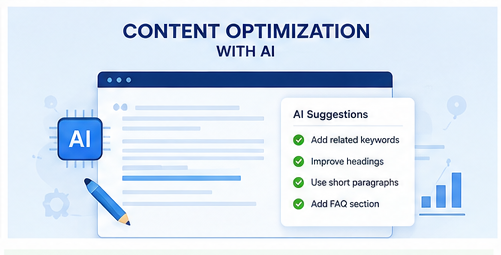
There are many WordPress SEO plugins available, but only a few offer strong AI-powered features. The best choice depends on your website type, content needs, budget, and SEO experience.
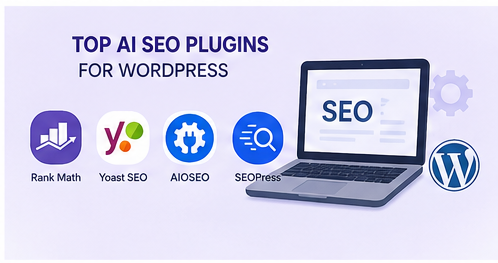
1. Rank Math Content AI
Rank Math is one of the most popular SEO plugins for WordPress, and its Content AI feature helps users improve content based on keyword suggestions, word count, headings, questions, and related topics.
It is useful for bloggers, business websites, and teams that publish content regularly. Rank Math also includes features like schema markup, redirection management, sitemap settings, and on-page SEO analysis.
Best for: Bloggers, business websites, and content-heavy WordPress sites.
2. Yoast SEO with AI Features
Yoast SEO has been a trusted WordPress SEO plugin for many years. Its AI features can help generate SEO titles and meta descriptions faster. Yoast is also beginner-friendly and gives clear readability and SEO recommendations.
If you already use Yoast, adding AI-powered title and description suggestions can save time, especially when optimizing multiple posts.
Best for: Beginners and websites already using Yoast SEO.
3. All in One SEO AIOSEO
AIOSEO is another strong WordPress SEO plugin with features for on-page SEO, schema, local SEO, WooCommerce SEO, and search appearance settings. It is a good option for business websites and eCommerce stores that need structured optimization.
Best for: Business websites, local SEO, and WooCommerce stores.
4. SEOPress
SEOPress is a lightweight SEO plugin with useful features for metadata, sitemaps, schema, and content analysis. It is a good choice for users who want control without too much clutter in the WordPress dashboard.
Best for: Website owners who prefer a clean and flexible SEO plugin.
5. Surfer SEO with WordPress Integration
Surfer SEO is not just a WordPress plugin, but it can be used with WordPress content workflows. It helps with content optimization by comparing your content against top-ranking pages and suggesting improvements.
This can be helpful for competitive blog topics where content depth, structure, and semantic keywords matter.
Best for: Advanced content teams and competitive SEO campaigns.
Key Features to Look for in an AI SEO Plugin
Not every AI SEO plugin is suitable for every website. Before choosing one, focus on the features that directly support your SEO goals.
1. AI Content Optimization
Good AI SEO tools analyze your content and suggest improvements for readability, structure, headings, and topic coverage. This is useful when writing new blogs or updating older pages that are losing impressions.
For example, if a blog post is too short or does not answer enough related questions, the plugin may suggest additional sections to improve the page.
2. Keyword and Topic Suggestions
Modern SEO is not about repeating one keyword many times. Your content should cover the topic properly. AI SEO plugins can suggest related keywords, long-tail search terms, and supporting topics that make your content more complete.
3. SEO Title and Meta Description Generation
A strong SEO title and meta description can improve click-through rate from search results. AI tools can generate multiple title and description ideas, helping you choose a version that is clear, relevant, and more attractive to users.
4. Schema Markup Support
Schema markup helps search engines understand your page better. Many SEO plugins support schema for articles, FAQs, products, services, local businesses, and reviews.
For blog posts, FAQ schema and article schema can be especially useful when used correctly.
5. Internal Linking Suggestions
Internal links help users discover related pages and help search engines understand your website structure. An AI SEO plugin can suggest relevant internal links while you write.
For example, if you are writing about WordPress SEO, you can naturally link to your WordPress development services, page speed optimization services, or related blog posts.
6. Technical SEO Checks
Content alone is not enough. Your website also needs to load fast, work well on mobile, have proper indexing settings, and avoid broken links. Some AI SEO plugins help detect technical problems, but you should still review your website regularly.
If your site is slow or technically weak, improving content may not be enough. You may need website speed optimization or technical SEO support.
How to Use an AI SEO Plugin in WordPress
Installing an AI SEO plugin is easy, but using it properly requires a simple strategy. Here is a practical step-by-step approach.
Step 1: Choose the Right Plugin
Start with a plugin that matches your needs. If you are a beginner, Yoast SEO or Rank Math may be easier to manage. If you run an eCommerce website, AIOSEO or Rank Math can be useful because they support WooCommerce SEO features.
Step 2: Complete Basic SEO Settings
Before using AI features, set up the basics:
- Website title and tagline
- XML sitemap
- Search appearance settings
- Social sharing images
- Robots.txt and indexing rules
- Schema settings
Step 3: Research the Search Intent
Do not write only for a keyword. Understand why someone is searching. For example, a person searching for “AI SEO plugin for WordPress” may want to compare plugins, understand features, or learn how to use AI for better rankings.
Your content should answer all these needs in a clear and helpful way.
Step 4: Use AI Suggestions Carefully
AI suggestions can save time, but they are not always perfect. Review every suggestion before applying it. Make sure the content still sounds natural and matches your brand voice.
Avoid stuffing keywords or adding unnecessary sections only because a tool suggests them.
Step 5: Add Internal Links
Internal links are important for both SEO and user experience. Add links to relevant service pages, blog posts, and important website pages.
For example, this topic naturally connects with:
- WordPress development services
- SEO services
- Website maintenance services
- Page speed optimization services
Step 6: Update Old Content
If a blog post is losing impressions, do not delete it immediately. First, check whether the content is outdated, too short, missing FAQs, lacking internal links, or not matching the current search intent.
Updating old content with better examples, clearer explanations, fresh headings, and improved metadata can help recover search visibility.
Common Mistakes to Avoid When Using AI SEO Plugins
AI SEO tools can improve your workflow, but using them the wrong way can hurt content quality. Here are some mistakes to avoid.
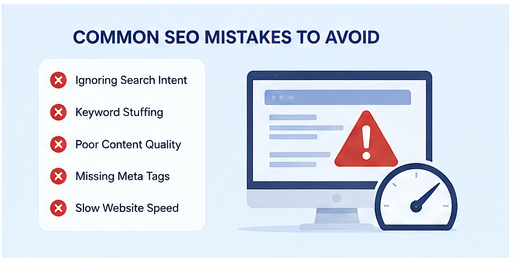
1. Publishing AI Content Without Editing
AI-generated content often sounds generic. Always edit it with real examples, brand tone, and human insight. Google and users both prefer content that feels useful, original, and trustworthy.
2. Ignoring Search Intent
Ranking is not only about keywords. If your content does not match what users want, impressions and clicks can drop over time.
3. Adding Too Many Keywords
Keyword stuffing makes content hard to read. Use your main keyword naturally and include related terms only where they make sense.
4. Forgetting Technical SEO
Even the best content may struggle if your website is slow, poorly structured, or not mobile-friendly. SEO plugins help, but they cannot fix every technical problem automatically.
5. Not Tracking Performance
After updating a page, monitor impressions, clicks, ranking position, and click-through rate in Google Search Console. SEO improvement takes time, so track changes over a few weeks.
How to Improve a WordPress Blog That Is Losing Impressions
If your blog impressions are going down, it usually means the page is becoming less visible for the keywords it used to appear for. This can happen because competitors published better content, search intent changed, or your content became outdated.
Here are practical ways to improve it:
- Rewrite the introduction to clearly answer the topic
- Add updated information for 2026
- Improve headings with search-friendly phrases
- Add comparison sections if users are looking for plugin options
- Include FAQs based on real search questions
- Add internal links to important service pages
- Improve meta title and meta description
- Add relevant images with descriptive alt text
- Remove unsupported claims or generic statements
- Make the content more helpful and less promotional
A good content refresh should make the page more useful than before. It should not only add more words. Every new section should help the reader make a better decision.
AI SEO Plugin vs Traditional SEO Plugin
| Feature | Traditional SEO Plugin | AI SEO Plugin |
|---|---|---|
| Keyword optimization | Basic keyword checks | Keyword, topic, and intent-based suggestions |
| Meta titles | Manual writing | AI-generated title suggestions |
| Content improvement | Basic readability checks | Structure, questions, and content gap suggestions |
| Internal linking | Manual linking | Smart internal link recommendations |
| Schema markup | Manual or preset schema options | Automated schema suggestions in some tools |
| Best use | Basic SEO setup | Content optimization and faster SEO workflow |
Are AI SEO Plugins Worth It?
Yes, AI SEO plugins are worth using if you publish content regularly or want to improve your existing WordPress pages. They can save time, improve content structure, and help you find optimization opportunities you might miss manually.
But they should not replace SEO strategy. A plugin can guide you, but it cannot fully understand your business goals, audience, competitors, or brand positioning.
The best approach is to use AI for support and humans for strategy, creativity, accuracy, and final editing.
Final Thoughts
An AI SEO plugin for WordPress can be a powerful tool in 2026, especially for businesses that want to improve content quality, save time, and stay competitive in search results.
The right plugin can help with keyword research, content optimization, schema, internal linking, and metadata. But rankings still depend on helpful content, technical SEO, website speed, trust, and consistency.
If your WordPress website is not getting enough traffic or your blog impressions are going down, now is the right time to refresh your content and improve your SEO strategy.
Need help improving your WordPress SEO? Explore our SEO services or contact Zeroradius to discuss your website growth strategy.
Frequently Asked Questions
What is the best AI SEO plugin for WordPress?
Some of the best AI SEO plugins and tools for WordPress include Rank Math Content AI, Yoast SEO AI features, AIOSEO, SEOPress, and Surfer SEO. The best choice depends on your website goals, budget, and SEO experience.
Can AI SEO plugins improve Google rankings?
AI SEO plugins can help improve rankings by optimizing content, metadata, internal links, and schema. However, they do not guarantee rankings. You still need helpful content, strong technical SEO, backlinks, and a good user experience.
Is AI-generated content good for SEO?
AI-generated content can be useful when edited properly. It should be reviewed, fact-checked, and improved with human insight. Publishing generic AI content without editing may not perform well.
Do I still need an SEO expert if I use an AI SEO plugin?
Yes, an SEO expert can help with strategy, keyword planning, competitor analysis, technical SEO, and content direction. AI plugins are helpful tools, but they do not replace professional SEO judgment.
How often should I update old WordPress blog posts?
You should review important blog posts every three to six months. If impressions, clicks, or rankings are dropping, update the content with fresh information, better headings, FAQs, and stronger internal links.
Which is better: Rank Math AI or Yoast SEO AI?
Rank Math AI is useful for content optimization and keyword suggestions, while Yoast SEO AI is beginner-friendly and helpful for generating titles and meta descriptions. The better option depends on your workflow and website needs.