Introduction
A slow website is not just a technical issue—it’s a business problem.
- Users expect pages to load in under 2 seconds
- Google prioritizes fast websites
- Even a 1-second delay reduces conversions
If your WordPress site feels slow, this guide will help you identify the problem and fix it fast.
⚡ Quick Answer
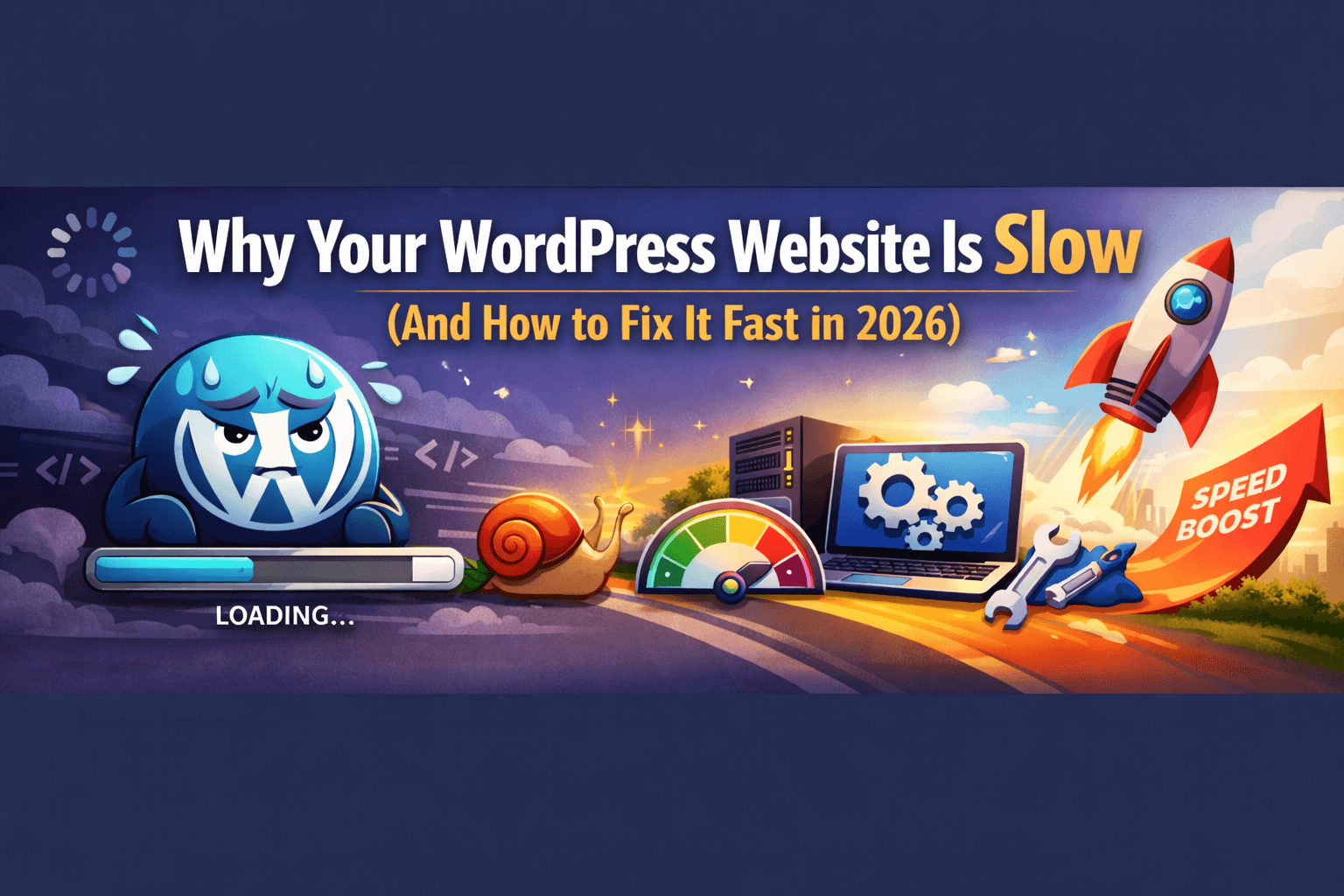
A WordPress website is slow due to poor hosting, heavy themes, large images, too many plugins, lack of caching, and unoptimized Core Web Vitals.
- Poor hosting slows server response
- Heavy themes increase load size
- Large images delay rendering
- Too many plugins add scripts
- No caching increases load time
- Core Web Vitals not optimized
In short: Optimize your setup, and your website speed will improve significantly.
🚨 Signs Your Website Is Too Slow
Your site has a speed problem if:
- Loads in more than 3 seconds
- Feels slow on mobile
- Has low PageSpeed score
👉 This directly impacts traffic and conversions.
🔍 Main Causes of Slow WordPress Websites
1. Poor Hosting
- Slow server response time
- Frequent downtime
2. Heavy Themes & Page Builders
- Extra CSS & JavaScript
- Larger page size
3. Unoptimized Images
- Large file sizes
- No compression
4. Too Many Plugins
- Increased server load
- Conflicting scripts
5. No Caching
- Pages reload every time
- Slower performance
6. Core Web Vitals Issues
- Slow loading (LCP)
- Poor responsiveness (INP)
- Layout shifts (CLS)
⚡ Step-by-Step Fix (Action Plan)
Step 1: Upgrade Hosting
- Choose fast hosting
- Use CDN
Step 2: Optimize Images
- Convert to WebP
- Compress images
- Enable lazy loading
Step 3: Enable Caching
- Page caching
- Browser caching
Step 4: Reduce Plugins
- Remove unused plugins
- Use lightweight alternatives
Step 5: Optimize CSS & JavaScript
- Minify files
- Defer JavaScript
Step 6: Fix Core Web Vitals
- Improve LCP
- Reduce CLS
- Optimize responsiveness
🛠 Tools to Test Website Speed
Use these tools:
- Google PageSpeed Insights
- GTmetrix
- Lighthouse
👉 These show exactly what needs fixing.
📈 Why Website Speed Matters
A fast website:
- Ranks higher on Google
- Reduces bounce rate
- Increases conversions
👉 See real results in our conversion case study
💼 When to Hire Experts
If your site is still slow:
👉 You need professional help
Our page speed optimization services can help you:
- Improve speed
- Fix Core Web Vitals
- Boost conversions
❌ Common Mistakes
Avoid these:
- Using too many plugins
- Ignoring mobile optimization
- Choosing cheap hosting
- Not testing regularly
🧠 Pro Tip
👉 Fixing speed is the fastest way to improve:
- SEO rankings
- User experience
- Revenue
Conclusion
Website speed is no longer optional.
- 👉 You’re losing traffic
- 👉 You’re losing customers
Fix it now, and you’ll see immediate results.
🚀 Want a Faster Website?
Page Speed Optimization
Explore All Services
❓ Frequently Asked Questions
Why is my WordPress website slow?
A WordPress website is slow due to poor hosting, large images, too many plugins, and lack of caching.
How can I speed up my WordPress site?
You can improve speed by optimizing images, enabling caching, reducing plugins, and upgrading hosting.
Does website speed affect SEO?
Yes, website speed is a ranking factor and directly impacts user experience and conversions.
What is a good PageSpeed score?
A score above 90 is considered good, but real performance matters more than just the score.