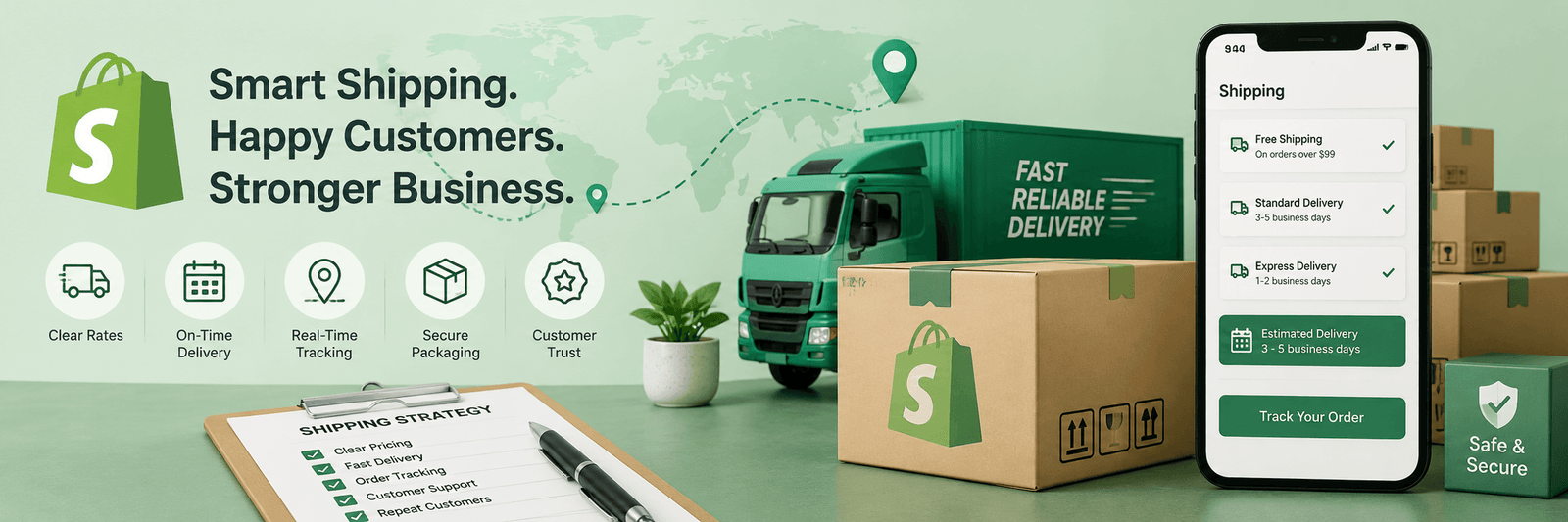
Shipping is one of the most important parts of a Shopify store.
A customer may love your product, add it to cart, and reach checkout. But if the shipping cost feels confusing, too high, or unexpected, they may leave without buying.
This is why shipping is not just an operational setting. It is part of the customer experience.
A good Shopify shipping strategy should be clear for the customer and practical for the business. It should help customers understand what they will pay, when they will receive the product, and whether the order feels worth completing.
For ecommerce brands, shipping can directly affect conversion rate, profit margin, and customer satisfaction.
Why Shopify Shipping Strategy Matters
Many store owners focus on product images, homepage design, and ads. These are important, but shipping can still make or break the sale.
Customers usually ask:
- How much is shipping?
- Is free shipping available?
- When will I receive my order?
- Can I track the order?
- Are there extra charges?
- Is delivery available in my location?
If your Shopify store does not answer these questions clearly, customers may hesitate.
A strong ecommerce website should make the buying journey smooth from product discovery to checkout. If you are planning or improving a Shopify store, Zeroradius offers Shopify website development services focused on usability, performance, and conversion.
1. Keep Shipping Costs Clear
One of the biggest reasons customers abandon carts is unexpected cost.
If a customer sees a product price on the product page and then discovers a high shipping fee at checkout, they may feel disappointed.
Try to make shipping information visible earlier in the journey.
You can show shipping details on:
- Product pages
- Cart page
- Announcement bar
- FAQ section
- Shipping policy page
- Checkout where applicable
For example, instead of hiding delivery information, add a simple line near the product form:
Free shipping on orders above ₹999.
or
Delivery charges calculated at checkout based on location.
The goal is to reduce surprises.
2. Use Shipping Profiles Carefully
Shopify shipping profiles allow store owners to set different shipping rules for different products and locations.
This is useful when all products do not have the same shipping cost.
For example:
- Lightweight products may have low shipping cost
- Heavy products may need higher shipping rates
- Fragile products may need special handling
- Certain products may ship only to selected regions
- Some products may qualify for free shipping
Instead of applying one shipping rule to the whole store, shipping profiles help create more accurate rules.
But keep it simple. Too many complicated shipping rules can become difficult to manage.
3. Decide Whether Free Shipping Makes Sense
Free shipping is attractive to customers.
But it is not always free for the business.
Before offering free shipping, calculate your product cost, average order value, packaging cost, courier charges, and profit margin.
Free shipping works best when it is used strategically.
For example:
- Free shipping above a minimum order value
- Free shipping for selected products
- Free shipping for local delivery
- Free shipping during campaigns
- Free shipping for loyal customers
A common method is to set a free shipping threshold slightly above your average order value.
For example, if most customers spend around ₹800, you may offer free shipping above ₹999. This can encourage customers to add one more item to the cart.
4. Show Delivery Expectations Clearly
Customers do not only care about shipping cost. They also care about delivery time.
If delivery takes 3 to 5 days, say it clearly. If certain locations take longer, explain that too.
Avoid vague lines like:
Fast delivery available.
Instead, write something clearer:
Estimated delivery: 3–5 business days after dispatch.
Clear delivery information builds trust.
It also reduces support messages because customers know what to expect before placing the order.
5. Create a Simple Shipping Policy Page
Every Shopify store should have a clear shipping policy page.
This page can explain:
- Delivery locations
- Estimated delivery time
- Shipping charges
- Free shipping conditions
- Order processing time
- Tracking details
- Delays and exceptions
- International shipping if available
Do not write the policy in complicated legal language. Keep it simple and human.
A customer should be able to understand it quickly.
6. Use Shipping as a Conversion Tool
Shipping can encourage customers to buy more.
For example, you can use messages like:
- Add ₹250 more to get free shipping
- Free shipping on orders above ₹999
- Same-day dispatch for orders placed before 2 PM
- Free local delivery available
These messages can improve cart value and reduce hesitation.
But make sure the offer is real and sustainable. Do not promise delivery speed or free shipping if your operations cannot support it.
7. Avoid Too Many Shipping Options
Some stores add too many shipping options at checkout.
This can confuse customers.
For most stores, two or three clear options are enough.
For example:
- Standard delivery
- Express delivery
- Free shipping if eligible
If customers see too many choices, they may pause and rethink the order.
Simple checkout decisions usually convert better.
8. Test Your Checkout Experience
After setting up shipping, test the full checkout flow.
Check:
- Are shipping rates showing correctly?
- Are locations working properly?
- Is free shipping triggered correctly?
- Are heavy products charged properly?
- Are delivery options clear?
- Is the mobile checkout smooth?
- Are there any confusing messages?
Do not assume everything works because the settings are saved.
Place test orders or use Shopify’s testing options where suitable.
9. Watch Shipping-Related Cart Abandonment
If many customers add products to cart but do not complete checkout, shipping may be one reason.
Review:
- Shipping cost
- Delivery time
- Product price
- Return policy
- Payment options
- Trust signals
- Mobile experience
Sometimes the issue is not the product. It is the total cost after shipping.
Your blog on why Shopify stores fail to convert can support this topic naturally.
10. Keep Reviewing Shipping as Your Store Grows
Shipping strategy should change as your store grows.
When you start, simple flat rates may be enough. Later, you may need advanced rules, courier integrations, local delivery, international shipping, or product-based profiles.
Review your shipping setup regularly.
Ask:
- Are shipping costs eating into profit?
- Are customers abandoning checkout?
- Are delivery promises realistic?
- Are certain products expensive to ship?
- Can free shipping improve average order value?
- Are customers asking the same delivery questions?
A good Shopify store is not just well-designed. It is also operationally clear.
Final Thoughts
Shopify shipping strategy is not just about setting a delivery charge.
It affects customer trust, checkout confidence, conversion rate, and profit.
Keep your shipping clear, simple, and realistic. Use shipping profiles where needed. Offer free shipping only when it makes business sense. Show delivery expectations before checkout. And keep testing the customer journey.
When shipping feels easy to understand, customers feel more confident buying from your store.
FAQ
What is a Shopify shipping profile?
A Shopify shipping profile is a set of shipping rules for specific products and locations. It helps store owners charge more accurate shipping rates based on product or delivery needs.
Should I offer free shipping on my Shopify store?
Free shipping can improve conversions, but it should be calculated carefully. It works best when tied to minimum order value, selected products, or special campaigns.
Why do customers abandon checkout because of shipping?
Customers may leave if shipping cost is too high, delivery time is unclear, or extra charges appear only at checkout.
How can I improve Shopify shipping experience?
Make shipping costs clear, show delivery timelines, use simple checkout options, create a shipping policy page, and test your shipping settings regularly.