Introduction
WordPress powers a massive portion of the web—and that makes it a prime target for attacks.
In 2026, website security isn’t optional.
A single vulnerability can lead to:
- Data breaches
- Malware infections
- SEO penalties
- Loss of customer trust
👉 The good news? Most attacks are preventable.
In this guide, you’ll learn exactly how to secure your WordPress website step by step.
⚡ Quick Answer
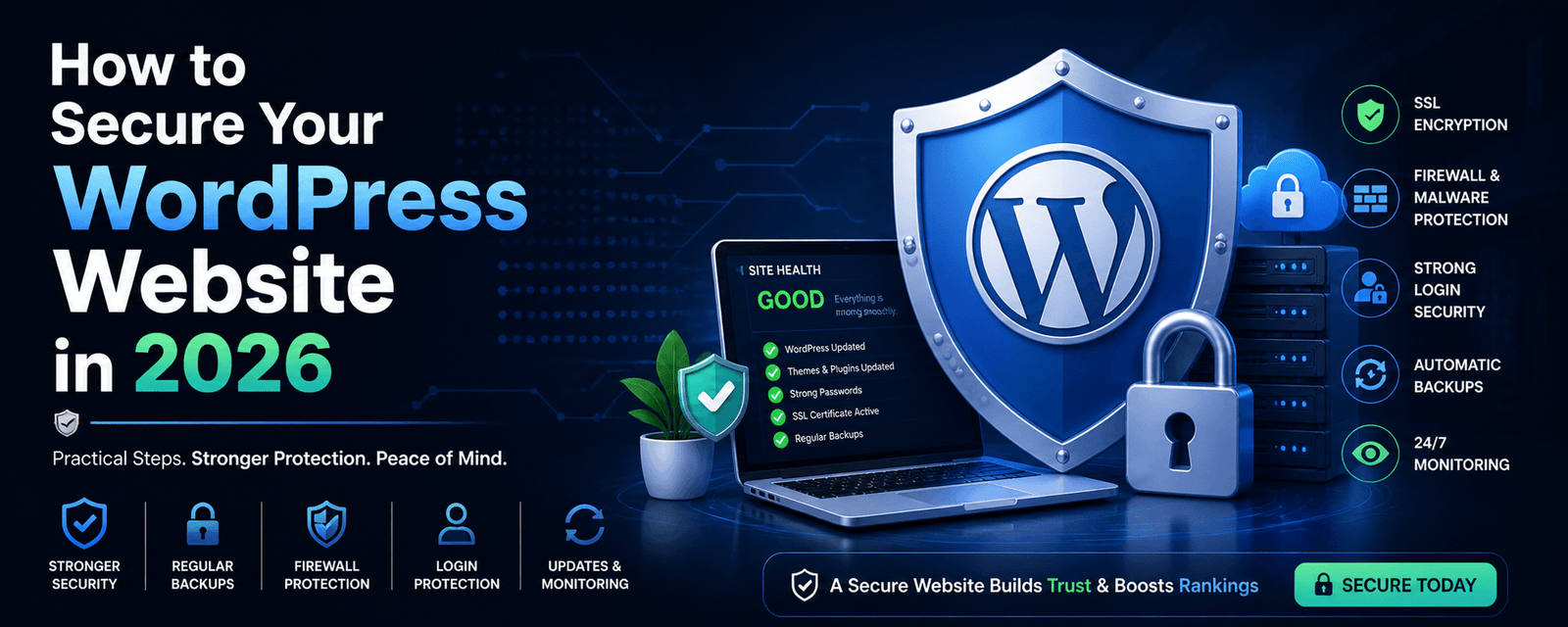
To secure your WordPress website in 2026, use strong passwords, enable two-factor authentication, install a security plugin, keep themes and plugins updated, use secure hosting, and perform regular backups.
- Use strong login credentials
- Enable firewall & security plugins
- Update WordPress regularly
- Backup your website frequently
- Monitor performance and activity
In short: Strong security practices protect your website, users, and business.
🚨 Why WordPress Security Matters More Than Ever
Hackers don’t only target big companies.
👉 Most attacks are automated.
Common threats include:
- Brute force attacks
- Malware injection
- Plugin vulnerabilities
- DDoS attacks
👉 If your site is unprotected, it’s vulnerable.
🔐 10 Proven Ways to Secure Your WordPress Website
1. Use Strong Login Credentials
- Avoid “admin” username
- Use long, complex passwords
- Limit login attempts
2. Enable Two-Factor Authentication (2FA)
Adds an extra layer of protection—even if your password is compromised.
3. Keep WordPress Updated
- Core WordPress
- Themes
- Plugins
👉 Outdated software is the biggest risk.
4. Install a Security Plugin
- Monitor threats
- Block attacks
- Scan malware
5. Use Secure Hosting
- Firewall protection
- Malware scanning
- Automatic backups
6. Enable SSL (HTTPS)
Encrypts data between users and your website—essential for security and SEO.
7. Backup Your Website Regularly
- Daily or weekly backups
- Store backups off-site
8. Limit Plugin Usage
- Remove unused plugins
- Avoid poorly coded plugins
9. Protect wp-admin Access
- Change login URL
- Restrict IP access
- Add CAPTCHA
10. Monitor Website Activity
- Track login attempts
- Monitor file changes
- Detect suspicious activity
📊 Security vs Performance: Why Both Matter
A compromised website often becomes slow and unstable.
👉 Learn more: Core Web Vitals Guide
⚠️ Common WordPress Security Mistakes
- Using weak passwords
- Ignoring updates
- Using nulled themes/plugins
- Not taking backups
🧠 Advanced Security Tips (Pro Level)
- Disable XML-RPC
- Use Web Application Firewall (WAF)
- Implement security headers
- Use CDN protection
🔗 Related Guides
📈 Real Business Insight
Expert Insight: Websites with strong security and regular maintenance experience fewer downtime issues and higher user trust.
👉 See results: Conversion Case Study
🚀 Final Thoughts
WordPress security is not a one-time task—it’s an ongoing process.
- Update regularly
- Monitor activity
- Use proper tools
👉 Your website stays secure when you stay proactive.
🚀 Need Help Securing Your Website?
🔒 Secure Your Website Today
We help businesses protect their WordPress websites from threats, improve performance, and ensure long-term stability.
Get Free Consultation →Maintenance Services
❓ Frequently Asked Questions
How do I secure my WordPress website?
You can secure your website by using strong passwords, enabling 2FA, updating plugins, and installing security tools.
Is WordPress secure in 2026?
Yes, WordPress is secure when properly maintained and updated.
What is the biggest security risk?
Outdated plugins and weak passwords are the most common risks.
Do I need a security plugin?
Yes, security plugins help monitor threats and protect your website.