Quick Answer: AI tools help Shopify developers generate, debug, and optimize Liquid code instantly—reducing development time by up to 70% while improving code quality and store performance.
🚀 Why Shopify Development Slows Down
Shopify is one of the most popular eCommerce platforms, but development using Liquid can still be challenging.
- Small syntax errors break layouts
- Debugging takes hours
- Documentation is limited for advanced use cases
- Repetitive coding slows productivity
For agencies and developers, this leads to delays, higher costs, and frustration.
⚡ How AI Transforms Shopify Development
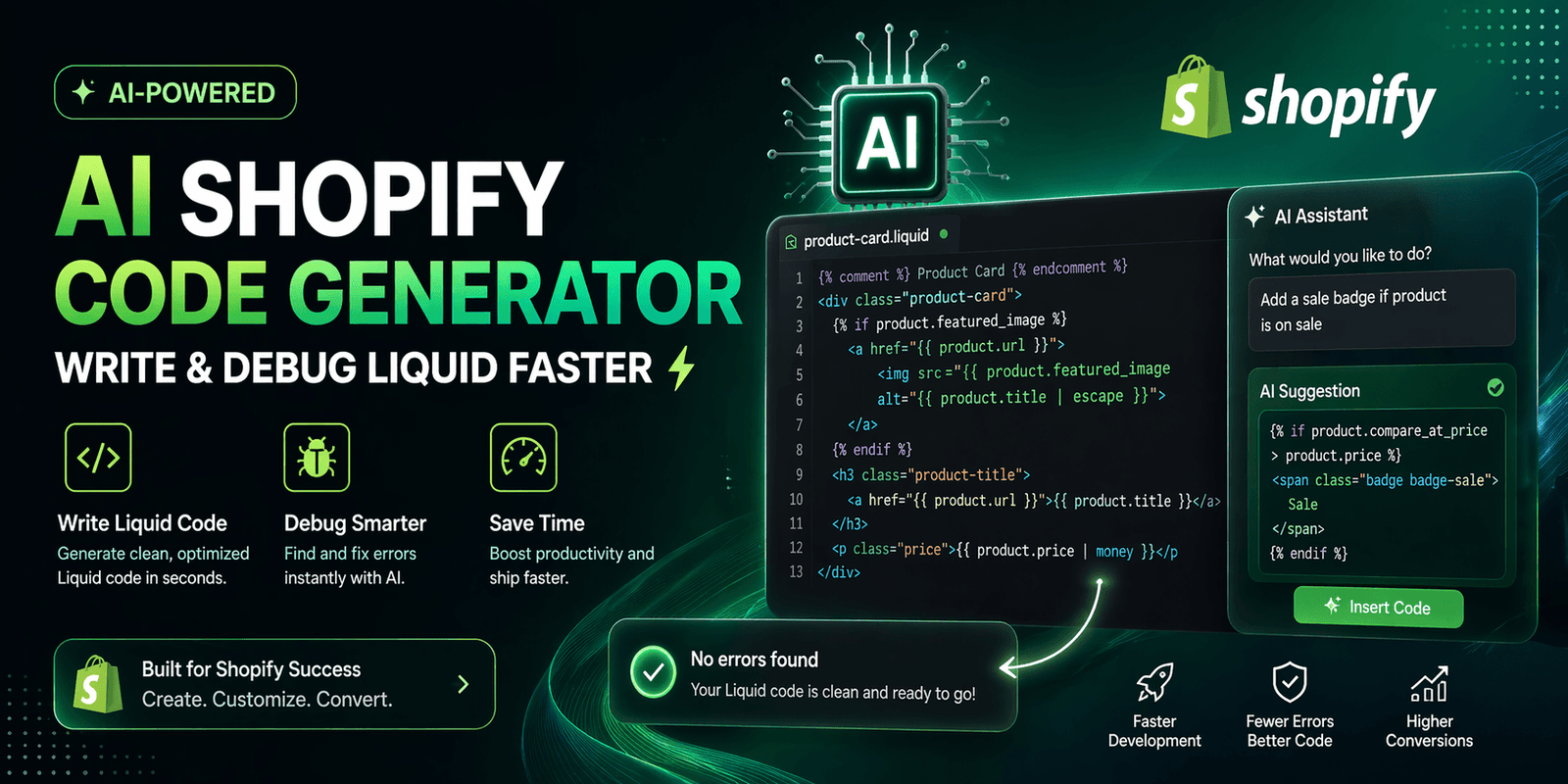
AI acts as a real-time coding assistant that helps you build faster and smarter.
AI capabilities include:
- Generating Liquid templates instantly
- Fixing syntax and logic errors
- Explaining complex code in simple terms
- Suggesting optimized solutions
Instead of searching forums or documentation, you get instant answers.
💻 Real Use Cases of AI in Shopify Development
1. Dynamic Product Sections
Create sections that display products based on conditions like tags, collections, or availability.
2. Custom Cart Logic
Build advanced cart features such as upsells, discounts, and conditional pricing.
3. Theme Customization
Modify layouts, add features, and optimize UI faster using AI-generated code.
🐞 Debugging Shopify Errors with AI
Traditional debugging involves trial and error.
With AI:
- Paste error message
- Get instant explanation
- Apply fix immediately
This reduces debugging time significantly.
📈 Productivity Gains
- 60–70% faster development time
- Reduced dependency on forums
- Faster project delivery
- Improved code quality
Combine this with strong design for better performance. Explore UI/UX services.
⚠️ Common Mistakes to Avoid
- Using AI without understanding code
- Deploying without testing
- Over-relying on AI for complex logic
🛠️ Step-by-Step Workflow
- Define the feature or functionality
- Ask AI to generate code
- Review and understand logic
- Test in development environment
- Deploy after validation
🔗 Internal Resources
👉 Shopify AI guide
👉 WordPress development
❓ FAQs
Can AI replace Shopify developers?
No, but it significantly improves productivity.
Is AI-generated code safe?
Yes, if properly reviewed and tested.
✅ Conclusion
AI is transforming Shopify development into a faster, more efficient process.
The future: Developers who use AI will outperform those who don’t.