WordPress has always evolved with the needs of website owners, developers, bloggers, and businesses. From a simple blogging platform to one of the most widely used content management systems, WordPress has changed the way people build and manage websites.
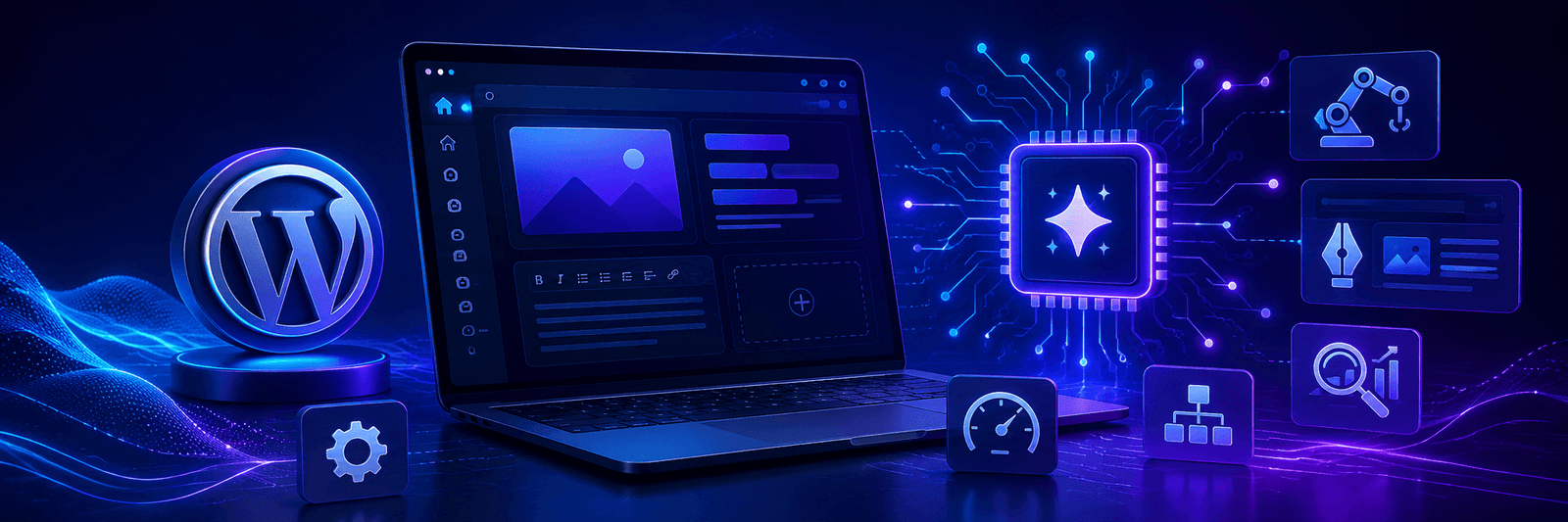
Now, WordPress 7.0 marks another major step forward. The latest release introduces native AI integration, giving WordPress a stronger foundation for AI-powered workflows, smarter content creation, automation, and future website management.
This update is not just about adding another AI tool. It shows where WordPress is heading next. AI is becoming part of the website-building process, and WordPress is preparing its platform for that future.
What Is New in WordPress 7.0?
WordPress 7.0 comes with several improvements across the platform, including updates to the admin interface, design tools, mobile editing controls, and creative features for users and developers.
However, the biggest highlight is the introduction of native AI integration. This means WordPress is creating a built-in structure that allows plugins, developers, and website owners to connect AI tools more easily inside the WordPress environment.
Until now, many AI features in WordPress depended on separate plugins, third-party tools, or manual integrations. With WordPress 7.0, AI becomes more deeply connected to the core system.
Why Native AI Integration Matters
AI is already changing how websites are built, managed, optimized, and updated. Businesses are using AI for content ideas, SEO suggestions, image generation, product descriptions, customer support, automation, and analytics.
But when AI tools are disconnected from the CMS, workflows can become messy. Users may need to copy content from one tool, paste it into WordPress, adjust formatting, check SEO, and then publish manually.
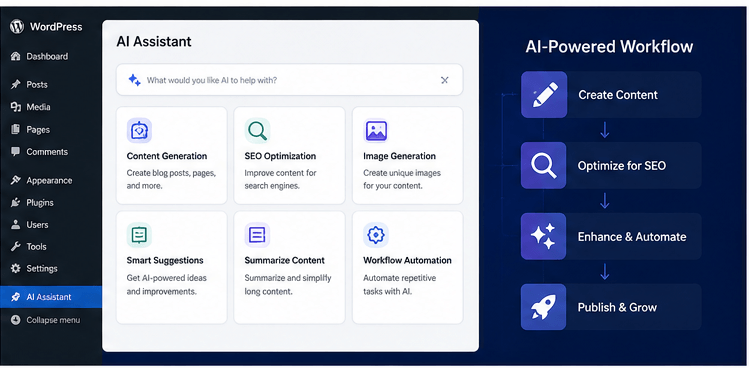
Native AI integration can make this process smoother. With WordPress 7.0, AI can become part of the website workflow itself.
The Main AI Building Blocks in WordPress 7.0
WordPress 7.0 introduces important AI building blocks that create the foundation for smarter website management. These features are designed to help WordPress work better with AI providers, plugins, and automation tools.
The main AI features include:
- WP AI Client
- Client-Side Abilities API
- AI Connectors Screen
- Connectors API
These tools help WordPress move from basic AI plugin support to a more connected AI-ready ecosystem.
1. WP AI Client
The WP AI Client gives WordPress a central way to communicate with AI models. In simple words, it allows plugins to connect with different AI providers without needing to build separate integrations for every AI platform.
For example, a plugin may need AI support for content writing, SEO suggestions, image descriptions, or data analysis. Instead of creating a custom connection for every provider, the plugin can use the WP AI Client as a shared interface.
This makes AI development easier for plugin creators and more flexible for website owners.
2. Client-Side Abilities API
The Client-Side Abilities API allows AI and automation tools to interact with WordPress actions inside the browser.
This is important because AI is no longer only about generating text. AI can also help users complete real website tasks.
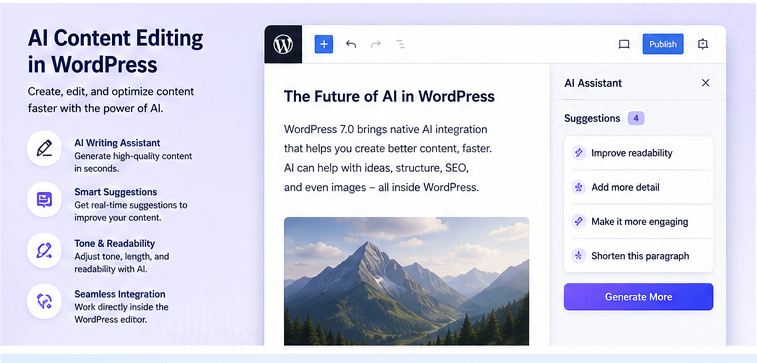
In the future, AI tools may be able to help users insert blocks, edit pages, run commands, support publishing workflows, and assist with website-building tasks directly inside WordPress.
3. AI Connectors Screen
The AI Connectors Screen gives users a central place to manage external AI services. This is useful because many websites may use more than one AI provider.
Without a central system, API keys and provider settings can become scattered across different plugins. With the Connectors Screen, WordPress can give users one place to manage AI connections more easily.
For agencies, developers, and businesses managing multiple websites, this kind of centralized control can save time and reduce confusion.
4. Connectors API
The Connectors API is the technical layer behind the AI Connectors Screen. It helps WordPress recognize, manage, and connect with external AI services in a standardized way.
This matters because AI is moving quickly. New models, tools, and providers are appearing regularly. A flexible connector system gives WordPress room to grow as the AI ecosystem changes.
WordPress Is Preparing for AI-Powered Workflows
The most important thing about WordPress 7.0 is that it is not only adding AI features. It is building the foundation for AI-powered workflows.
This could affect many areas of website management, including content writing, SEO optimization, image alt text generation, website design, block editing, product descriptions, analytics summaries, customer support content, publishing workflows, plugin automation, and website maintenance.
For businesses, this could make WordPress faster and easier to manage. For developers, it creates new opportunities to build smarter plugins and tools.
What This Means for Website Owners
If you own a WordPress website, this update is a sign that AI will become more common inside your dashboard. You may not see every AI feature immediately, but WordPress 7.0 creates the structure that future tools can build on.
In the coming months and years, website owners may see more plugins offering AI-powered features such as SEO recommendations, content improvement suggestions, smart page layouts, automated metadata generation, image optimization support, AI-assisted content editing, product content generation, performance insights, and workflow automation.
If you are planning to build or improve a WordPress website, you can also explore our WordPress website development services.
What This Means for Developers
For developers, WordPress 7.0 creates a stronger foundation for AI-powered plugin and theme development.
Instead of building isolated AI integrations, developers can use WordPress’s native AI architecture to create more connected and scalable tools.
This could lead to a new generation of WordPress plugins that are smarter, more automated, and more useful for businesses.
What This Means for SEO
WordPress has always been an important platform for SEO. With native AI integration, SEO workflows may become more intelligent and easier to manage.
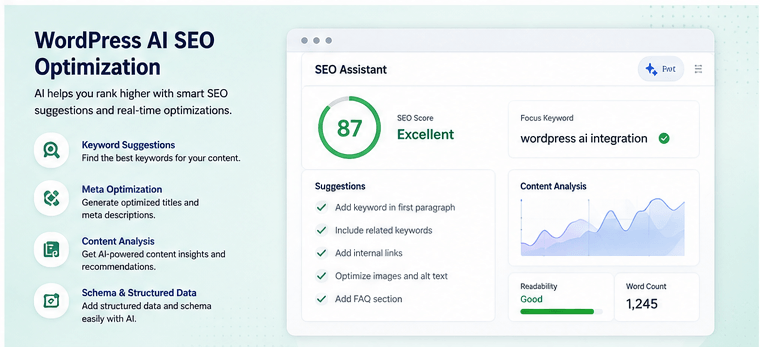
AI-powered SEO tools inside WordPress could help with keyword suggestions, content optimization, meta title and description ideas, internal linking recommendations, schema markup suggestions, content gap analysis, readability improvements, image alt text, topic clustering, and technical SEO checks.
However, website owners should remember one important point: AI should support SEO, not replace strategy.
Good SEO still needs human thinking, audience understanding, helpful content, technical performance, and trust signals. AI can speed up the process, but it should not be used to publish low-quality content without review.
To understand how AI is changing search visibility, read our guide on how AI search is changing SEO in 2026.
Will AI Replace WordPress Developers or Content Writers?
No, AI is unlikely to completely replace skilled developers, designers, SEO experts, or content writers. Instead, AI will change how they work.
Developers may use AI to speed up repetitive tasks. Writers may use AI for research, outlines, editing, and idea generation. SEO teams may use AI for analysis, optimization, and content planning.
But human creativity, strategy, brand understanding, and quality control will still matter.
Why WordPress Still Has a Strong Future
Some people have wondered whether AI website builders will reduce the need for WordPress. But WordPress 7.0 shows that the platform is not standing still.
By adding native AI infrastructure, WordPress is preparing to compete in the next stage of website development.
Its biggest advantage is still its large ecosystem. WordPress has thousands of developers, plugin creators, designers, agencies, and businesses building around it.
If you want to explore why WordPress is still a strong choice, read our article on why WordPress still dominates in 2026.
Should Businesses Upgrade to WordPress 7.0?
Businesses should always be careful with major updates. Before upgrading, make sure your website is backed up and your theme and plugins are compatible.
A safe update process includes:
- Taking a full website backup
- Testing the update on a staging site
- Checking plugin compatibility
- Reviewing theme performance
- Testing forms, checkout, and important pages
- Monitoring website speed after the update
- Fixing any layout or functionality issues
If your website is business-critical, it is better to have a developer or website maintenance team handle the update.
For ongoing support, explore our website migration and maintenance services.

Final Thoughts
WordPress 7.0 is more than a regular platform update. It is a major step toward an AI-powered future for website management.
The new native AI integration gives WordPress a stronger foundation for smarter plugins, better automation, improved workflows, and more flexible AI-powered tools.
For website owners, this means WordPress may become easier and faster to manage. For developers, it opens new opportunities to build advanced AI features. For businesses, it shows that WordPress is still evolving with modern digital trends.
AI is not replacing WordPress. Instead, WordPress is becoming ready for AI. And that could make the platform even more powerful in the years ahead.
If your business wants to build, upgrade, or maintain a future-ready WordPress website, explore our WordPress website development services.
Frequently Asked Questions
1. What is the biggest feature in WordPress 7.0?
The biggest feature in WordPress 7.0 is native AI integration. It creates a foundation for AI-powered tools, plugins, workflows, and automation inside WordPress.
2. Does WordPress 7.0 include built-in AI tools?
WordPress 7.0 introduces the infrastructure for AI integration. This allows plugins and developers to build AI-powered features more easily within the WordPress environment.
3. How can WordPress AI integration help website owners?
It can help website owners manage content, SEO, editing, image optimization, metadata, publishing workflows, and automation more efficiently as AI-powered plugins and tools become available.
4. Will AI replace WordPress developers?
No, AI is not expected to fully replace WordPress developers. It can help automate repetitive tasks, but strategy, customization, problem-solving, and quality control still need human expertise.
5. Is WordPress still useful in the AI era?
Yes, WordPress remains highly useful in the AI era. With native AI integration, WordPress is preparing to support smarter workflows while keeping its strong plugin, theme, and developer ecosystem.
6. Should I upgrade my website to WordPress 7.0 immediately?
It is better to test the update first on a staging site. Before upgrading, take a full backup, check plugin compatibility, review your theme, and test important website functions.