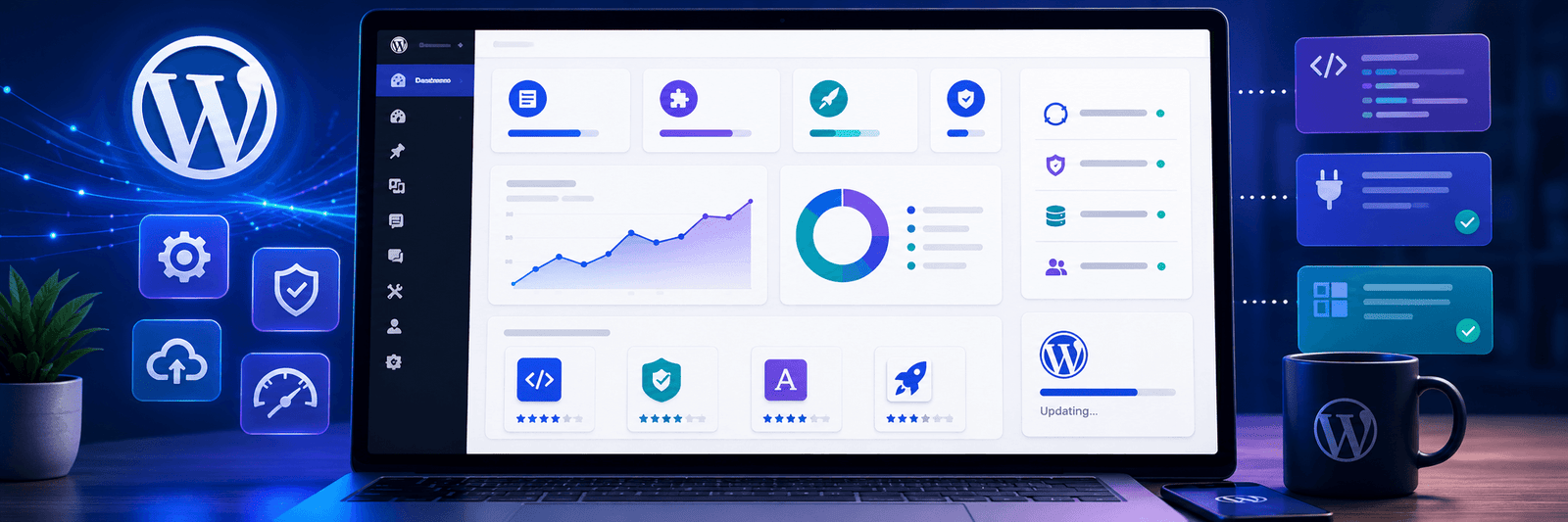
WordPress updates are not just technical news for developers.
For business owners, agencies, bloggers, ecommerce teams, and content managers, every major WordPress core release can affect how a website works, how safe it is, how easy it is to manage, and how well it performs.
Most website owners do not think about WordPress updates until something breaks. A plugin stops working. A design section looks different. The block editor behaves strangely. A form does not submit properly. These issues usually appear when updates are handled without planning.
The upcoming WordPress core release roadmap is important because it shows where WordPress is heading next. The biggest discussion is around the move from React 18 to React 19, along with improvements in blocks, collaboration, AI features, media handling, responsive styling, and editor experience.
This is not just a small background update. It can influence the block editor, custom blocks, page builders, plugins, themes, and the way teams manage content inside WordPress.
For businesses using WordPress as their main website platform, this is the right time to understand what is changing and how to prepare safely.
Why WordPress Core Releases Matter
WordPress core is the main software that powers your website.
Plugins, themes, page builders, custom blocks, ecommerce tools, and design systems all depend on WordPress core working properly.
When WordPress releases a major update, it can improve the platform in many ways. It can bring better security, better editing tools, performance improvements, new design features, and developer updates.
But every major update also needs care.
A business website is not just a test project. It may have service pages, contact forms, booking systems, WooCommerce checkout, CRM integrations, SEO plugins, landing pages, and tracking scripts.
If an update creates a conflict, the issue can affect enquiries, sales, or user experience.
This is why WordPress updates should be treated as part of website maintenance, not as a random button click.
If your website is outdated or difficult to maintain, Zeroradius provides WordPress website development services for businesses that want a stable, modern, and scalable website foundation.
The Biggest Change: React 19 Upgrade
The most important item in the roadmap is the upgrade from React 18 to React 19.
React is a JavaScript library used inside the WordPress editing experience. When you move blocks, open side panels, preview changes, or interact with modern editor features, React helps power that experience in the browser.
For normal website owners, React may sound like a developer topic. But it matters because many WordPress features depend on it.
A major React upgrade can affect:
- The Gutenberg block editor
- Custom blocks
- Block-based themes
- Plugins that extend the editor
- Page builder integrations
- Admin interface features
- Interactive editing tools
This does not mean every website will break. But it does mean site owners should test before updating.
A React upgrade is not like changing a small setting. It is closer to changing an important part of the editing engine. Most visitors may not see React directly, but your team may feel the change while editing pages, managing blocks, or using custom WordPress tools.
Why the React Upgrade Needs Careful Testing
Many WordPress websites use several plugins.
Some plugins are simple. Others add custom editor blocks, advanced forms, ecommerce features, SEO tools, layout sections, or custom fields.
If a plugin depends on older React behavior, a major React upgrade may expose bugs that were not visible before.
For example, a custom block may not load correctly. A settings panel may behave differently. A preview may not update as expected. A block-based layout may show small editing issues.
These problems are usually easier to fix when they are found early.
That is why staging testing is important.
A staging site is a private copy of your live website. You can test updates there without affecting real visitors.
Before applying a major WordPress update to a live business website, you should test it on staging first.
New Blocks and Better Editing Features
The roadmap also points toward new blocks and editor improvements.
WordPress has been moving steadily toward a stronger block-based editing experience. The goal is to make content creation and page building more flexible without requiring custom code for every change.
New block ideas mentioned in the roadmap include features like playlist-style blocks, table of contents support, tabs, and better content layout options.
These features can be useful for content-heavy websites, blogs, knowledge bases, service pages, and landing pages.
For example, a native table of contents block can help long blog posts become easier to scan. A tabs block can help service pages organize information without making the page too long. Better media and layout blocks can help editors create richer pages without depending on too many external plugins.
This direction is useful for businesses because it can make WordPress easier to manage internally.
However, new features should still be used carefully. Adding too many sections, effects, or blocks can make a page cluttered or slow. Good design still needs planning.
Collaboration Is Becoming More Important
Another important direction in the roadmap is collaboration.
Many businesses no longer have one person managing the website. A website may involve writers, SEO teams, designers, developers, marketing managers, and business owners.
When multiple people work on content, collaboration tools become important.
WordPress is moving toward better editorial workflows, notes, suggestions, reactions, and eventually stronger real-time collaboration.
This matters for teams that manage:
- Large blogs
- News websites
- Corporate content
- Product documentation
- Service pages
- Landing pages
- Marketing campaigns
Better collaboration can reduce confusion.
Instead of sending screenshots, emails, and separate document comments, teams may be able to manage more feedback directly inside the WordPress editing workflow.
This could make WordPress more useful for agencies, publishers, and growing businesses.
AI Features Are Becoming Part of the WordPress Direction
AI is also becoming part of the WordPress roadmap.
This does not mean WordPress will become a fully automated website builder overnight. But it does show that AI-supported workflows are becoming more important.
AI can support website teams in practical ways, such as:
- Creating content drafts
- Improving headings
- Suggesting summaries
- Helping with editorial rules
- Supporting brand voice guidelines
- Generating ideas for blocks or page sections
- Improving content workflows
For business websites, this can save time.
But AI should not replace human review.
A website still needs accurate information, brand voice, real service details, helpful content, and clear conversion goals.
AI can help create a first draft, but humans should decide what is useful, what is true, and what fits the brand.
If you are planning to use AI with WordPress, you can also read Zeroradius’ guide on AI WordPress management.
Responsive Styling and Better Design Control
Modern websites must work well on desktop, tablet, and mobile.
A layout that looks good on a large screen may not work well on a phone.
The roadmap includes work around responsive styling for blocks and better control over design states such as hover and focus.
This is useful because website design is not only about how a page looks at one screen size. It is about how users experience the website in different situations.
Better responsive controls can help editors and designers create cleaner layouts for mobile users.
For example, a large desktop section may need smaller spacing on mobile. A multi-column block may need to stack. A button may need better tap spacing. A hover style may need a different behavior on touch devices.
These small details affect user experience.
For business websites, this matters because many visitors browse from mobile before contacting a company, reading a blog, or making a purchase.
Media Improvements Can Help Content Teams
The roadmap also includes improvements around image editing and media processing.
For many content teams, media handling is a regular pain point.
Images may need cropping, resizing, format conversion, or optimization before publishing. If the editor gives better tools for handling media, teams can work faster.
This is useful for:
- Blog images
- Featured images
- Portfolio sections
- Product visuals
- Landing page banners
- Team photos
- Case study screenshots
However, website owners should still be careful with image size.
Large images can slow down WordPress websites. Even if the editor becomes easier to use, images still need proper optimization.
If your WordPress website loads slowly, read this Zeroradius guide on how to fix a slow WordPress website.
What the 7.0.1 Maintenance Release Means
Before the larger release, WordPress 7.0.1 is planned as a maintenance release.
A maintenance release is usually smaller than a major release. It focuses on fixing bugs and improving stability rather than adding large new features.
For website owners, this kind of update is still important.
Bug-fix updates can solve issues introduced in earlier versions. They may improve reliability and reduce small problems in the admin area, editor, or core behavior.
Even if a maintenance release looks minor, you should still update safely.
That means:
- Take a backup before updating
- Check plugin compatibility
- Update on staging first if the website is business-critical
- Test forms, checkout, menus, and important pages after updating
Small updates are usually lower risk, but they should not be ignored.
How Business Website Owners Should Prepare
You do not need to panic about a WordPress core release.
But you should prepare.
A business website should always have a safe update process.
1. Create a Full Backup
Before any major update, create a full backup of your website files and database.
Do not depend only on hope. Make sure you know how to restore the backup if something goes wrong.
2. Use a Staging Website
A staging site lets you test updates safely.
This is especially important if your website has WooCommerce, custom blocks, many plugins, forms, booking systems, or custom code.
3. Update Plugins and Themes Carefully
Outdated plugins and themes are often the cause of compatibility issues.
Keep them updated, but do it with testing.
Do not update everything blindly on a live site if the website is important for leads or sales.
4. Test the Block Editor
Because the React upgrade affects editor behavior, test the block editor carefully.
Check custom blocks, reusable patterns, templates, page builder elements, and editing panels.
5. Test Business-Critical Features
After updating, check the features that directly affect your business.
- Contact forms
- Lead forms
- Checkout
- Payment gateways
- Booking forms
- Search
- Menus
- Mobile layout
- SEO plugin settings
If any of these fail, your website may lose enquiries or sales.
Why Agencies and Developers Should Pay Attention
For agencies and developers, the roadmap is also important.
Client websites often depend on custom code, custom blocks, advanced fields, page builders, and third-party plugins.
If the editor changes, clients may notice issues quickly.
Agencies should prepare by:
- Testing client websites on staging
- Checking custom block compatibility
- Reviewing plugin changelogs
- Preparing update windows
- Creating rollback plans
- Communicating with clients before major updates
This is also a good time to review whether older websites need cleanup.
If a website depends on outdated plugins, unsupported themes, or messy custom code, major updates become riskier.
A cleaner WordPress setup is easier to maintain.
Should You Update Immediately?
For small maintenance releases, many websites can update quickly after a backup.
For major releases with larger changes, it is better to test first.
If your website is simple, the update may be smooth. If your website is complex, take more care.
Complex websites may include:
- WooCommerce stores
- Membership websites
- Learning platforms
- Booking systems
- Custom-coded themes
- Many plugins
- Custom blocks
- Third-party integrations
For these websites, staging testing is not optional. It is the safer approach.
What This Roadmap Says About the Future of WordPress
The roadmap shows that WordPress is continuing to move beyond basic blogging.
It is becoming a more complete content platform with better editing, collaboration, design control, AI support, and developer tools.
This is useful for businesses that want to manage more content without depending on developers for every small change.
But it also means website maintenance is becoming more important.
As WordPress becomes more powerful, the websites built on it also need better planning, cleaner development, and regular technical care.
A modern WordPress website should be:
- Fast
- Secure
- Easy to edit
- Mobile-friendly
- SEO-ready
- Properly backed up
- Built with reliable plugins
- Tested before major updates
If your website feels outdated, slow, or difficult to update, it may be time to review the full setup. Zeroradius can help with website migration and maintenance services for businesses that need safer updates and long-term support.
Final Thoughts
The WordPress core release roadmap is a reminder that WordPress is still evolving.
The React 19 upgrade, editor improvements, new blocks, collaboration features, AI direction, media tools, and responsive design work all point toward a more powerful WordPress experience.
For website owners, the message is simple.
Do not ignore updates. But do not update carelessly either.
Prepare properly. Use backups. Test on staging. Keep plugins and themes updated. Review business-critical pages after every major update.
A well-maintained WordPress website can stay stable, secure, and ready for future features.
The best approach is not fear. It is preparation.
FAQ
What is a WordPress core release?
A WordPress core release is an update to the main WordPress software. It can include bug fixes, security improvements, editor updates, design features, performance changes, and developer improvements.
Why is the React 19 upgrade important for WordPress?
React helps power the WordPress block editor and related interactive editing features. A major React upgrade can affect custom blocks, editor plugins, and block-based workflows, so testing is important.
Should I update WordPress immediately after a major release?
For important business websites, it is safer to test the update on a staging site first, especially if the website uses many plugins, custom blocks, WooCommerce, or integrations.
What should I do before updating WordPress?
Create a full backup, test the update on staging, update plugins and themes carefully, check compatibility, and test important features like forms, checkout, menus, and mobile layout.
Can WordPress updates break plugins?
Yes, some updates can create plugin conflicts, especially when there are major changes in editor behavior, JavaScript libraries, or core functionality. This is why testing and plugin updates matter.
How can businesses make WordPress updates safer?
Businesses can make updates safer by using staging environments, automatic backups, rollback options, reliable hosting, updated plugins, and regular website maintenance.
Is WordPress still good for business websites?
Yes. WordPress remains a strong option for business websites when it is built properly, maintained regularly, optimized for performance, and supported with reliable plugins and themes.