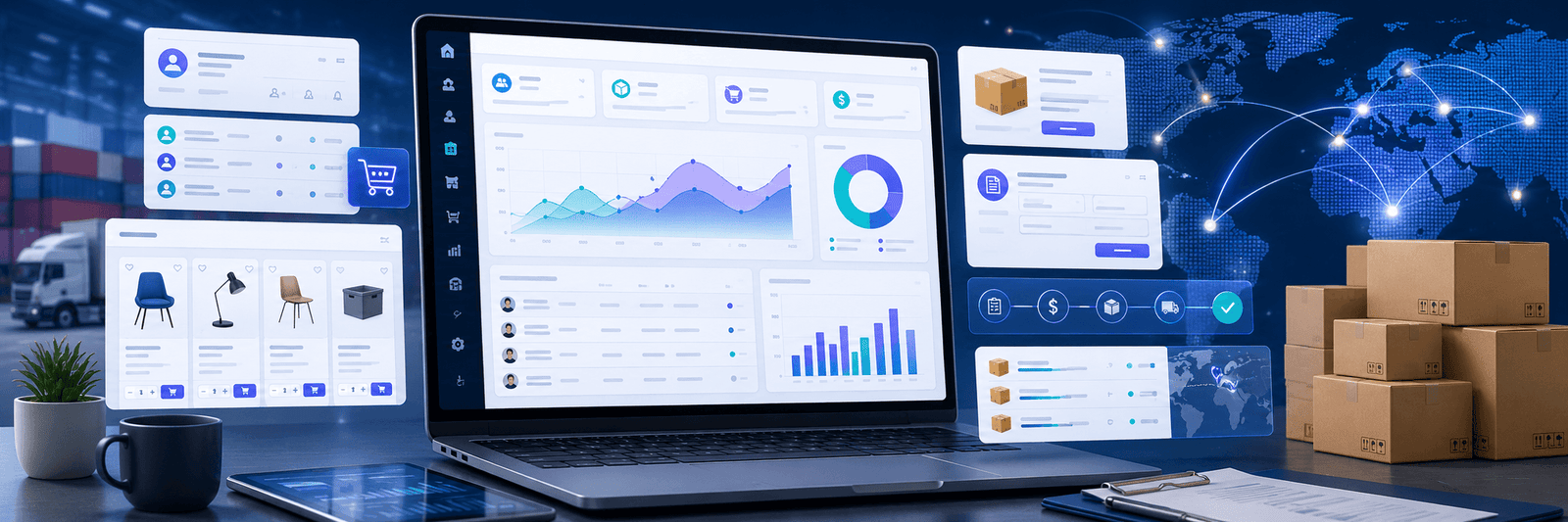
B2B ecommerce is not the same as normal online shopping.
A regular customer may visit a store, choose one product, pay with a card, and complete the order in a few minutes. But a business buyer often needs a different experience.
They may need company accounts, custom pricing, bulk ordering, quote requests, approval workflows, invoice payments, purchase lists, and product catalogs that are only visible to certain customers.
This is why B2B ecommerce needs careful planning.
A simple online store may not be enough for wholesalers, distributors, manufacturers, suppliers, or brands that sell to business customers.
BigCommerce can be a strong platform for B2B ecommerce because it supports more complex selling needs while still giving businesses a hosted ecommerce foundation.
But the success of a B2B store depends on how it is planned and developed.
A good BigCommerce B2B store should make the buying process easier for business customers, not more complicated.

Why B2B Ecommerce Needs a Different Approach
B2B buyers behave differently from normal retail customers.
They usually do not buy emotionally or casually. They buy based on need, budget, approval, pricing, delivery, and long-term supplier trust.
A B2B buyer may ask:
- Can I see my company’s pricing?
- Can I order in bulk?
- Can I request a quote?
- Can multiple people from my company use the same account?
- Can I reorder previous items quickly?
- Can I pay by invoice?
- Can I save shopping lists?
- Can I see only the products available for my company?
- Can I get different pricing based on volume?
These needs are very different from a simple B2C checkout.
This is where proper B2B ecommerce development becomes important.
For businesses that want to build a professional B2B store, Zeroradius provides BigCommerce website development services focused on structure, usability, performance, and scalable ecommerce workflows.
What Makes BigCommerce Useful for B2B?
BigCommerce is useful for B2B because it can support more advanced ecommerce requirements.
BigCommerce B2B features can include company accounts, customer groups, quote workflows, invoice-related options, shopping lists, quick ordering, and account-based buying experiences.
This is helpful for businesses that sell to:
- Wholesalers
- Retailers
- Distributors
- Manufacturers
- Resellers
- Corporate buyers
- Trade customers
- Dealers
- Franchise partners
A B2B store should not force every customer into the same buying journey.
Different customers may need different catalogs, pricing, payment options, and approval flows.
With the right setup, BigCommerce can help create a more organized B2B buying system.
1. Start with the B2B Customer Journey
Before designing or developing the store, understand how your customers actually buy.
A B2B buyer journey may include:
- Account registration
- Business verification
- Product browsing
- Custom pricing display
- Quote request
- Internal approval
- Bulk order creation
- Invoice payment
- Reordering
- Customer support
If you ignore this journey, the store may look modern but still fail to serve business buyers.
For example, a normal “add to cart and pay now” process may work for retail customers, but a wholesale buyer may need to request a quote first.
The website should match the buying process.
2. Set Up Company Accounts Properly
Company accounts are one of the most important parts of B2B ecommerce.
A business buyer may have multiple team members involved in purchasing. One person may browse products, another may approve the order, and another may manage payment.
A good B2B setup should support this kind of structure.
Company accounts can help organize buyers by business, role, and access level.
This is useful when you sell to different companies with different pricing, catalogs, or payment terms.
Instead of treating every buyer like an individual customer, company accounts allow the store to serve business customers more realistically.
3. Use Customer Groups and Custom Pricing
B2B pricing is often more complex than retail pricing.
Different buyers may get different rates based on:
- Order volume
- Business relationship
- Contract terms
- Location
- Product category
- Buyer type
- Wholesale level
- Negotiated pricing
Customer groups and price lists can help manage this.
For example:
- Retail buyers may see standard pricing
- Wholesale buyers may see discounted pricing
- Distributors may see special bulk pricing
- VIP trade customers may see negotiated rates
This makes the buying experience more relevant for each customer.
It also reduces manual communication because buyers can log in and see their own pricing.
4. Make Bulk Ordering Easier
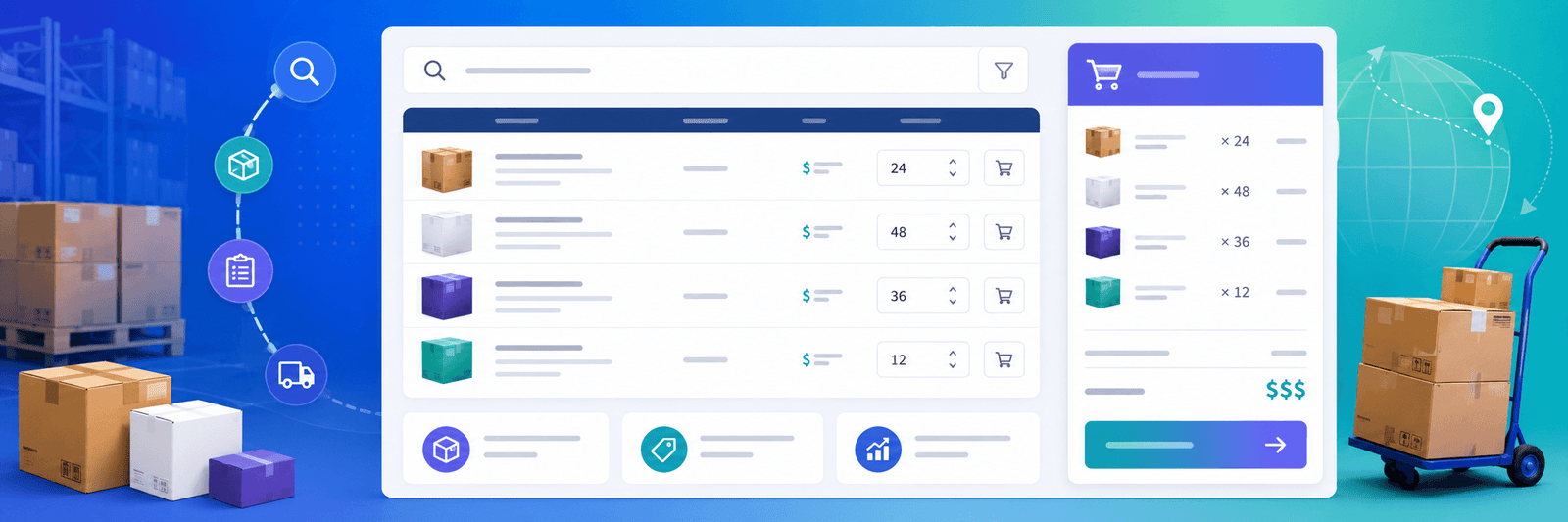
B2B buyers often purchase multiple products at once.
They may not want to open every product page one by one.
A strong B2B store should support faster ordering.
Useful features may include:
- Quick order forms
- SKU-based ordering
- Bulk quantity fields
- Saved shopping lists
- Reorder from previous purchases
- Product tables
- Downloadable catalogs
- Search by SKU or product code
The goal is to reduce friction.
If a buyer already knows what they need, the store should help them order quickly.
5. Offer Quote Request Workflows
Not every B2B order happens at fixed pricing.
Some orders need negotiation.
For example, a buyer may request a quote for:
- Large order quantity
- Custom product requirement
- Special shipping need
- Long-term supply contract
- Regional delivery
- Mixed product bundle
A quote request system allows buyers to start the purchase conversation online instead of relying only on email or phone calls.
This makes the process more trackable and organized.
A well-planned quote workflow can help sales teams respond faster and manage enquiries better.
6. Support Invoice and Flexible Payment Options
B2B customers may not always pay immediately by card.
Many business buyers prefer invoice-based payment, purchase orders, credit terms, bank transfers, or other agreed payment methods.
Your BigCommerce B2B setup should consider the payment habits of your customers.
If payment options do not match buyer expectations, the store may create friction.
For example, a corporate buyer may not be allowed to pay instantly by card. They may need invoice approval from their finance team.
A good B2B ecommerce experience should support these real-world buying needs where possible.
7. Create Product Catalogs for Different Buyers
Not all buyers should always see the same products.
Some products may be available only to certain customer groups. Some catalogs may be different for wholesale, retail, or regional buyers.
This is important for businesses that sell across different channels.
For example:
- Retail customers see selected products
- Wholesale buyers see bulk packs
- Distributors see larger inventory
- Regional buyers see location-specific products
- Trade customers see professional product lines
Catalog visibility helps create a more controlled buying experience.
It also avoids confusion when certain products are not meant for all customers.
8. Improve Product Pages for B2B Buyers
B2B product pages should be more detailed than normal retail product pages.
Business buyers often need technical and practical information before they order.
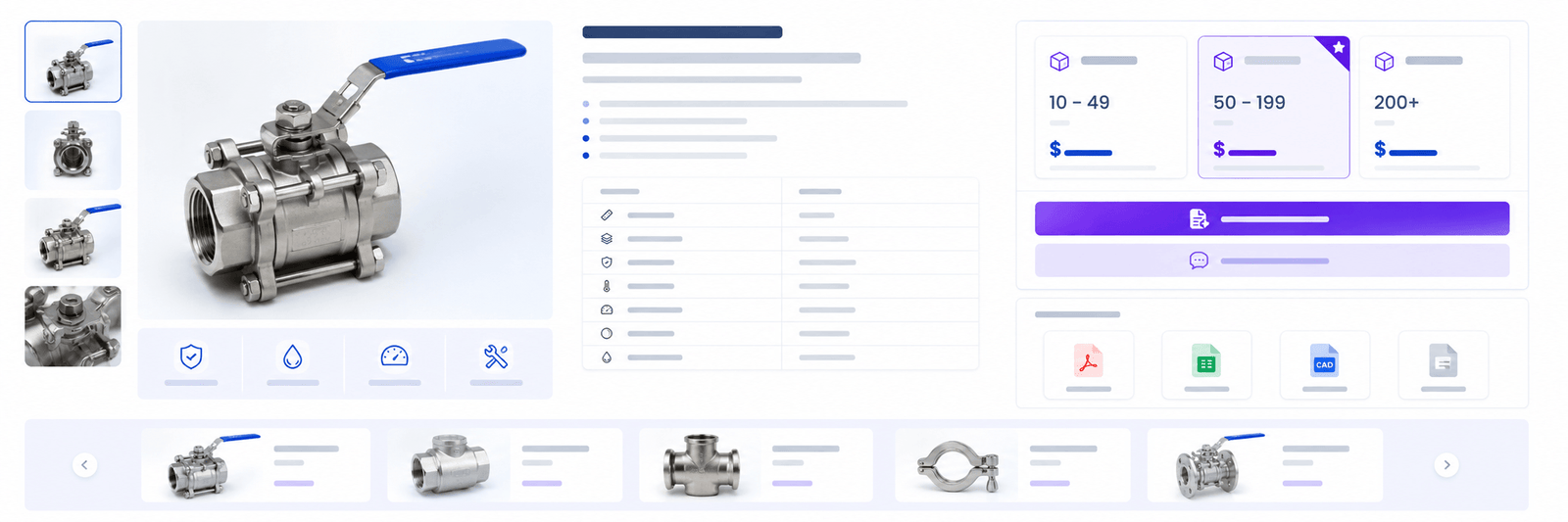
A strong B2B product page may include:
- Product specifications
- SKU or product code
- Bulk pricing information
- Minimum order quantity
- Case pack details
- Material or technical data
- Compatibility information
- Delivery details
- Downloadable documents
- Warranty details
- Product certifications if relevant
- Related products
- Reorder options
B2B buyers want clarity.
If the product page does not answer their questions, they may contact support, delay the purchase, or choose another supplier.
9. Make Reordering Simple
Many B2B purchases are repeat purchases.
A buyer may order the same products every week or every month.
If they need to search manually each time, the process becomes frustrating.
A better experience includes:
- Order history
- Buy again option
- Saved lists
- Frequently ordered products
- Favorite products
- Account-based recommendations
Reordering should take minutes, not effort.
This is one of the biggest advantages of a well-built B2B ecommerce system. It can reduce manual ordering and make the buying process smoother for regular customers.
10. Plan Shipping for B2B Orders
B2B shipping can be more complex than normal ecommerce shipping.
Orders may be larger, heavier, or location-specific.
You may need to consider:
- Bulk shipping
- Freight shipping
- Regional delivery
- Warehouse pickup
- Partial shipments
- Delivery scheduling
- Custom shipping quotes
- Free shipping thresholds
- Shipping by product type
Shipping details should be clear before the buyer reaches checkout.
If shipping cost or delivery rules are unclear, buyers may hesitate.
You can also connect this section with Zeroradius’ article on BigCommerce shipping and promotions.
11. Connect the Store with Business Systems
B2B ecommerce often needs integrations.
A BigCommerce B2B store may need to connect with:
- ERP systems
- CRM tools
- Inventory software
- Accounting platforms
- Shipping systems
- Product information management tools
- Email marketing tools
- Customer support platforms
- Payment providers
- Marketplace channels
These integrations can reduce manual work and improve accuracy.
For example, if inventory is managed in an ERP, the ecommerce store should ideally reflect accurate stock information.
If customer pricing is managed in another system, the store may need to sync that data.
The goal is to make online ordering easier for both customers and internal teams.
12. Design the Store for Trust
B2B buyers need trust before placing orders.
They may be buying in large quantities or building a long-term supplier relationship.
Trust signals can include:
- Clear company information
- Business address
- Contact details
- Testimonials
- Case studies
- Certifications
- Product documents
- Secure checkout
- Transparent policies
- Support information
- Professional design
A B2B store should feel reliable and easy to contact.
If the website feels incomplete, outdated, or unclear, business buyers may not feel confident.
13. Use Multi-Storefront for Different Buyer Groups
Some businesses serve different buyer groups through different storefronts.
For example:
- One storefront for retail buyers
- One storefront for wholesale buyers
- One storefront for a specific region
- One storefront for a separate brand
- One storefront for trade customers
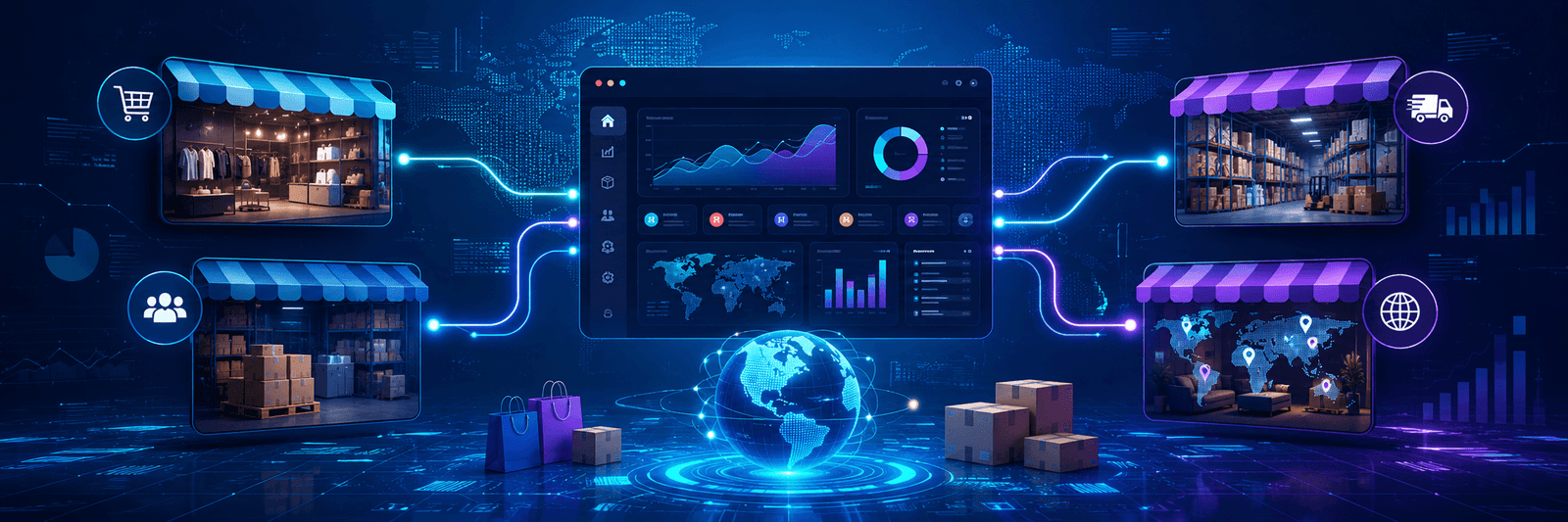
BigCommerce Multi-Storefront can help businesses manage multiple storefronts from one backend.
This is useful when each storefront needs different design, catalog, pricing, or customer experience.
However, this should be planned carefully.
More storefronts also mean more content, SEO, design, and operational management.
14. Do Not Forget SEO for B2B Ecommerce
B2B buyers also search online.
They may search for product types, suppliers, wholesale terms, technical specifications, or industry-specific solutions.
B2B SEO should include:
- Category page optimization
- Product page optimization
- Technical product content
- Buyer-focused blog posts
- FAQ content
- Comparison pages
- Industry landing pages
- Internal links
- Schema where relevant
- Fast page performance
A B2B store should not rely only on sales teams. Organic search can bring serious business buyers if the content is planned well.
Your BigCommerce service page, category pages, and blog content should work together.
15. Keep the Buyer Account Area Simple
The account area is important in B2B ecommerce.
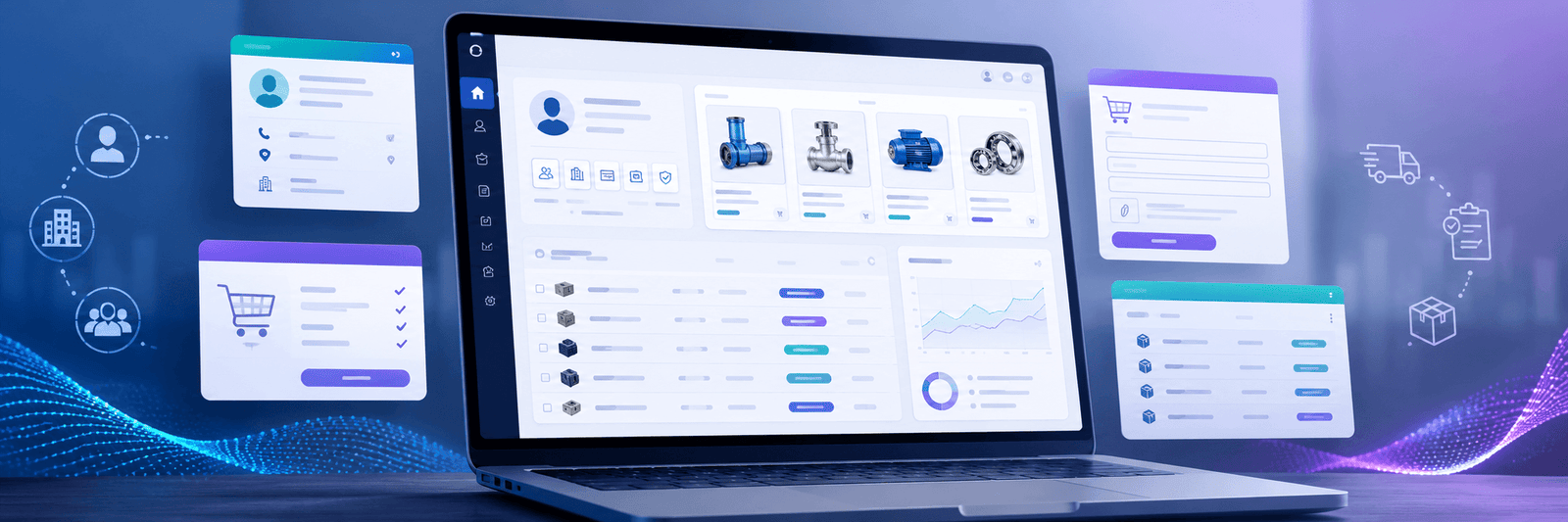
Buyers may use it to check orders, manage addresses, access invoices, reorder products, save lists, or view quotes.
If the account area is confusing, users may go back to email or phone ordering.
The goal is to make the online account experience easier than manual ordering.
A clean account area can improve customer satisfaction and reduce support workload.
16. Test the Store Like a Real Buyer
Before launch, test the store from the buyer’s point of view.
Check:
- Can a company account be created easily?
- Can buyers see the correct pricing?
- Are restricted products hidden properly?
- Can quotes be requested?
- Can bulk orders be placed?
- Are shipping options clear?
- Are payment options correct?
- Does mobile browsing work well?
- Does search return useful results?
- Are emails and notifications clear?
- Are forms working?
Do not only test as an admin.
Test as a buyer, sales user, and returning customer.
This helps catch problems before real customers face them.
17. Keep Improving After Launch
B2B ecommerce is not finished after launch.
After launch, review:
- Search terms
- Quote requests
- Abandoned carts
- Frequently ordered products
- Support questions
- Buyer login activity
- Checkout issues
- Failed payments
- Product page performance
- Customer feedback
This data can show where the store needs improvement.
For example, if buyers often request quotes for the same product, that product page may need better pricing explanation. If buyers search by SKU but do not find results, search settings may need improvement.
Small improvements can create a better buying experience over time.
Why Work with a BigCommerce B2B Development Team?
B2B ecommerce needs more planning than a simple online store.
A good development team can help with:
- B2B store planning
- Company account setup
- Customer group structure
- Custom pricing logic
- Product catalog planning
- Quote workflow setup
- Bulk ordering experience
- Theme customization
- SEO structure
- Performance optimization
- Integrations
- Multi-storefront planning
- Launch testing
- Ongoing support
Zeroradius helps businesses build ecommerce stores that are not only visually clean, but also practical for real customers.
You can learn more about Zeroradius ecommerce solutions here: Zeroradius ecommerce development services.
Final Thoughts
B2B ecommerce is about making business buying easier.
A good BigCommerce B2B store should help customers log in, see the right products, access correct pricing, request quotes, reorder quickly, and complete purchases with confidence.
It should also help your internal team reduce manual work, manage orders better, and support growth.
BigCommerce can be a strong platform for B2B ecommerce, but the setup needs proper planning.
The store should be designed around how business customers actually buy.
When company accounts, pricing, catalogs, quotes, payments, shipping, and integrations work together, your ecommerce store becomes more than a website.
It becomes a better sales system for your business.
FAQ
What is BigCommerce B2B ecommerce development?
BigCommerce B2B ecommerce development is the process of building and customizing a BigCommerce store for business buyers. It can include company accounts, customer groups, custom pricing, quote workflows, invoice options, bulk ordering, and integrations.
Is BigCommerce good for B2B ecommerce?
Yes. BigCommerce can support B2B ecommerce needs such as company accounts, buyer portals, customer groups, quote requests, shopping lists, quick ordering, and multi-storefront experiences.
Can BigCommerce support wholesale pricing?
Yes. BigCommerce can support customer-based pricing and group-based catalog experiences, depending on the setup and B2B configuration.
Can B2B buyers request quotes in BigCommerce?
Yes. BigCommerce B2B workflows can support quote request features, which are useful for large orders, negotiated pricing, and custom buying needs.
What types of businesses need B2B ecommerce?
Wholesalers, manufacturers, distributors, suppliers, resellers, trade businesses, and corporate sellers can benefit from B2B ecommerce.
Does a B2B ecommerce store need SEO?
Yes. B2B buyers also search online for suppliers, product categories, technical details, and business solutions. SEO helps your store attract relevant business buyers.
Why hire a BigCommerce B2B development agency?
A BigCommerce B2B development agency can help plan the store structure, set up buyer workflows, customize pricing, improve UX, connect integrations, and build a scalable ecommerce system.