Introduction
Building a professional website used to require coding skills.
Not anymore.
In 2026, you can create a fully functional, high-performing WordPress website without writing a single line of code.
Whether you're:
- A business owner
- A freelancer
- A startup founder
👉 WordPress makes it simple.
In this guide, you’ll learn:
- How to build a website step-by-step
- Best tools to use
- Common mistakes to avoid
⚡ Quick Answer
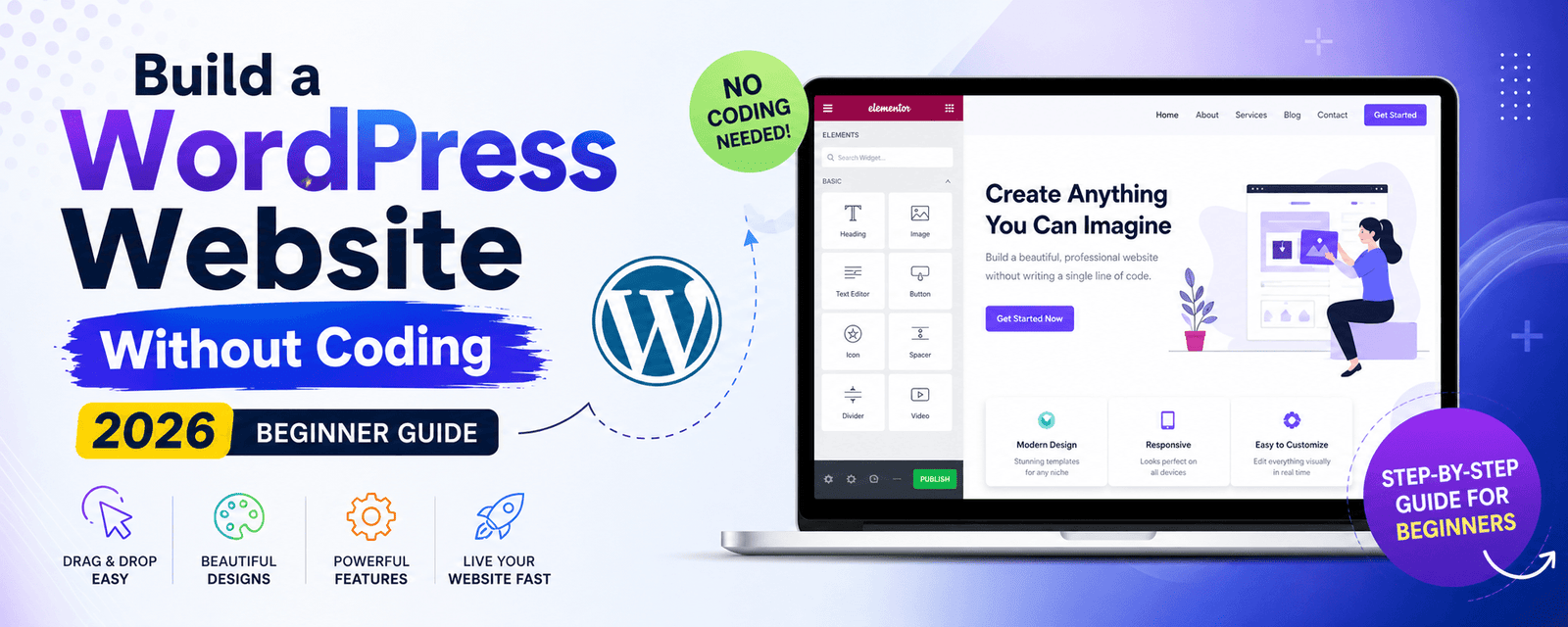
You can build a WordPress website without coding using themes, page builders like Elementor or Gutenberg, and plugins for functionality. This allows anyone to create professional websites quickly and efficiently.
- Use pre-built themes
- Customize with drag-and-drop builders
- Add features using plugins
- Optimize for SEO and speed
In short: No-code WordPress = faster, easier, and scalable website building.
🧠 Why Choose WordPress (Even Without Coding)?
- Easy to use
- Highly customizable
- SEO-friendly
- Scalable
👉 Learn more: Why WordPress Still Dominates
🛠 Tools You Need (No Coding Required)
1. Domain & Hosting
- Buy domain name
- Choose reliable hosting
2. WordPress Theme
- Astra
- Hello Elementor
3. Page Builders
- Elementor
- Gutenberg
- Bricks
👉 Compare builders: Gutenberg vs Elementor
4. Essential Plugins
- SEO plugin
- Security plugin
- Cache plugin
👉 Explore AI plugins: AI SEO Plugin Guide
⚡ Step-by-Step Guide to Build Website
Step 1: Install WordPress
- Use hosting dashboard
- One-click install
Step 2: Choose a Theme
- Install theme
- Customize branding
Step 3: Install Page Builder
- Elementor (best for beginners)
- Drag-and-drop interface
Step 4: Create Pages
- Home
- About
- Services
- Contact
👉 Inspiration: Portfolio Tools
Step 5: Add Content
- Text
- Images
- Call-to-actions
Step 6: Optimize for SEO
👉 Follow: WordPress SEO Guide
Step 7: Improve Performance
👉 Fix speed issues: Speed Optimization Guide
📊 No-Code vs Coding: Comparison
| Feature | No-Code | Coding |
|---|---|---|
| Ease | Easy | Complex |
| Speed | Fast | Slow |
| Customization | Limited | Full |
| Cost | Lower | Higher |
⚠️ Common Mistakes to Avoid
- Using too many plugins
- Choosing heavy themes
- Ignoring mobile design
- Skipping SEO
👉 Avoid these: Website Mistakes Guide
📈 Real Business Insight
Expert Insight: Most businesses don’t need custom coding—optimized no-code WordPress can deliver excellent performance and results.
👉 Case study: View Results
💰 Cost to Build Without Coding
👉 See detailed pricing: WordPress Website Cost
🚀 When Should You Hire Experts?
- Advanced features needed
- High performance required
- Better conversion optimization
👉 Explore: WordPress Development Services
🚀 Final Thoughts
Building a WordPress website without coding is easier than ever.
👉 But success depends on:
- Strategy
- Optimization
- User experience
🚀 Need Help Building Your Website?
🚀 Build Your Website the Right Way
We help businesses build fast, high-converting WordPress websites—without complexity.
Get Free Consultation →Explore Services
❓ Frequently Asked Questions
Can I build a WordPress website without coding?
Yes, you can use themes, page builders, and plugins to build a website without coding.
Which is the best page builder?
Elementor is the most popular and beginner-friendly page builder.
Is no-code WordPress good for SEO?
Yes, WordPress is highly SEO-friendly even without coding.
How long does it take to build a website?
A basic website can be built in a few days using no-code tools.