
We understand your content types, publishing workflows, user roles, business requirements, existing CMS, integrations, and the way your team currently manages website content.
WordPress CMS Development
We build WordPress CMS solutions around your content structure, publishing workflows, user roles, integrations, and long-term content management requirements.
Why WordPress CMS Development Matters for Your Business
Your website may contain many different types of content, from services and products to case studies, resources, locations, team information, articles, and other business-specific content.
A standard CMS structure may not always provide the right way to organize and manage that information. As the website grows, an unsuitable content structure can make publishing slower, create inconsistencies, and make it harder for teams to maintain the website.
Custom WordPress CMS development allows the content management experience to be structured around how your organization actually creates, updates, and publishes content.
At Zeroradius, we focus on creating a CMS structure that balances flexibility for your content team with a consistent experience for website visitors while considering content architecture, user roles, publishing requirements, integrations, responsive presentation, technical SEO, and future scalability.
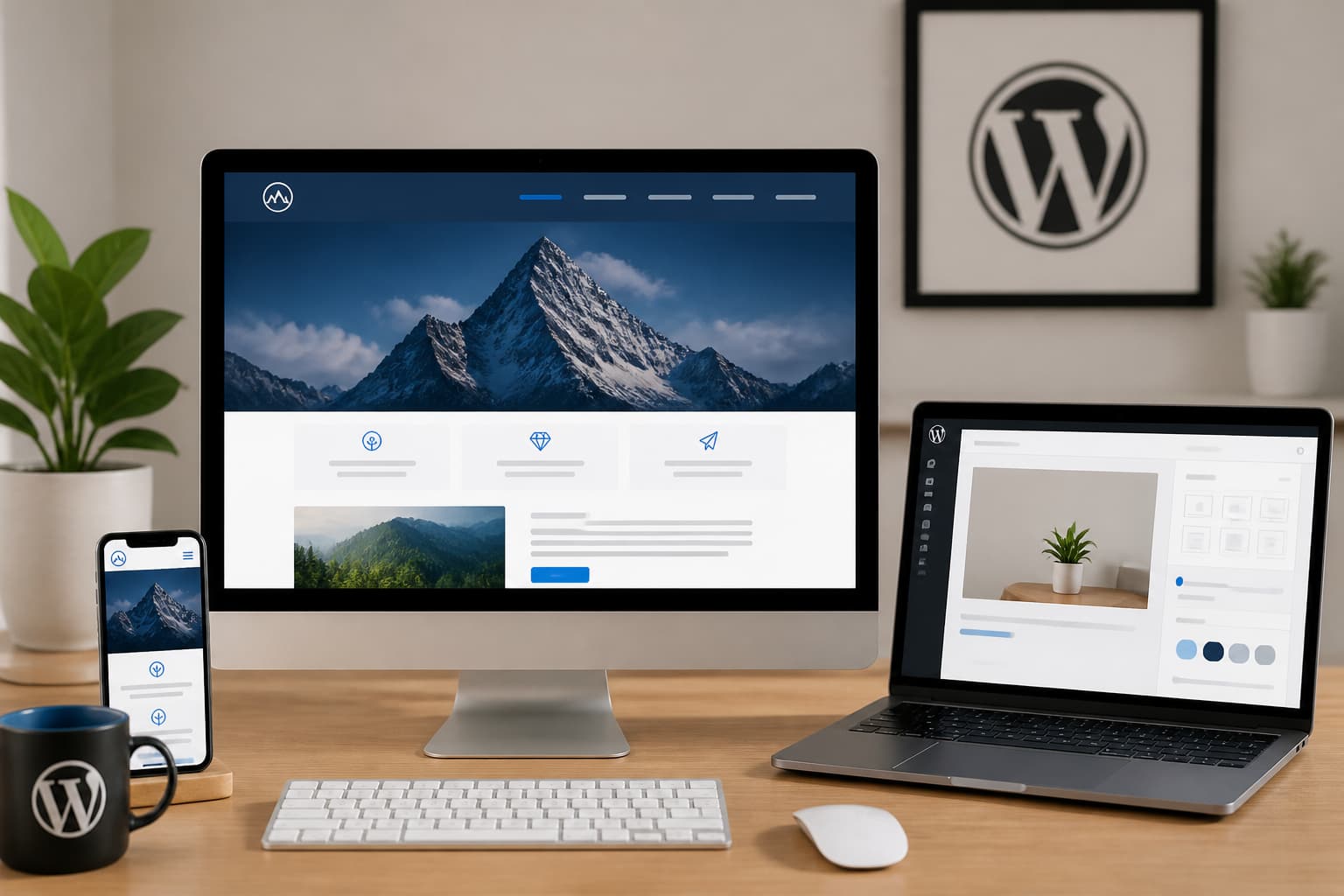
Technology benefits
Your website may contain many different types of content, from services and products to case studies, resources, locations, team information, articles, and other.
Our Process
We approach WordPress CMS development as a structured process that aligns content architecture, publishing workflows, technical implementation, migration planning, and long-term usability.
We define the content structures, relationships, taxonomies, fields, templates, navigation, and CMS requirements needed to organize your website effectively.
We plan the content presentation and editing experience around your users, content requirements, brand, and website structure.
We configure and develop WordPress around the approved content architecture, including custom content types, templates, fields, taxonomies, permissions, and required functionality.
Where required, we connect the CMS with relevant third-party systems and migrate existing content while maintaining the appropriate website structure, media handling, and URLs.
We test content management workflows, templates, responsive presentation, integrations, permissions, and website functionality before launch, with ongoing support available after deployment.
Work With Zeroradius
Build a CMS Around the Way Your Team Works
Tell us about your current CMS, content types, publishing workflows, users, integrations, and website requirements. We'll help define a WordPress CMS structure that makes content management easier and more scalable.
A standard CMS structure does not always provide the right way to organize and manage complex website content. As the website grows, unsuitable content architecture can slow publishing, create inconsistencies, and make the site harder for teams to maintain.
Insights
View All Articles
Featured Article
How AI Can Make WordPress Management More Efficient
A practical guide to using AI in WordPress management for content workflows, maintenance, monitoring, performance, and lead handling without over-automating the site.
Read Article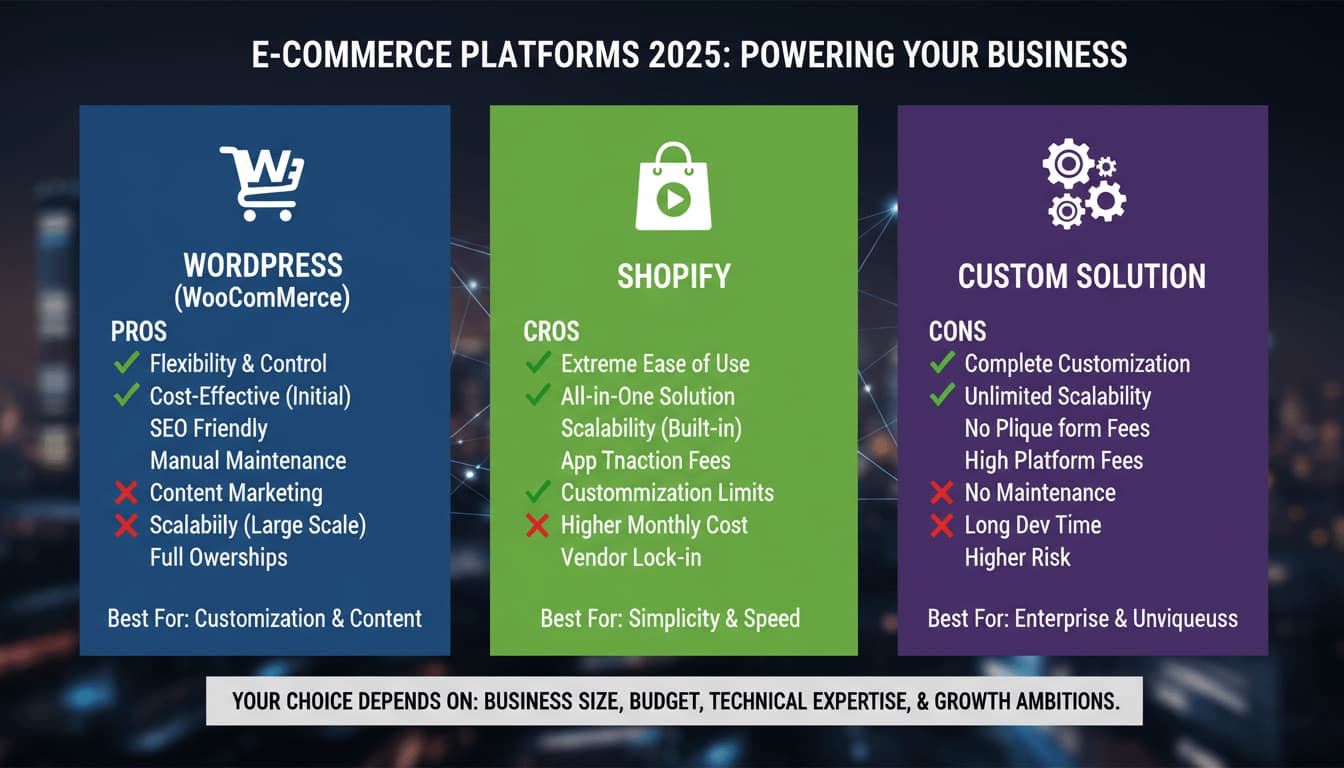
WordPress vs Shopify vs Custom: Which Platform Is Right for Your Business?
A practical comparison of WordPress, Shopify, and custom website development, with clear guidance on which platform fits different business goals, budgets, and growth plans.


BigCommerce Development Services by Zeroradius
Explore BigCommerce development services from Zeroradius, including storefront UX, custom development, integrations, migration, SEO, and performance support.
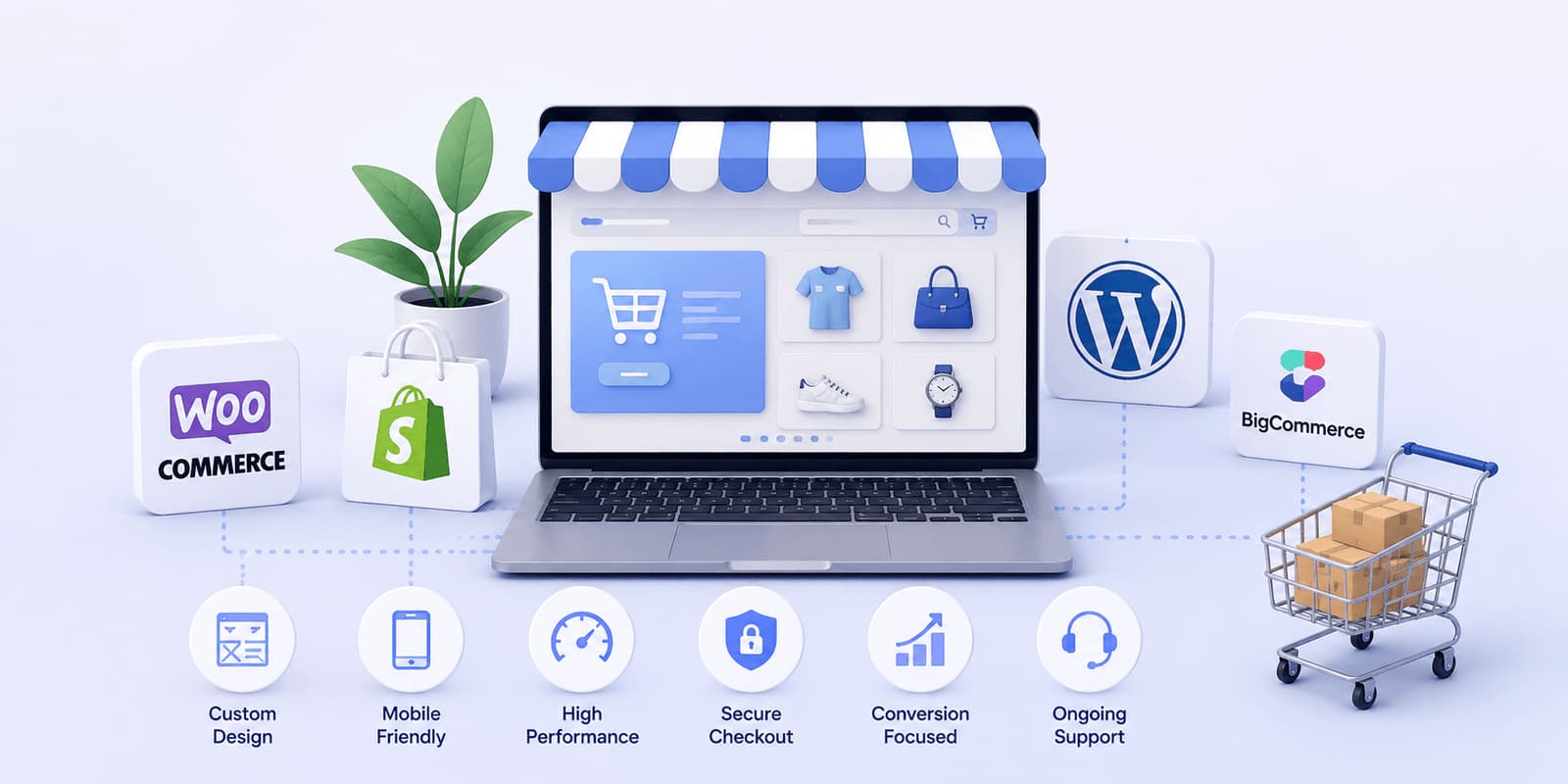
Why Businesses Choose Zeroradius for Ecommerce Development
Learn why businesses choose Zeroradius for ecommerce development, including strategy, platform selection, UX, custom development, performance, and support.
How Much Does a WordPress Website Cost in 2026?
A practical guide to WordPress website pricing in 2026, including what affects cost, realistic project ranges, hidden expenses, and how businesses should think about budget and ROI.

How Zeroradius Builds High-Converting Ecommerce Websites
See how Zeroradius approaches high-converting ecommerce websites through strategy, UX, performance, platform decisions, and continuous improvement.

Best Ecommerce Platforms Used by Ecommerce Development Companies in 2026
Compare the ecommerce platforms development companies use in 2026, including Shopify, WooCommerce, BigCommerce, headless commerce, and custom builds.
WordPress Core Release Roadmap: What Website Owners Should Know Before the Next Big Update
Review the WordPress core release roadmap and learn how website owners should prepare for updates, compatibility checks, backups, testing, and maintenance.
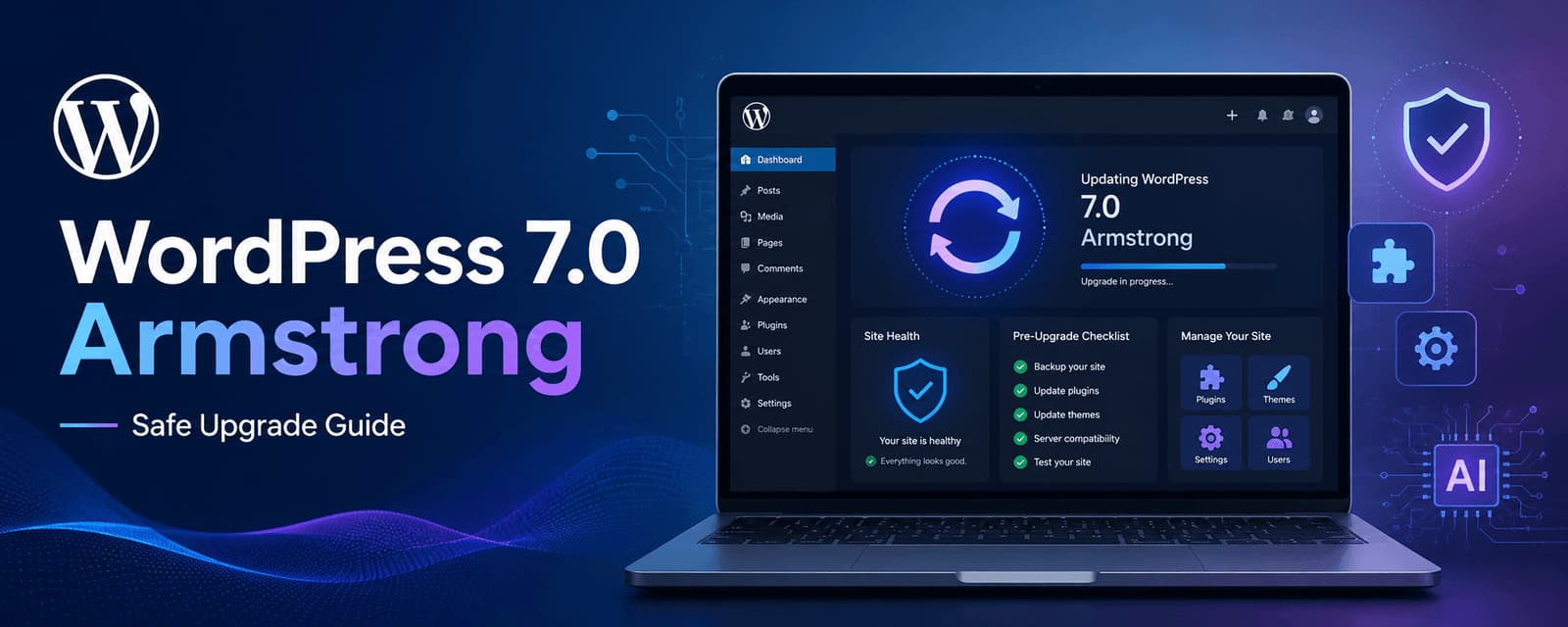
WordPress 7.0 Armstrong Update: What to Check Before Upgrading
Learn what to check before upgrading to WordPress 7.0 Armstrong, including compatibility, backups, performance, plugins, editor changes, and rollout planning.

Why WordPress Still Dominates the Web in 2026
A practical look at why WordPress still leads in 2026, from flexibility and SEO strength to ecosystem depth, performance potential, and long-term scalability.

WooCommerce Development Services by Zeroradius
Explore WooCommerce development services from Zeroradius, including custom stores, theme work, plugin support, integrations, migration, SEO, and maintenance.
Frequently Asked Questions
Need a more specific answer? Talk to us and we'll point you in the right direction.
WordPress CMS development involves customizing and developing WordPress as a content management system around specific content structures, publishing workflows, user requirements, functionality, and business needs.
WordPress CMS development services can include CMS architecture, custom content structures, CMS customization, website development, integrations, migration, maintenance, support, and ongoing improvements.
Yes. WordPress can be customized with content types, fields, taxonomies, templates, permissions, workflows, and other functionality to create a CMS experience around specific requirements.
WordPress provides the underlying content management platform, while custom CMS development involves tailoring that platform's structure and functionality around the specific requirements of a business or organization.
Yes. WordPress can be structured around different content types, relationships, taxonomies, fields, templates, and publishing requirements.
Yes. A CMS website can be developed around your content, users, business objectives, website structure, design requirements, and publishing workflows.
Yes. CMS migration can include content, media, URLs, metadata, content structures, and relevant redirects, depending on the source CMS and migration requirements.
Yes. WordPress can be integrated with relevant third-party platforms through APIs and other appropriate integration methods, depending on the systems involved.
Yes. The CMS can be structured around the content your team actually manages, with appropriate fields, templates, editing controls, and content workflows.
Yes. Ongoing CMS maintenance and support can cover updates, troubleshooting, technical improvements, integrations, content structure changes, and other development requirements.
Yes. CMS consulting can involve reviewing your existing content management environment, business requirements, workflows, content architecture, and technical requirements.
Yes. WordPress can support multiple content types and structures, allowing different kinds of information to be managed and displayed through appropriate templates and relationships.
Yes. Technical SEO considerations can be incorporated into the CMS architecture and development process, including content structure, URLs, metadata, internal linking, crawlability, and performance.
Yes. The website can be developed with responsive layouts so CMS-managed content is presented appropriately across desktop, tablet, and mobile devices.
Yes. A WordPress CMS can be extended with additional content types, functionality, integrations, templates, and workflows as requirements evolve.
Talk to a WordPress CMS specialist
Ready to Create a Better Content Management Experience?
Your content management system should make your website easier to manage instead of adding unnecessary complexity for your team.
Share your current CMS, content types, publishing workflows, users, integrations, and website requirements with us. We'll help shape the right WordPress CMS development approach for your organization.