
We review your current WordPress website, hosting environment, domain setup, database, content, plugins, themes, integrations, and destination environment to define the migration requirements.
WordPress Migration Services
We plan and execute WordPress website migrations around your hosting, domain, content, database, URL structure, functionality, and SEO requirements so the transition stays organized and controlled.
Why WordPress Migration Matters for Your Business
A website migration involves more than moving WordPress files from one server to another.
Your database, media, content, URLs, plugins, themes, configurations, and integrations may all need to be transferred and validated.
An incorrectly planned migration can create broken URLs, missing content, functionality problems, indexing issues, or disruptions to the website experience.
A structured WordPress website migration considers the complete website environment before, during, and after the move so the transition is easier to manage and verify.
Technology benefits
A website migration involves more than moving WordPress files from one server to another.
Our Process
We approach WordPress migration as a structured transfer process designed to protect functionality, data integrity, and search visibility throughout the move.
We create appropriate backups and prepare the website for migration to provide a recovery point and reduce the risk of missing important website data.
We transfer the relevant WordPress database, website files, media, content, configurations, and other required components to the new environment.
When URLs change during migration, we map relevant old URLs to their corresponding new destinations and implement appropriate redirects where required.
We test the migrated website in the destination environment before final launch, checking content, functionality, forms, links, plugins, themes, integrations, and other important website elements.
After the migration is completed, we validate the live website and review key technical, functional, and SEO-related elements to identify issues that may need attention.
Work With Zeroradius
Ready to Move Your WordPress Website?
Tell us about your current WordPress setup, destination environment, domain or hosting changes, and migration requirements. We'll help define a structured migration approach for the transition.
A website migration involves more than moving WordPress files from one server to another. Your database, media, content, URLs, plugins, themes, configurations, and integrations may all need to be transferred and validated.
Insights
View All Articles
Featured Article
How AI Can Make WordPress Management More Efficient
A practical guide to using AI in WordPress management for content workflows, maintenance, monitoring, performance, and lead handling without over-automating the site.
Read Article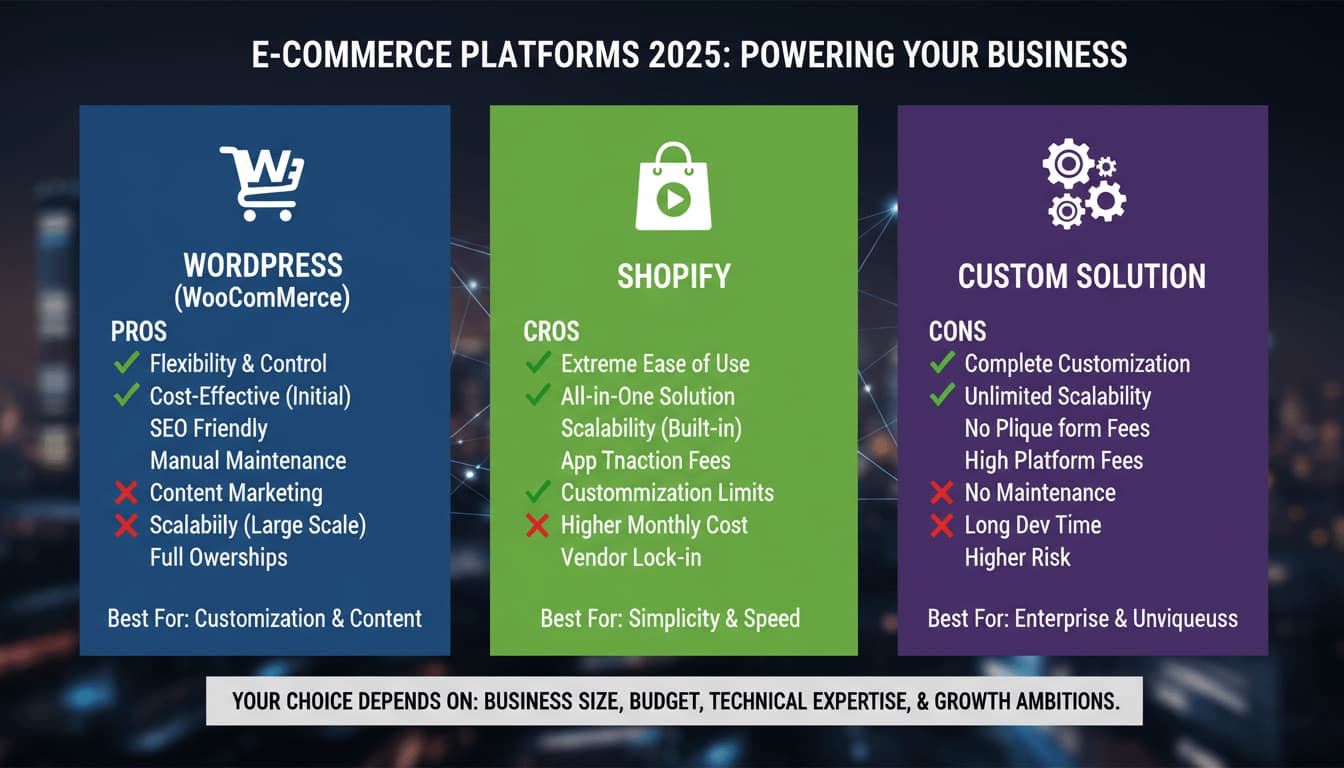
WordPress vs Shopify vs Custom: Which Platform Is Right for Your Business?
A practical comparison of WordPress, Shopify, and custom website development, with clear guidance on which platform fits different business goals, budgets, and growth plans.


BigCommerce Development Services by Zeroradius
Explore BigCommerce development services from Zeroradius, including storefront UX, custom development, integrations, migration, SEO, and performance support.
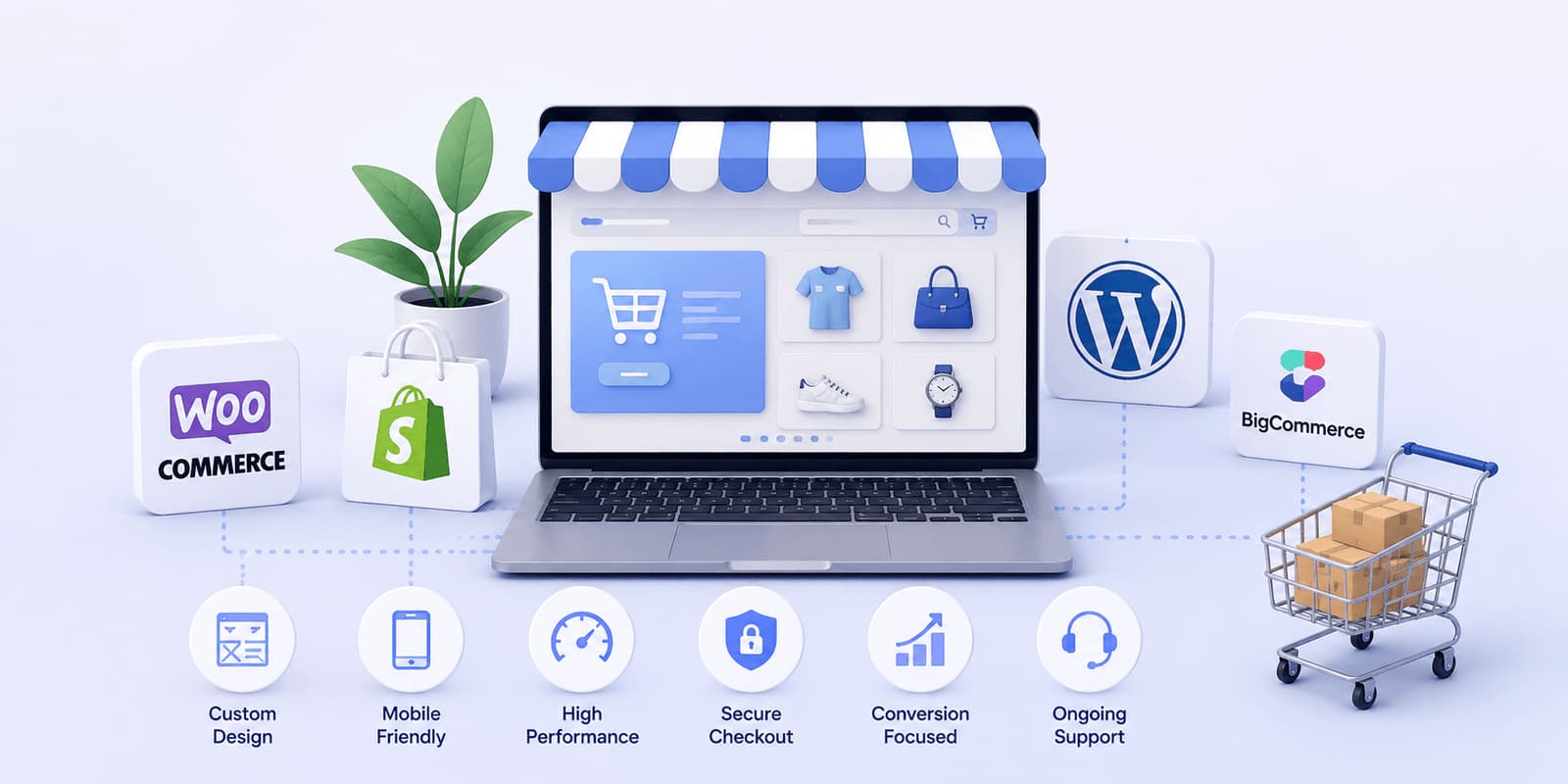
Why Businesses Choose Zeroradius for Ecommerce Development
Learn why businesses choose Zeroradius for ecommerce development, including strategy, platform selection, UX, custom development, performance, and support.
How Much Does a WordPress Website Cost in 2026?
A practical guide to WordPress website pricing in 2026, including what affects cost, realistic project ranges, hidden expenses, and how businesses should think about budget and ROI.

How Zeroradius Builds High-Converting Ecommerce Websites
See how Zeroradius approaches high-converting ecommerce websites through strategy, UX, performance, platform decisions, and continuous improvement.

Best Ecommerce Platforms Used by Ecommerce Development Companies in 2026
Compare the ecommerce platforms development companies use in 2026, including Shopify, WooCommerce, BigCommerce, headless commerce, and custom builds.
WordPress Core Release Roadmap: What Website Owners Should Know Before the Next Big Update
Review the WordPress core release roadmap and learn how website owners should prepare for updates, compatibility checks, backups, testing, and maintenance.
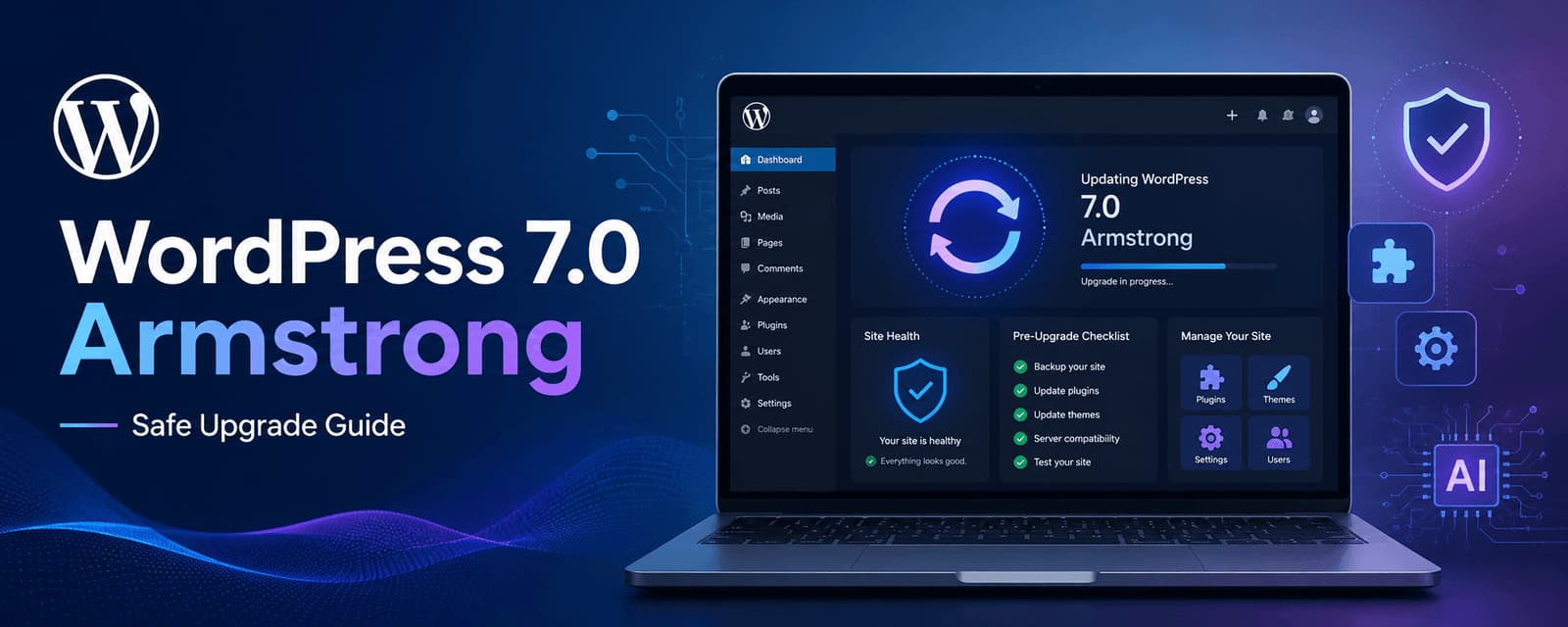
WordPress 7.0 Armstrong Update: What to Check Before Upgrading
Learn what to check before upgrading to WordPress 7.0 Armstrong, including compatibility, backups, performance, plugins, editor changes, and rollout planning.

Why WordPress Still Dominates the Web in 2026
A practical look at why WordPress still leads in 2026, from flexibility and SEO strength to ecosystem depth, performance potential, and long-term scalability.

WooCommerce Development Services by Zeroradius
Explore WooCommerce development services from Zeroradius, including custom stores, theme work, plugin support, integrations, migration, SEO, and maintenance.
Frequently Asked Questions
Need a more specific answer? Talk to us and we'll point you in the right direction.
WordPress Migration Services help move an existing WordPress website from one hosting environment, server, domain, or website setup to another.
A migration may involve transferring website files, databases, content, media, themes, plugins, configurations, and other required components, followed by testing and validation.
Yes. A WordPress website can be migrated to a new hosting provider or server environment after reviewing the existing and destination environments.
Yes. A domain migration can include transferring the website and addressing URL changes, redirects, internal links, and relevant SEO considerations.
Yes. Database migration can be part of a WordPress migration when the database needs to be transferred to the destination environment.
The scope depends on the existing website and migration requirements. Relevant pages, posts, media, taxonomies, and other content can be included in the migration plan.
Downtime depends on the website infrastructure, hosting environment, DNS configuration, migration method, and project requirements. Where the infrastructure supports it, migration procedures can be planned to minimize disruption.
A migration can be planned around SEO preservation requirements. This may include URL mapping, redirects, metadata, canonical configuration, indexability, internal links, and technical SEO validation. No migration approach can guarantee that search rankings will remain unchanged.
Appropriate website backups can be created before migration so there is a recovery point for the migration process.
Yes. WooCommerce websites can require additional consideration for products, customers, orders, payment configurations, shipping settings, and other ecommerce functionality.
Yes. WordPress websites can be transferred between hosting environments, subject to compatibility and configuration requirements.
Yes. A staging environment can be used to test the migrated website before the final production transition.
The migrated website should be tested and validated for content, functionality, links, forms, integrations, URLs, redirects, indexing-related settings, and other relevant requirements.
Yes. Migration-related issues can be investigated, including missing content, broken links, plugin conflicts, database problems, URL issues, configuration errors, and other technical problems.
If the new environment retains the same URL structure, existing URLs can generally be preserved. If URLs need to change, appropriate URL mapping and redirects can be planned.
Yes. Relevant 301 redirects can be implemented when existing URLs need to point to new destinations.
Large WordPress databases can require additional planning around transfer methods, server resources, database handling, testing, and synchronization.
Yes. Custom themes and plugins can be included in the migration, subject to compatibility with the destination environment.
Data protection can involve appropriate backups, controlled access, secure transfer procedures, validation, and careful handling of website and database credentials.
Talk to a WordPress migration specialist
Move Your WordPress Website With a Clear Migration Plan
A successful migration starts with understanding what needs to move, what needs to change, and what needs to be validated after the transition.
Share your current WordPress setup, destination environment, domain or hosting changes, and migration requirements with us. We'll assess the project and shape the right migration approach.