
We review the affected WordPress website for suspicious behavior, compromised files, unwanted redirects, unusual access, and other indicators of a security issue.
WordPress Security & Malware Cleanup
We investigate compromised WordPress websites, remove malicious code, strengthen vulnerable areas, and help restore a safer, more reliable website environment.
Why WordPress Security & Malware Cleanup Matters for Your Business
Your WordPress website is an important part of your digital presence.
Security problems can interfere with website functionality, expose vulnerable components, create unwanted redirects, or affect how visitors and search engines interact with your site.
Professional WordPress security and malware cleanup services can help businesses address existing security problems while improving the overall security posture of their website.
We investigate suspicious files, injected code, redirects, access issues, and other indicators of compromise while also reviewing the vulnerable areas that need to be strengthened afterward.
Technology benefits
Your WordPress website is an important part of your digital presence.
Our Process
We follow a structured WordPress security cleanup process so the issue can be investigated carefully, affected areas can be cleaned properly, and the website can be strengthened after recovery.
We investigate malicious code, injected content, suspicious files, unauthorized changes, vulnerable plugins or themes, and other likely sources of compromise.
We remove or address affected components, review backup and recovery options where relevant, and help restore a more reliable WordPress website environment.
We strengthen relevant configurations, update vulnerable components, review user access, and implement practical security improvements based on the website's needs.
We test important website functionality, review affected pages and behaviors, and validate that the cleanup and security changes have not introduced new issues.
We provide guidance around monitoring, maintenance, backups, updates, and operational practices that can help reduce future WordPress security risk.
Work With Zeroradius
Keep Your WordPress Website Secure and Reliable
If your website has suspicious activity, malware, redirects, or signs of compromise, we can investigate the issue, clean the affected areas, and help strengthen the WordPress environment afterward.
Security problems can interfere with website functionality, expose vulnerable components, create unwanted redirects, or affect how visitors and search engines interact with your site.
Insights
View All Articles
Featured Article
How AI Can Make WordPress Management More Efficient
A practical guide to using AI in WordPress management for content workflows, maintenance, monitoring, performance, and lead handling without over-automating the site.
Read Article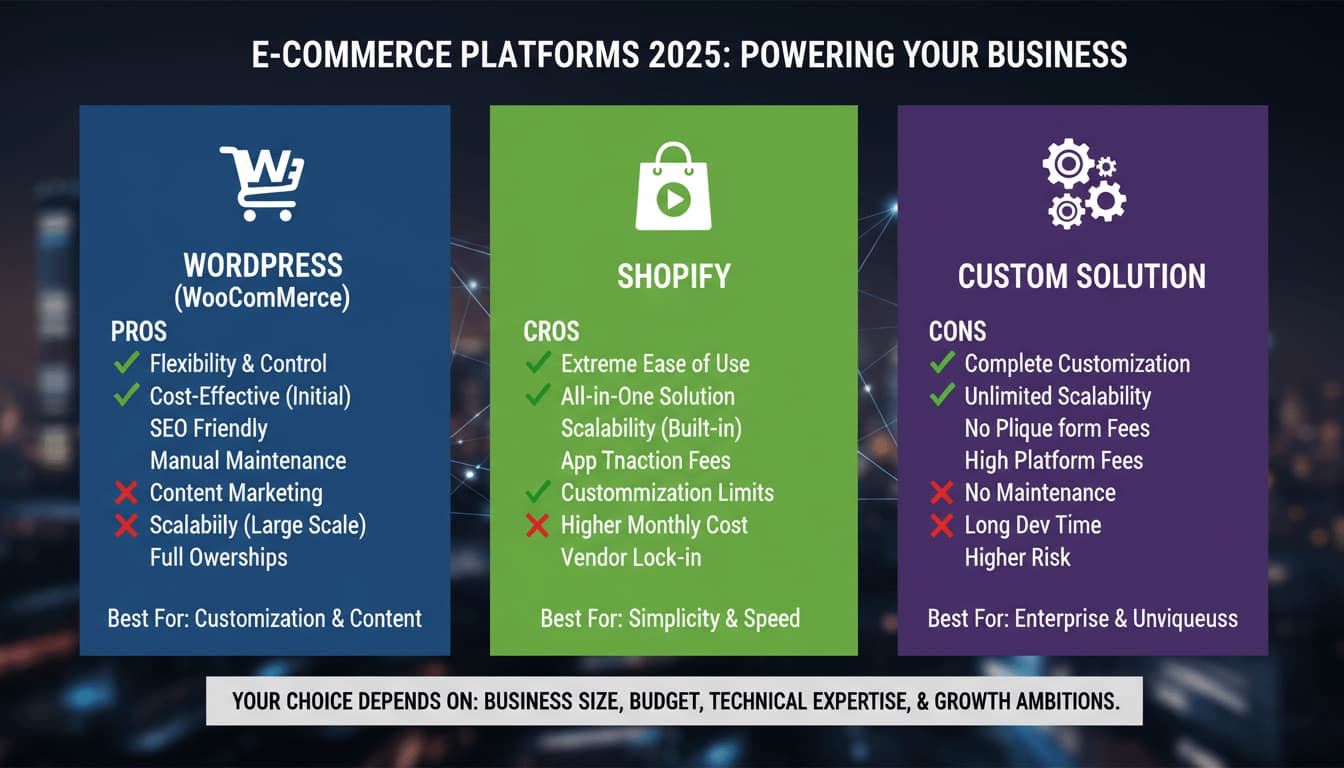
WordPress vs Shopify vs Custom: Which Platform Is Right for Your Business?
A practical comparison of WordPress, Shopify, and custom website development, with clear guidance on which platform fits different business goals, budgets, and growth plans.


BigCommerce Development Services by Zeroradius
Explore BigCommerce development services from Zeroradius, including storefront UX, custom development, integrations, migration, SEO, and performance support.
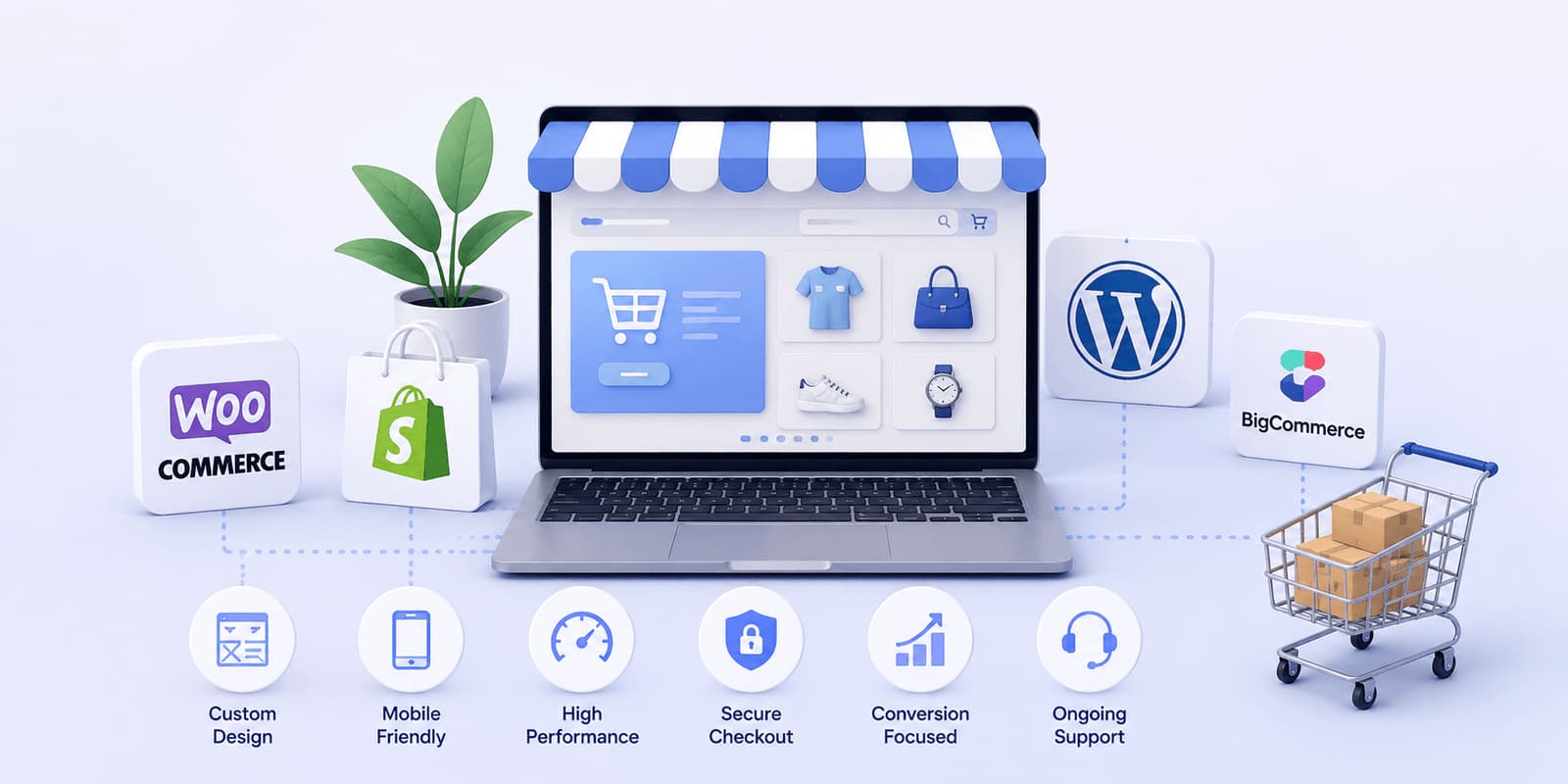
Why Businesses Choose Zeroradius for Ecommerce Development
Learn why businesses choose Zeroradius for ecommerce development, including strategy, platform selection, UX, custom development, performance, and support.
How Much Does a WordPress Website Cost in 2026?
A practical guide to WordPress website pricing in 2026, including what affects cost, realistic project ranges, hidden expenses, and how businesses should think about budget and ROI.

How Zeroradius Builds High-Converting Ecommerce Websites
See how Zeroradius approaches high-converting ecommerce websites through strategy, UX, performance, platform decisions, and continuous improvement.

Best Ecommerce Platforms Used by Ecommerce Development Companies in 2026
Compare the ecommerce platforms development companies use in 2026, including Shopify, WooCommerce, BigCommerce, headless commerce, and custom builds.
WordPress Core Release Roadmap: What Website Owners Should Know Before the Next Big Update
Review the WordPress core release roadmap and learn how website owners should prepare for updates, compatibility checks, backups, testing, and maintenance.
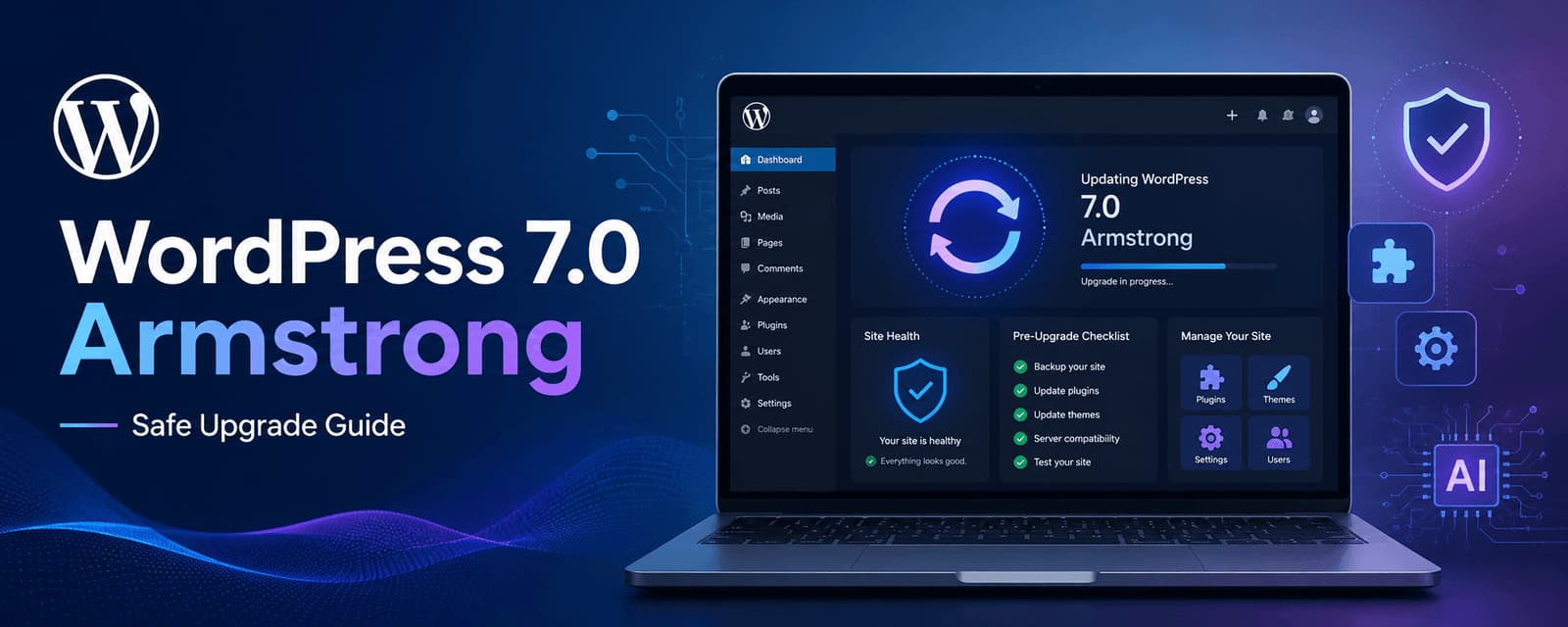
WordPress 7.0 Armstrong Update: What to Check Before Upgrading
Learn what to check before upgrading to WordPress 7.0 Armstrong, including compatibility, backups, performance, plugins, editor changes, and rollout planning.

Why WordPress Still Dominates the Web in 2026
A practical look at why WordPress still leads in 2026, from flexibility and SEO strength to ecosystem depth, performance potential, and long-term scalability.

WooCommerce Development Services by Zeroradius
Explore WooCommerce development services from Zeroradius, including custom stores, theme work, plugin support, integrations, migration, SEO, and maintenance.
Frequently Asked Questions
Need a more specific answer? Talk to us and we'll point you in the right direction.
WordPress security and malware cleanup services involve investigating a potentially compromised WordPress website, identifying malicious or suspicious changes, removing or addressing affected components, and reviewing security weaknesses that may have contributed to the issue.
Common warning signs can include unexpected redirects, unfamiliar pages or files, suspicious administrator accounts, unexplained website changes, browser security warnings, unusual server activity, or search results containing unwanted content. These signs do not by themselves prove that a website is infected, so further investigation may be required.
Yes. Malware detection and cleanup can be provided as part of WordPress security services. The specific cleanup process depends on the type and extent of the compromise.
Security cleanup can address malicious content and technical problems caused by a compromise, but it does not by itself guarantee recovery of search rankings. SEO recovery may also require technical SEO, content review, URL cleanup, redirect management, and other corrective work.
WordPress core, plugins, and themes should be reviewed after a security incident. Updates can address known vulnerabilities, but updates should be handled carefully when a website has been compromised so that affected files, compatibility, and backups are considered.
Ongoing monitoring can be useful for websites that depend heavily on WordPress for business operations, particularly when they use multiple plugins, integrations, user accounts, or frequently changing content. The appropriate monitoring approach depends on the website and its risk profile.
A security audit can identify weaknesses and provide recommendations for improving website security, but no security process can guarantee that future attacks will not occur. Security is better approached as an ongoing process involving updates, access controls, monitoring, backups, and appropriate hardening.
Talk to a WordPress security specialist
Secure Your WordPress Website Before Security Issues Disrupt Your Business
A security issue can require more than a quick malware scan. The right approach starts with understanding what was affected, how it happened, and what needs to be strengthened after cleanup.
We can help investigate WordPress security issues, address malicious code, review vulnerable components, and improve ongoing website security practices.