
Most ecommerce website problems are not caused by one bad design choice. They usually come from decisions that were skipped before the build started: unclear product structure, vague checkout rules, missing integrations, weak content, poor platform fit, or no plan for what happens after launch.
An ecommerce website planning checklist helps business owners decide the important parts before design and development begin. The checklist should cover business goals, audience, products, platform choice, customer journey, content, payment methods, shipping, tax, integrations, SEO, analytics, performance, security, launch testing, and ongoing maintenance.
These decisions make the project easier to scope and easier to build. They also help your ecommerce website development team avoid guesswork, reduce rework, and create a store that supports how your business actually sells.
If you are preparing to launch or rebuild an online store, use this checklist before choosing a theme, approving designs, or asking for a final development estimate.
Quick Ecommerce Website Planning Checklist
Before you build, make sure these decisions are clear enough for an internal team, freelancer, or agency to understand the project properly.
- Define the main business goal for the ecommerce website.
- Identify your audience, buying behavior, and customer objections.
- Map product categories, attributes, variations, pricing, and stock rules.
- Choose the ecommerce platform that fits your business model.
- Plan the homepage, category pages, product pages, cart, checkout, and account areas.
- Decide what product content, photography, FAQs, policies, and trust signals are needed.
- Confirm payment methods, shipping zones, tax settings, and return rules.
- List required integrations such as CRM, ERP, inventory, email, accounting, or fulfillment tools.
- Plan SEO structure, URLs, metadata, schema, redirects, and internal links.
- Set expectations for speed, mobile UX, security, analytics, and post-launch support.
Why Ecommerce Planning Matters Before Development
Ecommerce websites are more complex than standard business websites because they need to support browsing, product comparison, cart behavior, payment, shipping, customer accounts, order communication, analytics, and ongoing product management. A store can look polished and still fail if these details are not planned.
Good planning gives the project a commercial foundation. It helps you decide what the website should achieve, what customers need to know before buying, and what the business needs behind the scenes to process orders reliably.
Planning also protects the budget. When important decisions are left until development, they often become change requests. A missing shipping rule, incorrect product structure, or late integration requirement can affect page layouts, database setup, checkout logic, testing, and launch timing.
The goal is not to make every future decision before the project starts. The goal is to make enough of the right decisions so the first version of the store is focused, usable, and ready to improve over time.
1. Define the Business Goal and Store Model
Start with the commercial purpose of the ecommerce website. The goal may be direct online sales, wholesale orders, quote requests, subscriptions, product discovery, local pickup, repeat purchases, or a mix of several outcomes.
A direct-to-consumer brand needs a clear path from discovery to checkout. A B2B ecommerce business may need account-based pricing, bulk ordering, quote workflows, or gated catalogs. A local retailer may need delivery zones, store pickup, and inventory clarity. A service business adding ecommerce may need product pages and service pages to work together.
This choice affects almost everything else: platform, design, navigation, product page content, checkout settings, integrations, marketing, and support. If the store model is not clear, the website may become a collection of features instead of a practical buying system.
2. Understand the Audience and Buying Journey
Ecommerce planning should include the people who will use the store. What do they already know? What questions do they ask before buying? What makes them hesitate? Are they comparing price, quality, delivery speed, customization options, technical specifications, or trust?
Map the main journeys a customer may take. Some shoppers enter through the homepage. Others land on a product page from search, ads, social media, email, or AI search results. Some know exactly what they want. Others need guidance through categories, filters, comparisons, and educational content.
Strong UI/UX design starts with these journeys. It helps the store answer real buying questions, place calls to action where they make sense, and reduce friction before checkout.
3. Map the Product Catalog Before Design

Product structure is one of the most important ecommerce planning decisions. A store with ten simple products does not need the same setup as a store with hundreds of SKUs, variations, bundles, subscription products, or technical specifications.
Before design starts, list your product categories, subcategories, attributes, filters, variations, pricing rules, stock behavior, and product information requirements. A fashion store may need sizes, colors, materials, fit notes, care details, and return information. A parts supplier may need compatibility data, technical documents, model numbers, and bulk pricing.
Catalog planning affects navigation, search, filters, product page layouts, SEO, and admin workflows. If categories are unclear, the store can feel confusing even when the visual design is attractive.
4. Choose the Right Ecommerce Platform
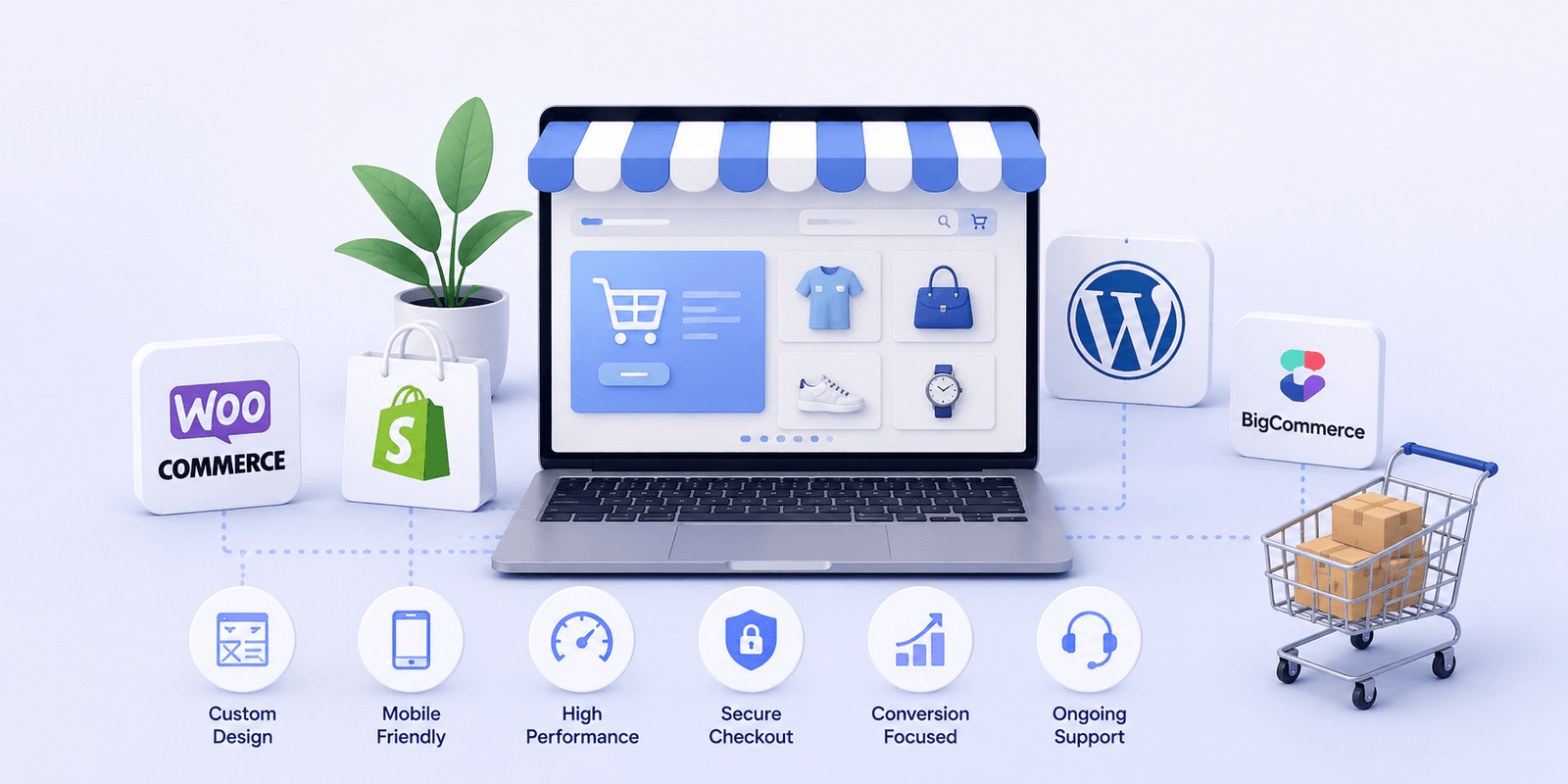
Platform choice should follow the business model, not personal preference alone. Shopify, WooCommerce, BigCommerce, headless commerce, and custom ecommerce builds can all be valid choices, but they solve different problems.
Shopify can suit brands that want a hosted platform, clean store management, app ecosystem, and faster setup. WooCommerce can suit businesses that want WordPress flexibility, stronger content control, and more ownership over the site structure. BigCommerce can suit growing catalogs, B2B use cases, and businesses that want hosted commerce with more native complexity. Custom or headless builds may make sense when the storefront, integrations, performance model, or content architecture needs more control.
This is where ecommerce consulting can be useful. A careful platform decision can prevent expensive migration, app overload, plugin conflicts, or development work that fights against the platform.
5. Plan the Main Pages and Store Structure
An ecommerce website should be planned as a connected system, not as separate pages. The main structure usually includes the homepage, shop or collection pages, category pages, product pages, cart, checkout, account area, search results, contact page, policy pages, and support content.
Each page needs a job. The homepage should help visitors understand the brand, product range, and next step. Category pages should help shoppers browse and narrow choices. Product pages should answer buying questions. Cart and checkout should confirm details, reduce hesitation, and make payment feel secure.
Planning these pages early gives the design team a clearer brief. It also helps the development team understand which templates, content blocks, product data fields, and admin controls are needed.
6. Decide What Product Content Is Needed
Ecommerce content is not only product descriptions. It includes product names, images, videos, specifications, size guides, comparison points, delivery details, return policies, warranty details, FAQs, reviews, care instructions, and trust signals.
Decide what customers need before they buy and where that information should appear. Some information belongs on product pages. Some belongs in category introductions. Some belongs in FAQs, policy pages, buying guides, or post-purchase emails.
Weak content creates avoidable support questions and checkout hesitation. Strong content helps shoppers feel informed without overwhelming them. It also supports ecommerce SEO because product and category pages become clearer for search engines and AI-driven discovery systems.
7. Plan Payments, Shipping, Tax, and Checkout Rules

Checkout decisions should be made before checkout is designed. Payment methods, shipping zones, free shipping thresholds, local pickup, delivery timelines, taxes, returns, refunds, order emails, and checkout fields all affect the customer experience.
The checkout should feel simple to the customer and reliable for the business. Too many form fields can reduce completion. Too few fields can create fulfillment problems. Hidden shipping costs can damage trust. Unclear delivery expectations can lead to support issues after the order is placed.
Write down the rules before development starts. Which countries or regions do you serve? Which products have special shipping needs? Are there weight-based rates, location-based rates, free shipping thresholds, pickup options, or tax requirements? Do you need partial payments, cash on delivery, subscriptions, gift cards, invoices, or quote requests?
8. List the Required Integrations
Many ecommerce websites need to connect with other systems. These may include payment gateways, shipping providers, inventory tools, CRM platforms, email marketing tools, accounting software, ERP systems, POS systems, analytics platforms, review tools, or customer support software.
Integration planning should happen early because it affects data structure, platform choice, development scope, testing, and long-term maintenance. A simple app connection is different from a custom data sync. A one-way export is different from a real-time inventory integration.
If the store needs custom workflows, middleware, or data synchronization, scope ecommerce API integration before launch pressure begins. It is easier to plan the data model early than to force integrations into a store that was not built for them.
9. Plan SEO, URLs, and Content Architecture
SEO should be part of ecommerce planning, not a separate task after launch. Product URLs, category hierarchy, internal links, metadata, schema, image alt text, redirects, and indexation rules all influence search visibility.
Plan which pages should target commercial search intent, which pages should support product education, and which pages should remain out of search results. Product filters, tags, duplicate variations, and thin category pages can create SEO problems if they are not handled carefully.
For redesigns or migrations, redirect planning is especially important. Old product and category URLs may already have search value. If they change without a redirect strategy, the new website can lose visibility at the exact moment it should be gaining momentum.
10. Define Performance, Security, and Mobile Expectations
Ecommerce performance affects trust and conversion. Customers expect product pages, filters, search, cart, and checkout to feel responsive, especially on mobile. Slow pages make the store feel less dependable, even when the products are good.
Planning should include image optimization, theme or frontend quality, script restraint, hosting, caching, Core Web Vitals, mobile testing, and third-party app control. If performance is already a priority, consider ecommerce performance optimization as part of the build rather than a repair job after launch.
Security also belongs in the planning stage. The store should use secure payment handling, SSL, role-based admin access, strong backups, update discipline, malware protection where needed, and a recovery plan. Ecommerce websites handle trust-sensitive interactions, so stability matters from day one.
11. Decide Analytics, Tracking, and Reporting Needs
A store should launch with measurement in place. At minimum, decide how you will track traffic, sales, conversion rate, cart abandonment, checkout behavior, product views, search behavior, marketing campaigns, and key events.
Analytics should answer practical business questions. Which products attract attention but do not convert? Where do shoppers leave? Which channels bring qualified traffic? Which categories need better content? Which campaigns are worth scaling?
Planning tracking early helps developers avoid rushed implementation after launch. It also helps your team understand whether the new website is performing as expected.
12. Prepare the Launch and QA Checklist

Launch planning should include both user-facing checks and business operations checks. Test the homepage, category pages, product pages, filters, search, cart, checkout, payment gateways, shipping rules, tax settings, account flows, forms, order emails, coupons, inventory behavior, mobile layouts, analytics, and backups.
If the project is a redesign or migration, also test redirects, metadata, canonical tags, sitemap behavior, old URLs, product data, and content accuracy. A clean launch is not just whether the site goes live. It is whether customers can use it, orders can be processed, and search visibility is protected.
After launch, assign ownership. Who will add products? Who will update content? Who will monitor performance? Who will handle bugs? Who checks backups and security? Ecommerce websites need ongoing care, so ecommerce maintenance should be planned before the site is live.
Common Ecommerce Planning Mistakes
One common mistake is starting with the visual design before the business model is clear. A beautiful homepage cannot fix unclear products, poor category structure, weak checkout rules, or missing operational requirements.
Another mistake is choosing a platform before listing requirements. A platform may look easy in a demo, but the real question is whether it supports your products, content needs, integrations, team skills, growth plans, and budget.
Businesses also underestimate content. Product descriptions, images, policies, FAQs, and trust information often take longer than expected. If content is not prepared early, the development timeline may look finished while the store is still not ready to sell.
Finally, many teams skip post-launch planning. Ecommerce websites need updates, monitoring, testing, product changes, campaign support, and ongoing improvement. Launch is the beginning of ownership, not the end of the project.
What to Give an Agency Before Requesting a Quote
A clearer brief usually leads to a clearer estimate. Before requesting a quote, prepare your business goals, product list, category ideas, platform preference if you have one, must-have features, reference websites, brand assets, content status, payment and shipping requirements, integrations, launch deadline, budget range, and maintenance expectations.
It also helps to separate launch requirements from later improvements. The first version may need clean product pages, secure checkout, basic SEO, analytics, and reliable order flow. Later phases may add loyalty, personalization, advanced filtering, subscriptions, marketing automation, custom dashboards, or broader custom ecommerce development.
Zeroradius can help businesses turn this early planning into a practical website roadmap, then design and build the store across platforms such as Shopify, WooCommerce, BigCommerce, or a more tailored ecommerce setup.
Growing an ecommerce business?
Choose the next improvement that moves revenue.
Get help with platform decisions, store UX, performance, content, and conversion-focused ecommerce strategy.
Final Thoughts
An ecommerce website planning checklist is not paperwork for its own sake. It is a way to protect the project from avoidable confusion and give the store a stronger foundation before design and development begin.
The best ecommerce builds usually start with clear decisions about the business model, audience, products, platform, store structure, checkout rules, integrations, SEO, performance, analytics, security, launch testing, and support. When those pieces are defined early, the website is easier to build, easier to manage, and easier for customers to trust.
If your business is preparing to launch your online store, Zeroradius can help you plan the right foundation and build an ecommerce website that supports your products, customers, operations, and long-term growth.
Have questions?
Decide your business goal, target customers, product structure, platform, required pages, product content, payment methods, shipping rules, tax requirements, integrations, SEO structure, analytics, performance expectations, launch plan, and maintenance needs.
Planning helps reduce rework, control scope, improve platform decisions, clarify checkout requirements, strengthen SEO, and make the store easier for customers and the business to use after launch.
The right platform depends on your business model, product complexity, content needs, integrations, budget, and growth plans. Shopify, WooCommerce, BigCommerce, headless commerce, and custom ecommerce builds each fit different situations.
Most ecommerce websites need a homepage, category or collection pages, product pages, cart, checkout, account pages, search results, contact page, shipping policy, return policy, privacy policy, terms page, and support content.
SEO should be planned before development starts. URL structure, categories, product content, internal links, metadata, schema, redirects, and indexation rules are easier to handle before the website is built.
Test product pages, category pages, search, filters, cart, checkout, payments, shipping rates, tax settings, forms, order emails, coupons, mobile layouts, speed, analytics, backups, redirects, and admin workflows before launch.