Building a WordPress website without coding is more realistic in 2026 than it has ever been. Modern themes, block-based editing, pattern libraries, and visual builders make it possible for many business owners and marketing teams to launch a respectable website without writing custom code. That is good news, especially for early-stage businesses that need a strong online presence before they are ready for a more involved development project.
But the phrase “without coding” can be misleading if it is taken too literally. It is true that you can publish a site without touching code. It is not true that every no-code WordPress site will automatically be fast, strategic, well-structured, or easy to scale. The difference between a site that merely exists and a site that performs still comes down to decisions about layout, messaging, content quality, mobile UX, and platform discipline.
What No-Code WordPress Really Means Now
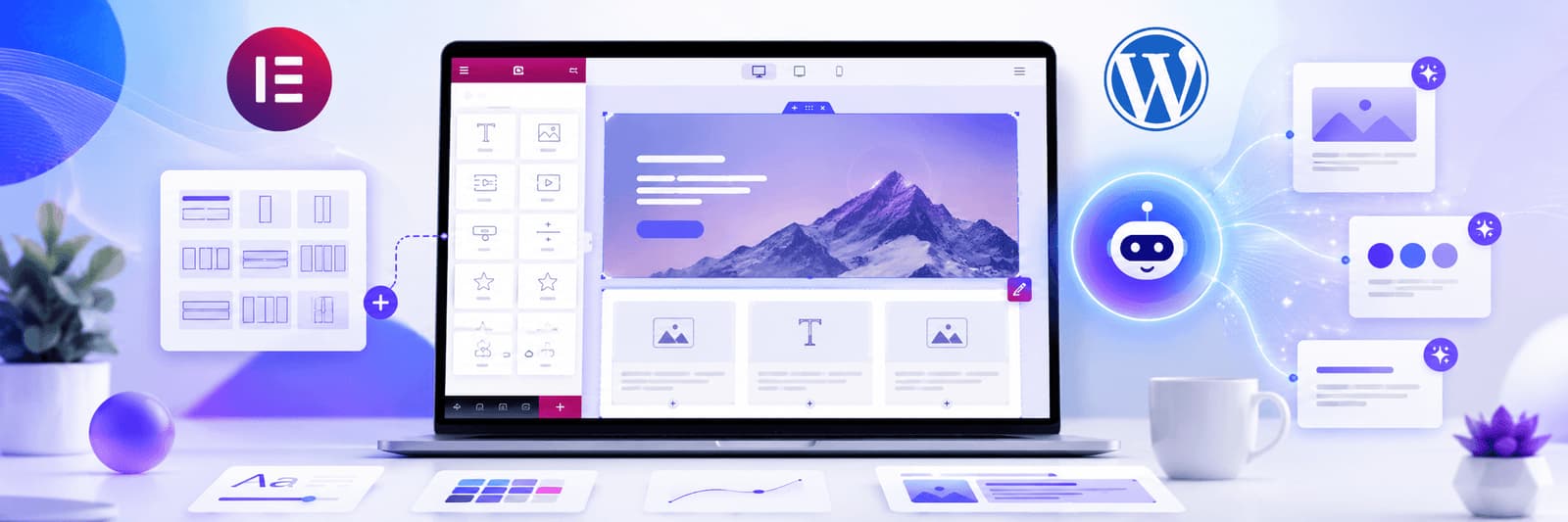
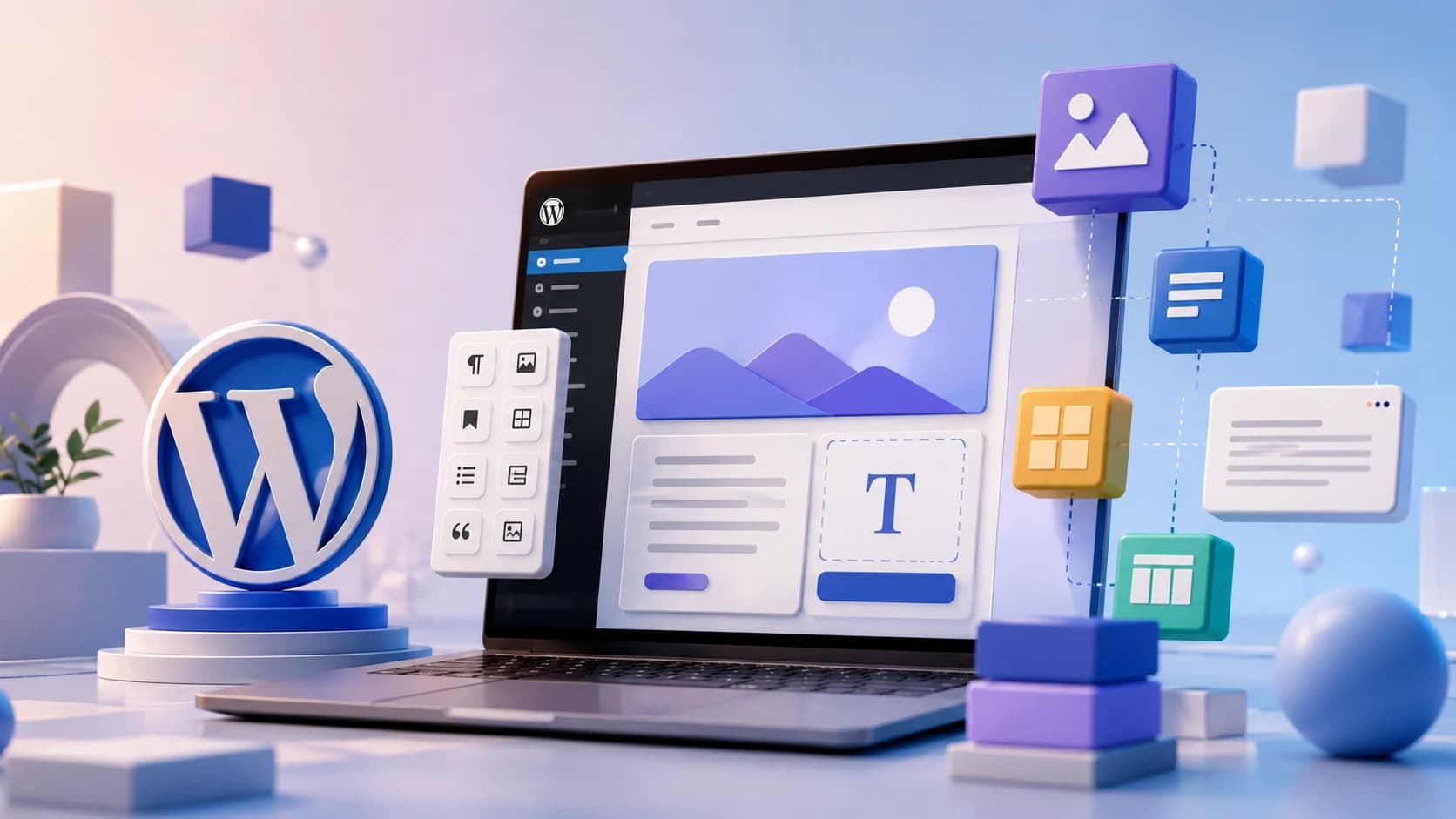
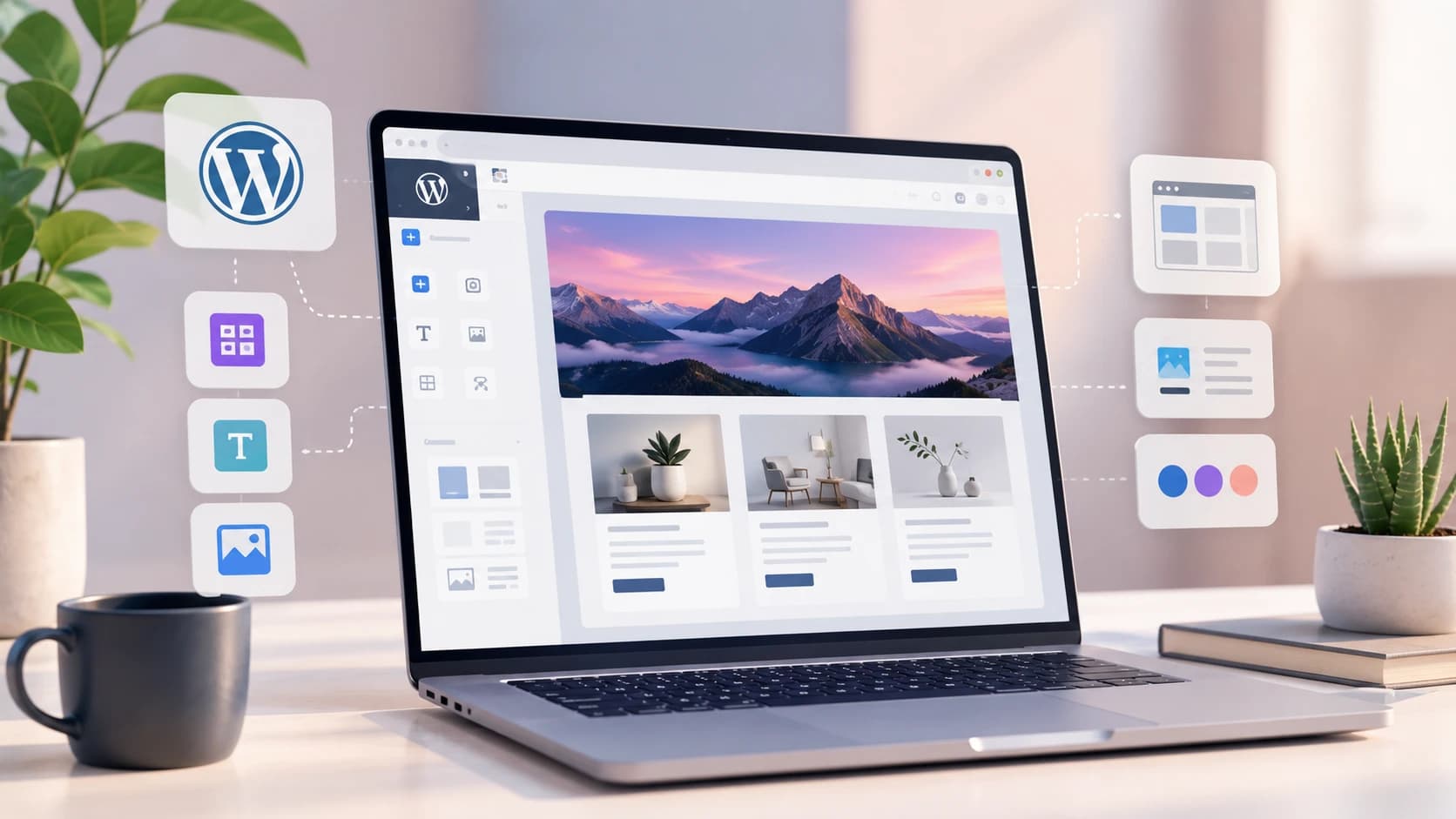
In practical terms, no-code WordPress usually means building with the native block editor, a flexible theme, prebuilt patterns, or a visual builder such as Elementor. Instead of coding sections from scratch, you assemble pages from reusable components and edit content through a visual interface.
For many straightforward websites, that is enough. A brochure site, service site, consultant site, personal brand site, or lightweight content site can often be built this way successfully, provided the structure is thoughtful and the design system is not overloaded.
Start With Structure Before You Start Designing
One of the most common mistakes in no-code website building is jumping into design too early. People begin arranging sections before they have clarified what pages the site needs, what the user journey should be, and what each page is meant to accomplish. This often leads to a site that looks assembled but does not feel coherent.
A better approach is to start with the basics: what the website is for, who it is speaking to, what pages are essential, and what action the visitor should take on each one. Once that structure is clear, the no-code tools become much more useful because they are supporting a plan rather than replacing one.
Choose the Editing Model That Matches Your Needs
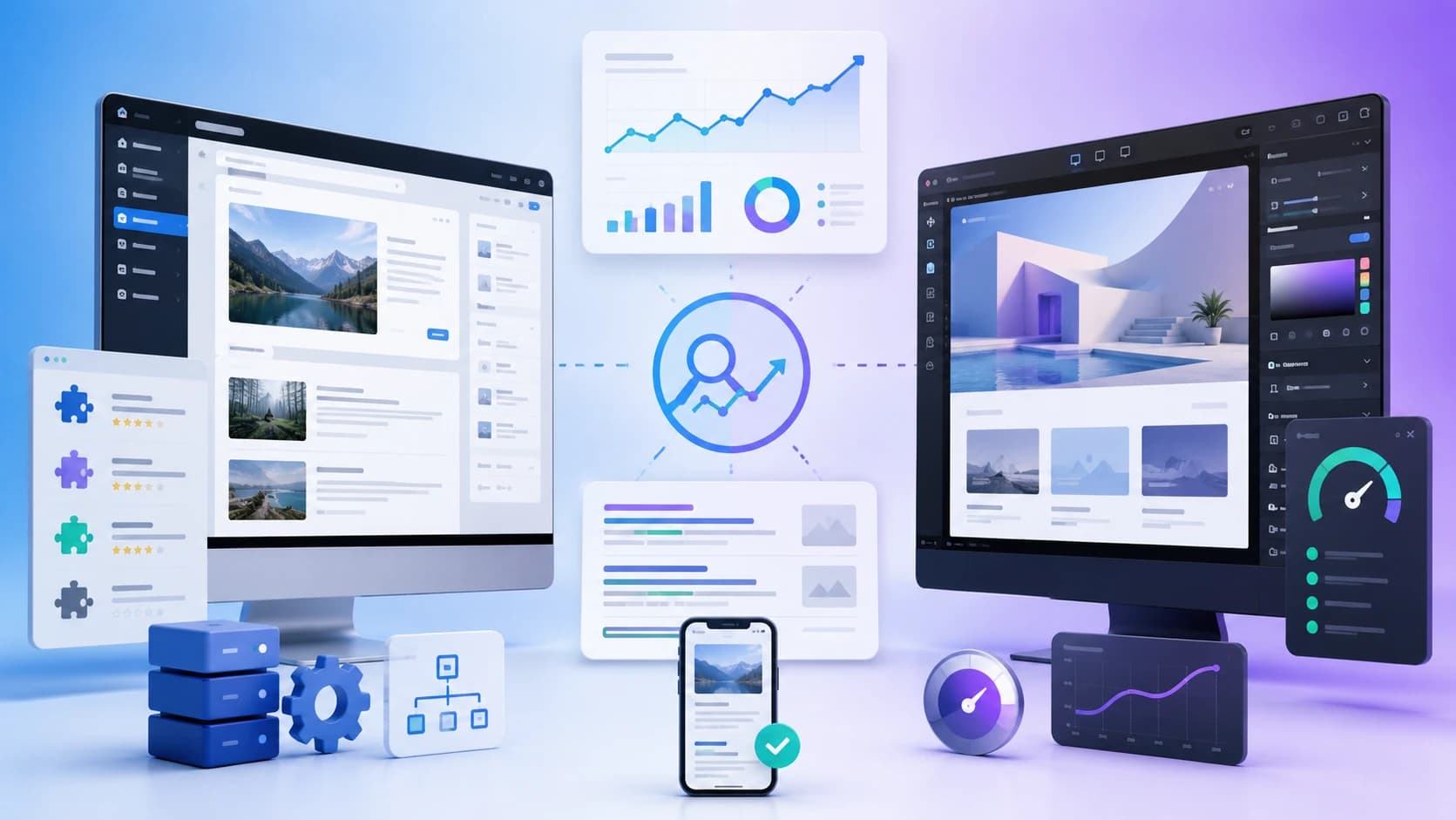
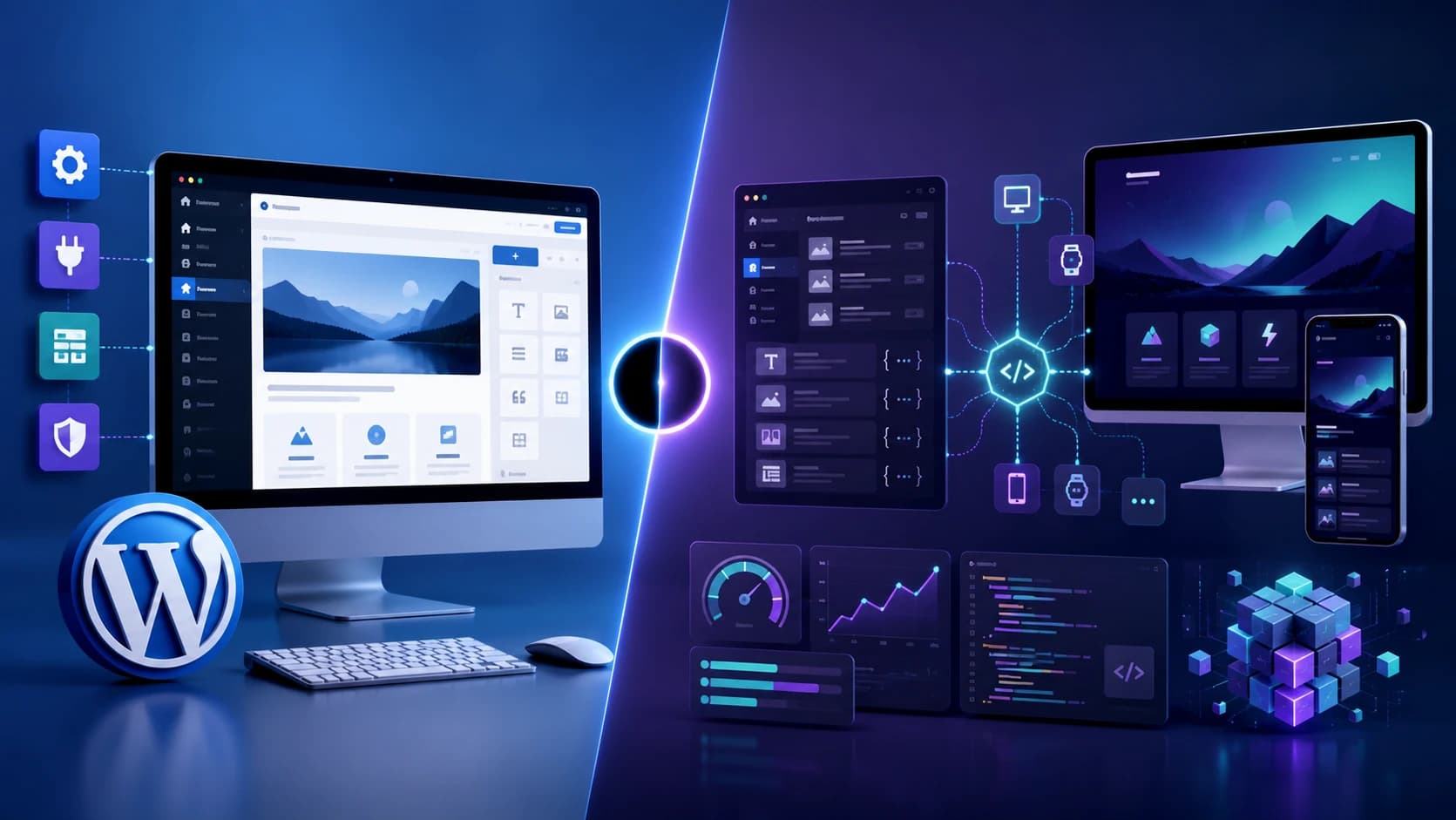
If the site is content-led and performance matters, the native WordPress block editor is usually a smart place to start. It aligns with WordPress’s long-term direction and often keeps the site lighter. If the site needs more visual freedom and faster layout experimentation, a builder such as Elementor may feel easier and more natural for non-technical users.
This is less about ideology and more about fit. A blog-heavy or SEO-led site may benefit from a Gutenberg-first approach. A highly designed marketing site may benefit from a builder. Our comparison on Gutenberg vs Elementor is a useful companion if you are deciding between those workflows.
Templates Can Help, but They Should Not Lead Everything
Templates and starter kits are useful because they reduce blank-page friction. They can speed up layout decisions, provide better spacing discipline, and give non-designers a more stable starting point. But a template is not a website strategy. If it is used too passively, the result often feels generic and disconnected from the actual business.
The strongest no-code websites usually adapt templates rather than obeying them. They keep the useful structure, then refine the messaging, visual hierarchy, CTAs, and trust signals so the final site feels like it belongs to the brand rather than to the template marketplace.
Performance Still Matters, Even Without Code
One of the biggest misconceptions around no-code WordPress is that avoiding code automatically means avoiding technical problems. In reality, no-code sites can become slow very quickly if they rely on heavy themes, too many plugins, oversized images, or overly elaborate builder layouts.
That is why performance discipline still matters. Keep plugins restrained, compress media, avoid unnecessary visual effects, and check how the site behaves on mobile. Our Core Web Vitals guide and slow WordPress website guide are useful if speed starts becoming an issue.
No-Code Does Not Mean No Strategy
A no-code site can still underperform if the messaging is vague, the navigation is confusing, or the CTA path is weak. Coding is only one layer of website quality. The site still needs credible content, clear service explanation, visible trust elements, and a structure that helps users move toward action naturally.
That is why many businesses can launch without coding but still benefit from design or strategy support. The tools solve the mechanics of publishing. They do not automatically solve clarity, positioning, or conversion quality.
When No-Code Stops Being Enough
There is also an important point where no-code convenience starts to become limiting. If the site needs more custom functionality, more refined UX, deeper integrations, heavier SEO structuring, or stricter performance goals, the project often benefits from professional development input. That does not mean the no-code start was a mistake. It simply means the website has outgrown its easiest phase.
For many businesses, that progression is normal. Start lean, validate direction, then invest more once the website becomes central to lead generation or growth.
Planning a better WordPress website?
Turn this WordPress insight into a stronger build.
Get help with WordPress strategy, design, performance, content structure, and long-term maintainability.
Final Thoughts
Yes, you can absolutely build a WordPress website without coding in 2026. The tools are good enough for that to be realistic. But the best no-code websites still succeed for the same reason coded websites do: they are clear, useful, well structured, and built around real business goals.
No-code lowers the barrier to launch. It does not eliminate the need for smart decisions. If those decisions are handled well, WordPress remains one of the best platforms for building a capable business website without starting from a custom development process.
If you want help turning a basic no-code site into something more strategic and performance-focused, Zeroradius offers WordPress development and UI/UX services built for business growth.
Have questions?
Yes. With block editing, visual builders, and modern themes, many websites can be built without writing code directly.
It can be, as long as the site is structured well, loads efficiently, and uses strong content and internal linking practices.
Usually when the site needs more custom functionality, better performance discipline, deeper integrations, or stronger conversion-focused refinement.