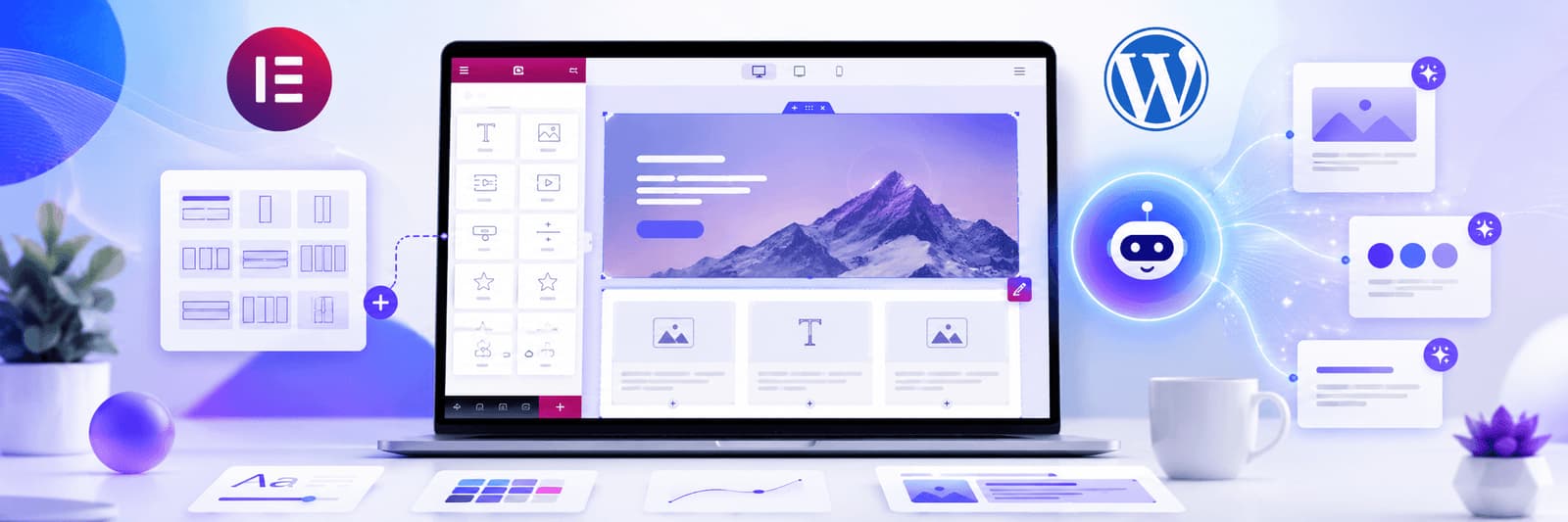
Elementor has made WordPress much more accessible for business owners, marketers, and in-house teams that want to build pages visually instead of managing every layout detail in code. Now that AI tools are entering the same workflow, it is easy to see why so many people are excited. AI can speed up ideation, help with content drafts, suggest layouts, and reduce repetitive work that used to take much longer.
The problem is that speed often gets mistaken for quality. A website can be assembled very quickly in Elementor and still feel unfocused, bloated, or generic. In our experience, that is where many AI-assisted WordPress builds start to drift. The page fills up with sections because the tool made them easy to generate, not because they were necessary for the visitor journey. The result is usually a website that looks busy, says too much, and converts less effectively than a simpler, better-structured alternative.
Used well, Elementor AI can support better planning, stronger messaging, and cleaner execution. Used badly, it can add more clutter to a workflow that already lacks direction. The difference usually comes down to whether AI is being used as a thinking partner or as a shortcut.
Start With Structure Before You Start Designing
One of the most common mistakes in Elementor projects is starting directly on the canvas. Teams begin dragging in sections, headings, buttons, testimonials, and icons before they have decided what the page is supposed to do. AI can actually help prevent this if it is used at the planning stage rather than only at the content stage.
Before opening Elementor, outline the page in plain language. What does the visitor need to understand first? What objections need to be answered? Which sections are essential, and which ones are decorative? For a service page, the structure might move from problem awareness to service clarity, proof, process, FAQs, and CTA. For a homepage, it may need a broader narrative that introduces the brand, explains the offer, and builds trust across multiple entry points.
AI is useful here because it can help generate alternative section flows, suggest missing parts of the journey, or challenge a weak layout idea. What it should not do is replace judgment. A planned layout is almost always easier to design, easier to write, and easier for users to follow than a page built section by section without a clear narrative.
If your team needs help shaping that structure before the design phase, Zeroradius provides web design and UI/UX services focused on clearer content flow and stronger user journeys.
Use AI to Improve Headings, Not Just Multiply Them
Headings do more than fill space. They control how people scan a page, what they understand first, and whether they continue reading. Weak headings are one reason many Elementor websites feel interchangeable. A label like “Our Solutions” or “Why Choose Us” is not wrong, but it often says very little. It does not tell the reader what kind of value they are about to get or why the section matters.
AI can be very effective when used to generate better heading variations around a clear business promise. Instead of asking for “a heading for our services section,” it is better to give the AI context about audience, page goal, and offer. The goal is not to make the copy sound clever. The goal is to make it clearer, more specific, and more aligned with how real buyers think.
In practice, that means choosing headlines that reveal meaning quickly. A heading should help the reader understand what the section is about before they commit to the paragraph below it. That small shift alone can make an Elementor page feel more professionally written.
Section Copy Still Needs Human Experience
Many Elementor pages suffer less from bad design than from weak copy. The cards are neat, the spacing is decent, the typography is acceptable, but the language itself is generic. AI can draft section copy quickly, but draft is the important word. The most common issue with unedited AI copy is that it sounds polished without saying much.
Strong website copy needs real context. It should reflect how the business works, what kind of clients it serves, what problems it solves, and how the process differs from a generic competitor. A sentence like “we build modern websites for businesses” is technically fine, but it does not do much persuasive work. A more useful line would explain what kind of websites, for whom, and why that matters in practical terms.
That is why the best AI workflow is collaborative. Let AI create a first pass, then add industry details, service logic, delivery experience, and the specific language your buyers actually use. The final copy should sound like it came from someone who understands the work, not just someone who understands sentence structure.
Better CTAs Come From Page Intent
Calls to action are another place where AI can help, but only if the page goal is already clear. A homepage CTA usually needs to stay broad enough for multiple visitor types. A service page CTA should be narrower and more intentional. A contact-focused landing page may need a direct request for action with very little ambiguity.
Many weak Elementor pages use CTAs that feel too generic because they were chosen by habit rather than by purpose. “Learn More,” “Submit,” or “Click Here” often fail because they do not tell the user what happens next. A better CTA is usually more specific and more connected to the stage of the journey. The label should reduce uncertainty, not increase it.
AI is useful here when it is given the page context and asked for variations that match that context. It can help you move from bland labels to stronger, clearer action language. What matters most is that the CTA feels like the natural next step in the page, not an isolated button dropped into the design at the end.
Use AI for Visual Direction, Not Random Image Generation
Elementor workflows increasingly include AI-generated imagery or AI-assisted visual ideation. This can save time, especially for blog visuals, landing page concepts, and content blocks that need supporting imagery quickly. But images still need editorial judgment. A visually attractive asset is not automatically useful.
Good website imagery should reinforce the meaning of the page. It should support the message, feel aligned with the brand, and avoid distracting the user from the main conversion path. This is particularly important for service businesses, where trust and clarity matter more than novelty. Many AI-generated visuals look impressive in isolation but weaken a page once they are placed beside real business copy.
A better use of AI is to generate image directions, composition ideas, or style options that the team can evaluate critically. The visual system still needs consistency. It still needs a point of view. Elementor makes it easy to place media quickly, but design quality still comes from restraint.
Custom CSS and Responsive Design Still Need Care
Elementor offers enough control for many projects, but there are times when small CSS adjustments help a layout feel more polished. AI can be helpful in suggesting lightweight CSS for spacing, hover states, card treatment, or responsive corrections. That said, this is also an area where overconfidence causes problems quickly.
We regularly see teams paste AI-generated CSS into Elementor without testing how it affects mobile layouts, spacing systems, interaction states, or performance. The code may look harmless, but even small changes can create inconsistent behavior across breakpoints. AI should support experimentation, not replace testing.
Responsive design deserves special attention in Elementor builds because many pages are still composed desktop-first and only checked on mobile later. AI can help you think through mobile-specific questions, but the real standard is simpler: a mobile visitor should never feel like they are reading a desktop layout compressed into a smaller screen.
FAQ Sections, Repetitive Tasks, and Content Scaling
There are some areas where AI is genuinely practical in Elementor workflows. FAQ ideation is one of them. So is generating first-draft alt text, summarizing long content into shorter web sections, or creating multiple CTA variations for review. These are useful support tasks because they reduce repetitive effort without requiring AI to carry the strategic weight of the page.
FAQ sections are especially helpful when they reflect real customer questions instead of manufactured filler. If you use AI to create FAQs, start with actual objections from sales calls, enquiries, project handovers, and support requests. Then edit them so the answers reflect how your team really works. This makes the page more useful for both users and search visibility.
The same principle applies to repetitive writing tasks. AI can help accelerate them, but the final version should still sound like your brand and reflect your actual service experience. If every section reads like a template, the page may be technically complete while still feeling emotionally empty.
Keep Elementor Websites Light and Focused
The deeper risk with AI in Elementor is not that it produces bad ideas. It is that it produces too many acceptable ones. That creates a temptation to include more sections, more visual treatments, more effects, and more copy than the page really needs. Many underperforming Elementor sites are not broken. They are simply overbuilt.
A strong Elementor website usually feels lighter than the average one. It is easier to scan, clearer in its hierarchy, faster to load, and more disciplined in how it uses motion, icons, imagery, and layout variation. AI can support that if it is being used to refine. It hurts it when it is being used to expand endlessly.
If you are comparing workflows, you may also want to read our article on Elementor Atomic vs Bricks Builder.
Planning a better WordPress website?
Turn this WordPress insight into a stronger build.
Get help with WordPress strategy, design, performance, content structure, and long-term maintainability.
Final Thoughts
Elementor AI can absolutely make WordPress design workflows more efficient, but efficiency alone is not what makes a website effective. The best results come when AI supports planning, sharpens messaging, reduces repetitive work, and gives the team more space to focus on the parts that require judgment.
A good Elementor website should feel intentional. It should be easy to understand, comfortable to navigate, and trustworthy enough for a visitor to take action. AI can help you get there faster, but it still needs direction from someone who understands design, user behavior, content quality, and business context.
Have questions?
Elementor AI can help with content drafting, layout ideation, headline variations, FAQ generation, image direction, and small workflow improvements inside a WordPress design process.
It can assist with many parts of the process, but a professional website still needs strategy, editing, brand judgment, responsive testing, and content decisions that go beyond automated suggestions.
Yes, it can be useful for beginners, especially for drafting ideas faster. But it works best when paired with a basic understanding of structure, messaging, responsive design, and SEO.
It can support SEO-related tasks such as heading refinement, FAQ drafting, internal content structure, and early metadata ideas. It does not replace proper keyword planning, technical SEO, performance work, or human editing.