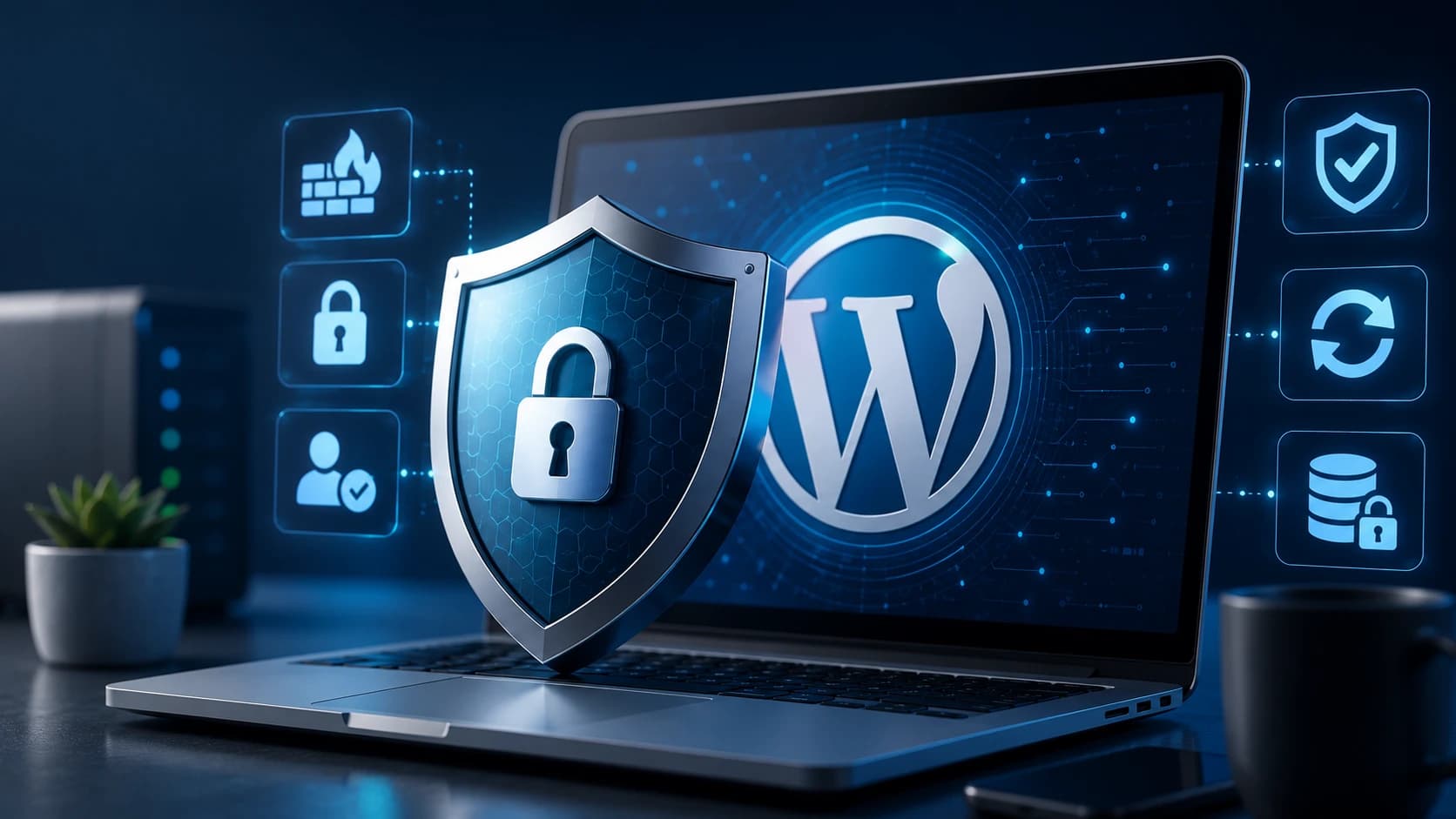
WordPress security is often misunderstood because many businesses think in terms of one dramatic event such as a hack, when in reality most website security problems begin with a chain of smaller weaknesses. Outdated plugins, poor hosting, weak passwords, unnecessary admin accounts, broken backup routines, and neglected monitoring all increase risk gradually. The issue is usually not that WordPress is uniquely unsafe. The issue is that its flexibility gives site owners enough freedom to create a weak setup if they are not disciplined.
The good news is that a secure WordPress website does not require paranoia. It requires consistency. Strong security usually comes from a series of sensible habits rather than from one magic plugin or one expensive tool.
Start With Updates and Plugin Discipline
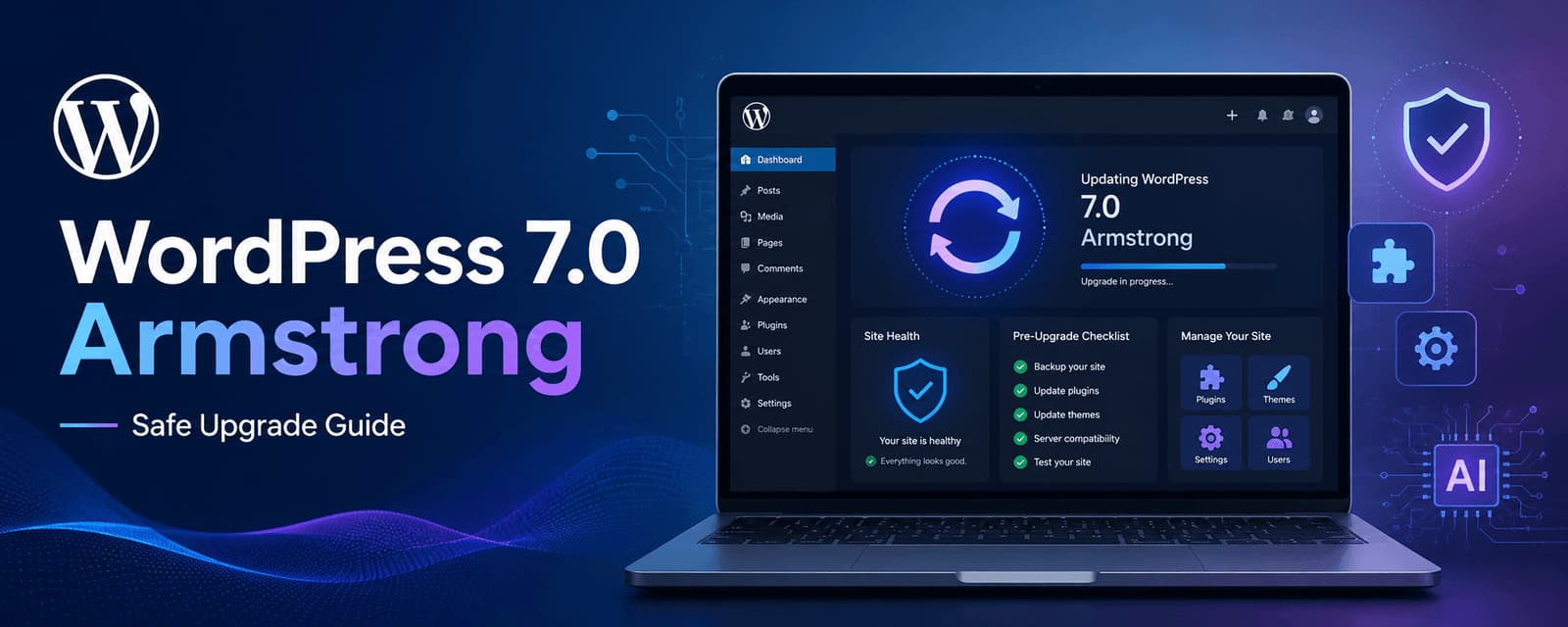
One of the most common security failures in WordPress is simply running outdated software for too long. Core updates, theme updates, and plugin updates often contain security improvements, compatibility fixes, and patches for newly identified weaknesses. Ignoring them creates unnecessary exposure.
But security is not only about updating everything blindly. It is also about using fewer, better plugins in the first place. The more plugins a site depends on, the more potential entry points and compatibility risks it introduces. A lean plugin stack is usually easier to maintain and easier to secure.
Backups Matter More Than Most People Expect
A secure website is not only one that avoids problems. It is also one that can recover from them. Backups are part of security because even a well-managed site can still face plugin conflicts, hosting issues, user error, or malicious activity. If a backup strategy is weak, the recovery cost becomes much higher.
The important part is not just creating backups, but making sure they are regular, stored safely, and realistically recoverable. Many businesses feel reassured merely because backups exist somewhere, without ever confirming that they are recent or usable.
Login Protection Is Basic but Important
A surprising amount of WordPress risk still comes from weak access control. Strong passwords, two-factor authentication, limiting admin accounts, and removing old or unnecessary users all reduce avoidable exposure. Many sites remain more vulnerable than they need to be simply because account hygiene is poor.
This is also a good place to reduce habit-based risk. Avoid sharing admin logins casually, avoid leaving unused privileged accounts active, and review who truly needs backend access at all.
Hosting Quality Is Part of Security
Security is not only an application-layer issue. Hosting quality matters too. A better hosting environment usually gives the site stronger patching practices, cleaner isolation, more reliable uptime, and better operational handling when something goes wrong. Cheap hosting may save money early, but it often increases performance and security risk at the same time.
This is one reason website maintenance and security are closely related. Our website maintenance cost guide is a useful companion if you are thinking about long-term reliability more broadly.
Security Plugins Help, but They Are Not the Whole Strategy
Security plugins can be very useful for firewall rules, malware scanning, login protection, file change alerts, and general monitoring. But they should support a broader security process rather than replace one. A site with careless admin practices, too many risky plugins, and weak backup discipline will not become secure just because one plugin is installed.
The best security plugins help reinforce good habits. They do not compensate for the absence of them.
Performance and Security Are More Connected Than They Seem
Many weak WordPress sites are also poorly optimized WordPress sites. Bloated themes, neglected plugins, sloppy integrations, and weak maintenance habits often affect both performance and security at the same time. A site that is not well governed operationally tends to accumulate more than one kind of weakness.
That is why security planning often improves when the website is being cleaned up more generally. Our slow WordPress website guide is relevant here because technical discipline tends to help across both concerns.
The Biggest Mistakes Are Usually Predictable
The most common mistakes are repeating patterns rather than rare technical edge cases. Too many plugins, delayed updates, poor backups, weak access control, bargain hosting, and absent monitoring are more dangerous in practice than people often realize. Most businesses do not get into trouble because they were specifically targeted by a sophisticated attacker. They get into trouble because the site was easier to exploit than it should have been.
Planning a better WordPress website?
Turn this WordPress insight into a stronger build.
Get help with WordPress strategy, design, performance, content structure, and long-term maintainability.
Final Thoughts
Securing a WordPress website in 2026 is less about reacting to fear and more about running the site responsibly. Keep the software updated, reduce unnecessary moving parts, protect access properly, maintain dependable backups, and review the hosting and maintenance model honestly.
WordPress can be a secure platform when it is maintained well. Most of the real risk comes from neglect, not from the CMS itself. That is encouraging, because neglect is fixable.
If your website needs stronger technical oversight, Zeroradius offers website maintenance services and WordPress development support built around long-term site health.
Have questions?
Keep WordPress, themes, and plugins updated, use strong access controls, maintain reliable backups, reduce unnecessary plugins, and monitor the site consistently.
No. They help, but they should support a broader maintenance and security process rather than act as the entire strategy.
Yes, when it is managed responsibly. The biggest risks usually come from poor maintenance habits rather than from WordPress itself.