
We review the website, reported symptoms, suspicious activity, affected areas, and available technical context to understand the likely scope of the issue.
Website Security & Malware Cleanup
Professional website security and malware cleanup support to investigate suspicious activity, remove malicious code, strengthen website protection, and restore affected websites.
Why Website Security and Malware Cleanup Matter for Your Business
Your website is an important part of your business, and security issues can affect its availability, functionality, reputation, and customer experience.
Malware, malicious code, compromised files, outdated software, vulnerable plugins, and unauthorized changes can create serious website problems that require careful investigation and cleanup.
At Zeroradius, our website security and malware cleanup service focuses on identifying suspicious activity, removing malicious code and affected files, addressing the underlying technical issues where possible, and strengthening relevant security measures.
Whether your website has been compromised, flagged for suspicious activity, redirected unexpectedly, or showing unusual behaviour, we can help assess the situation and work through the appropriate cleanup and recovery process.

Website support benefits
Your website is an important part of your business, and security issues can affect its availability, functionality, reputation, and customer experience.
Our Process
We follow a structured security cleanup process so the issue can be investigated carefully, affected areas can be cleaned properly, and the website can be strengthened after recovery.
We inspect relevant website files, themes, plugins, configurations, scripts, and other components to identify suspicious or malicious code.
We investigate the affected files, suspicious changes, redirects, and other indicators to understand the specific security issues involved.
We remove identified malicious code, suspicious scripts, compromised files, and other harmful components where they can be safely located and addressed.
Where appropriate, we help restore affected website functionality and review the impact of the compromise on important pages or website behaviour.
We strengthen relevant security measures and address identifiable weaknesses that may have contributed to the website issue.
We review outdated plugins, themes, software, integrations, and other components that may require updates or further security attention.
After cleanup, we review the website for recurring issues, suspicious activity, and additional areas that may still require attention.

Work With Zeroradius
Secure Your Website and Restore Confidence
If your website has been compromised, flagged for malware, redirected unexpectedly, or is showing unusual behaviour, Zeroradius can help assess the issue, clean affected areas, and strengthen the website afterward.
Malware, suspicious redirects, compromised files, and unauthorized changes can disrupt your website, damage trust, and create ongoing risk if the root cause is not addressed.
Insights
View All Articles
Featured Article
How to Secure Your WordPress Website in 2026
A practical guide to securing a WordPress website in 2026, including updates, backups, plugin discipline, login protection, hosting, and the mistakes that create the most risk.
Read Article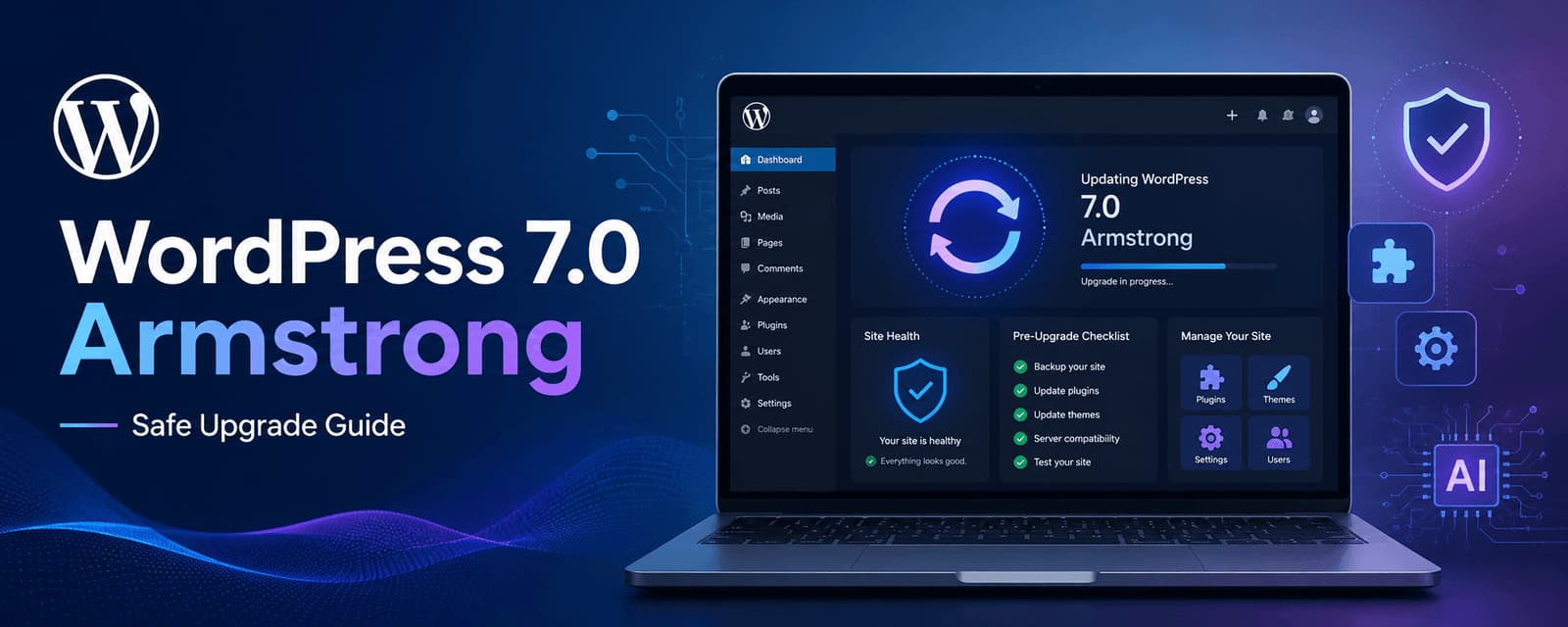
WordPress 7.0 Armstrong Update: What to Check Before Upgrading
Learn what to check before upgrading to WordPress 7.0 Armstrong, including compatibility, backups, performance, plugins, editor changes, and rollout planning.

Why WordPress Is Moving Toward Block-Based Architecture in 2026
A practical explanation of why WordPress is moving toward block-based architecture, what that means for performance and editing, and when businesses should consider adopting it.
Headless WordPress vs Traditional WordPress: Performance Tradeoffs That Actually Matter
A practical comparison of headless WordPress and traditional WordPress, focusing on performance, complexity, cost, editorial workflow, and when each approach makes more sense.
Why Your WordPress Website Is Slow and How to Fix It in 2026
A practical guide to diagnosing and fixing a slow WordPress website, including the most common causes, what matters most, and how to improve speed without guesswork.
WordPress Core Release Roadmap: What Website Owners Should Know Before the Next Big Update
Review the WordPress core release roadmap and learn how website owners should prepare for updates, compatibility checks, backups, testing, and maintenance.
A Practical WordPress AI Workflow for Faster, Smarter Business Websites
A practical WordPress AI workflow for planning, content, design, SEO, and maintenance, built to help business websites move faster without losing quality or strategic clarity.
WordPress 7.0 Native AI Integration: What Website Owners Should Know
Learn what native AI integration in WordPress 7.0 could mean for website owners, including content workflows, editing, SEO, governance, and practical adoption.
WordPress vs Webflow in 2026: Which Platform Is Better for SEO?
A practical comparison of WordPress and Webflow in 2026, with a focus on SEO flexibility, content growth, performance, workflow, and long-term scalability.

How to Build a WordPress Website Without Coding in 2026
A practical guide to building a WordPress website without coding in 2026, including the tools to use, the limits of no-code workflows, and when expert help still matters.
How Much Does a WordPress Website Cost in 2026?
A practical guide to WordPress website pricing in 2026, including what affects cost, realistic project ranges, hidden expenses, and how businesses should think about budget and ROI.
Frequently Asked Questions
Need a more specific answer? Talk to us and we'll point you in the right direction.
Website malware is malicious software or code that has been placed on or introduced into a website without authorization. It can affect website files, functionality, redirects, content, or other components.
Malware cleanup involves investigating affected website components, identifying malicious code or files, removing identified threats, restoring affected functionality, and reviewing relevant security issues.
Yes. We can investigate and remove identified malware and malicious components from affected websites where the issue can be located and safely addressed.
Website security involves measures and practices designed to protect a website, its files, systems, data, and users from unauthorized access, malicious activity, and other security threats.
WordPress malware removal involves investigating and cleaning malware affecting WordPress websites, including suspicious files, malicious code, compromised plugins, themes, and other affected components.
Yes. A compromised WordPress website can be assessed for suspicious files, malicious code, unauthorized changes, vulnerable components, and other relevant security issues.
Security hardening involves strengthening relevant website configurations, software, access controls, and other security measures to reduce exposure to identifiable risks.
We can review relevant website components and configurations to identify potential vulnerabilities that may require attention. A vulnerability assessment does not guarantee that every possible vulnerability will be discovered.
After malware removal, the website can be reviewed for remaining suspicious activity, affected functionality, outdated components, and relevant security weaknesses. Additional monitoring and maintenance may also be appropriate.
Malware can recur if an underlying vulnerability, compromised credential, outdated component, or other entry point remains unresolved. Appropriate investigation and security measures are therefore important after cleanup.
Yes. Malicious redirects can be investigated and removed where the affected code, configuration, or files can be identified.
Yes. Identified malicious code can be investigated and removed from affected website files or components where appropriate.
We can help investigate affected websites and restore functionality where possible. Recovery options depend on the extent of the compromise, available backups, affected components, and the condition of the website.
Yes. WordPress security work can include relevant updates, security hardening, configuration reviews, vulnerability assessment, and ongoing maintenance.
Yes. Website security measures can complement ongoing website maintenance through updates, monitoring, backups, security reviews, and other appropriate maintenance activities.
Yes. Ecommerce websites can be assessed and cleaned, with additional attention to affected customer-facing functionality, ecommerce components, integrations, and other relevant areas.
Avoid making unnecessary changes that could overwrite useful evidence or backups. Secure relevant access where appropriate and have the website assessed for the source and extent of the compromise.
Share your website URL and describe the security symptoms you are experiencing, such as suspicious redirects, malware warnings, unauthorized changes, or unusual website behaviour. We can then discuss the appropriate assessment and cleanup process.
Talk to a security specialist
Clean Up and Protect Your Website
Tell us about your website, the platform it uses, and the security symptoms you are experiencing, such as malware warnings, suspicious redirects, unauthorized changes, or unusual behaviour.
We will review the situation and help define the right assessment, cleanup, recovery, and hardening approach for your website.