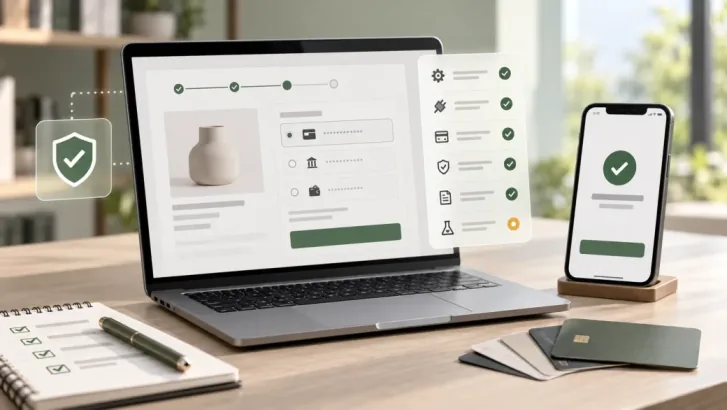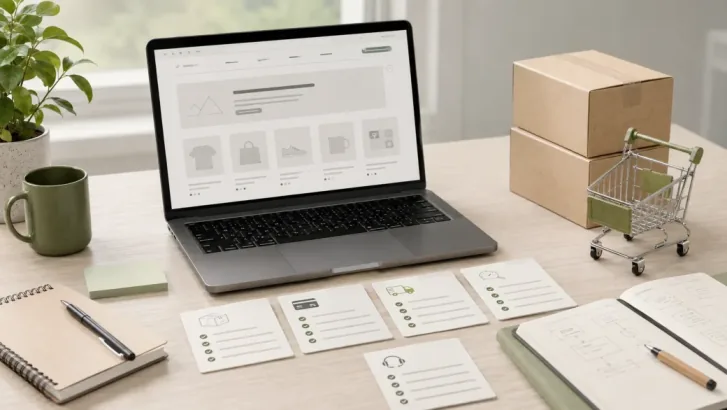
A generated design can make a store look ready while its product options, cart and checkout are still pictures of a possible experience. The expensive surprise comes when a team approves that picture before checking how the business actually sells.
To convert an AI-generated ecommerce design into a WooCommerce store, first audit the files and missing behavior. Then choose a suitable WordPress theme approach, connect WooCommerce product and checkout data, make the right content editable, and test the full order journey on staging. This guide is for store owners and project leads deciding what can be reused and what needs implementation.
Audit the design and generated code before estimating the build
Request the editable design, source repository or export, images, fonts, license information, and any working prototype. Run the code if it exists. List every screen and state: home, catalog, product, cart, checkout, account, order confirmation, empty search, errors, and mobile layouts. Mark each control as visual only, partially functional, or connected to a real data source.
Inspect dependencies, build errors, hard-coded prices and inventory, duplicate components, missing form validation, and any credentials in client-side files. A clean visual concept may still be a useful design reference. Generic generated React or HTML is not automatically a WordPress theme or a WooCommerce extension. Compare the effort to adapt its code with rebuilding the approved layouts using maintainable WordPress components.
If the business is still choosing a platform, our guide to taking an AI-generated design into production covers that broader decision. Once WooCommerce is chosen, the store's product model and operational requirements should drive the implementation.
Ready to improve your WooCommerce store?
Plan the next move for your WooCommerce website.
Get practical help with store UX, performance, content structure, and scalable WooCommerce development.
Map screens to a WordPress theme and WooCommerce templates
Decide whether an existing theme, a block theme, or a custom theme best fits the design and editing needs. In a block theme, WooCommerce provides templates for product, catalog, cart, checkout, and order confirmation views that a theme can customize. Its block theming guide explains those templates and global styles. A classic theme follows a different template and hook approach, described in the classic theme handbook.
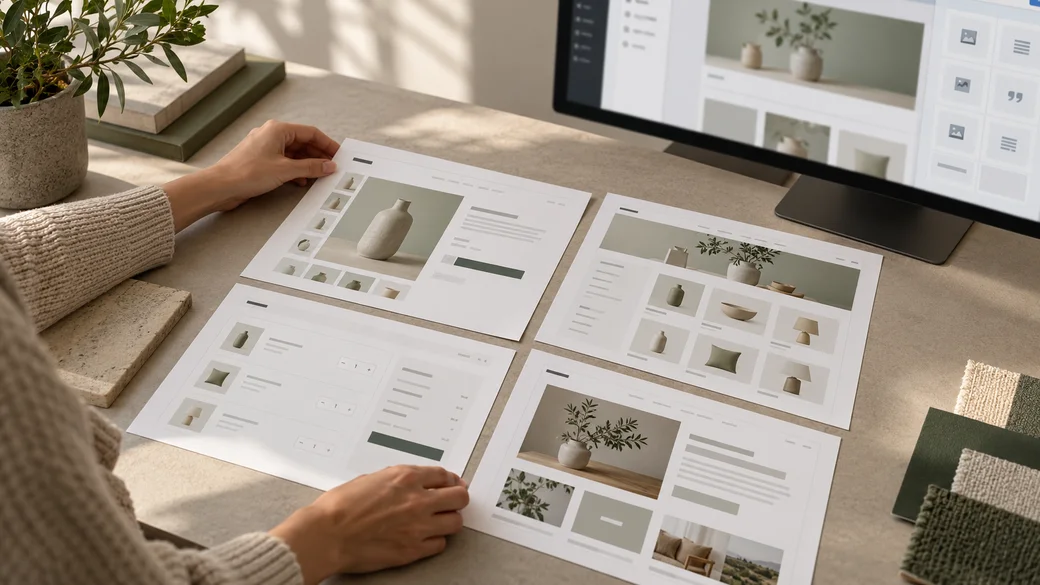
Use the theme's design tokens and reusable components for typography, spacing, navigation, buttons, and product cards. Define which layouts staff can rearrange with blocks or patterns and which commerce elements must remain governed by product data. WordPress's Site Editor documentation explains template and style editing for block themes. Do not promise those controls if the chosen theme does not support them.
For example, a campaign banner can be editable page content; a product's price and stock should come from WooCommerce. A custom template may be needed for a distinctive product layout, but avoid overriding core templates just to change a color or spacing. That choice adds maintenance whenever WooCommerce changes its markup or behavior.
Connect real products and the complete purchase path
Build with a representative catalog rather than ideal placeholder products. Include long names, multiple image ratios, variable products, sale and out-of-stock states, and any special product type the business actually uses. Check category navigation, search and filters with that data. A size selector must choose the correct variation, display the correct price and availability, and add that variation to the cart.
Trace one purchase from product page to order confirmation. Verify quantity changes, coupons, shipping rates, taxes, payment methods, validation errors, order emails, and account behavior where applicable. WooCommerce's Store API documentation describes the customer-facing product, cart, and checkout resources used by block-based experiences. A drawn checkout screen does not process an order.
Identify whether the site uses Cart and Checkout blocks or a classic shortcode checkout before selecting extensions. The two approaches do not share every integration hook. WooCommerce's Cart and Checkout extensibility guide documents supported block extension points and notes that some classic hooks do not apply. Confirm the selected payment, shipping, and checkout extensions support the actual checkout implementation.
Make content editable without handing over fragile layout code
Write an editing inventory with the business team. They may need to change campaign messages, FAQs, landing page sections, policies, product descriptions, and images. Decide where each item belongs: WooCommerce product data, WordPress pages, theme templates, patterns, or a custom field model. Keep content separate from layout logic so a routine copy change does not require a code deployment.
Ask an editor to perform real tasks on staging: update a product image, change a homepage promotion, add a category description, and preview a page. Document which elements are global and which are page-specific. If editors must touch raw markup for common changes, the handoff is incomplete.
Review plugins, integrations, and custom development
List every feature shown in the design, then identify its source of truth and implementation. Reviews, subscriptions, loyalty, complex pricing, shipping tools, ERP synchronization, and analytics may each need configuration or an extension. Check feature fit, WooCommerce and WordPress compatibility, checkout support, licensing, update history, data ownership, and support before selecting a plugin.
Custom code can be appropriate for a business rule or interaction that existing tools cannot support cleanly. Keep that logic in a maintainable plugin or other suitable extension point when it should survive a theme change. Avoid storing secrets in front-end assets. Test failure states for integrations, such as a delayed inventory sync, instead of assuming every external service will always respond.
Test on staging and plan the launch
Review the store on representative phones, tablets, and desktops, with keyboard navigation and common browsers. Check labels, focus, contrast, error messages, image alternatives, and content that grows beyond the sample text. Measure performance with the final images and active extensions, since a fast prototype says little about the finished store.

Use a staging copy and the payment provider's documented test mode for order testing. WooCommerce's test order guidance notes that test orders can still trigger emails and integrations, so isolate connected services deliberately. Back up both files and database, document the launch sequence, and verify payments, shipping, tax settings, notifications, redirects, analytics, and support details with the store owner. Its update guidance also recommends testing the theme and extensions together on staging.
Conversion checklist for the project brief
- Collect editable design files, source code, assets, licenses, and an inventory of missing states.
- Choose the theme approach and map each screen to a WooCommerce or WordPress template.
- Specify which content editors can change and how product data drives the interface.
- Load representative products, variations, stock states, categories, and images.
- Confirm checkout type and compatibility of payment, shipping, and other extensions.
- Test mobile, accessibility, performance, orders, emails, integrations, and failure paths on staging.
- Approve backups, ownership, training, launch checks, and a maintenance plan.
Common mistakes include estimating from a homepage image, copying placeholder product details into theme code, selecting plugins before checking checkout compatibility, and launching after a visual review alone. A screen inventory and one representative test order expose those gaps early.
Scope a WooCommerce store your team can operate
Bring your design, generated source, sample catalog, integration list, and editing requirements to a build review. Zeroradius is a WooCommerce Website Development company that can assess what is reusable and scope the theme, commerce flows, integrations, testing, and handoff. Start with the customer journey your team needs to run, then turn the approved design into a store they can maintain.
Have questions?
Usually not. Generic HTML or React output may express the design, but a WooCommerce store needs a compatible WordPress theme or extension, real product data, and working cart and checkout behavior. Audit the source before deciding what to reuse.
Choose based on the required design, editing workflow, current site, and extension compatibility. A block theme can expose templates and styles in the Site Editor. A classic theme uses its own template and hook approach. Test the selected route with the actual catalog and checkout extensions.
Appearance alone cannot establish compatibility. Confirm whether your store uses Checkout blocks or classic checkout, check the gateway's documented support, and place test orders on staging using its supported test mode.
Define the editing tasks first. Keep product information in WooCommerce and suitable page content in WordPress. Build reusable templates and components, then have staff complete representative edits on staging before acceptance.
Rebuild when the output is mostly hard-coded screens, has unreliable dependencies, or would take more effort to retrofit into WordPress and WooCommerce than to implement the approved design cleanly. Keep usable assets and design decisions where rights and quality permit.