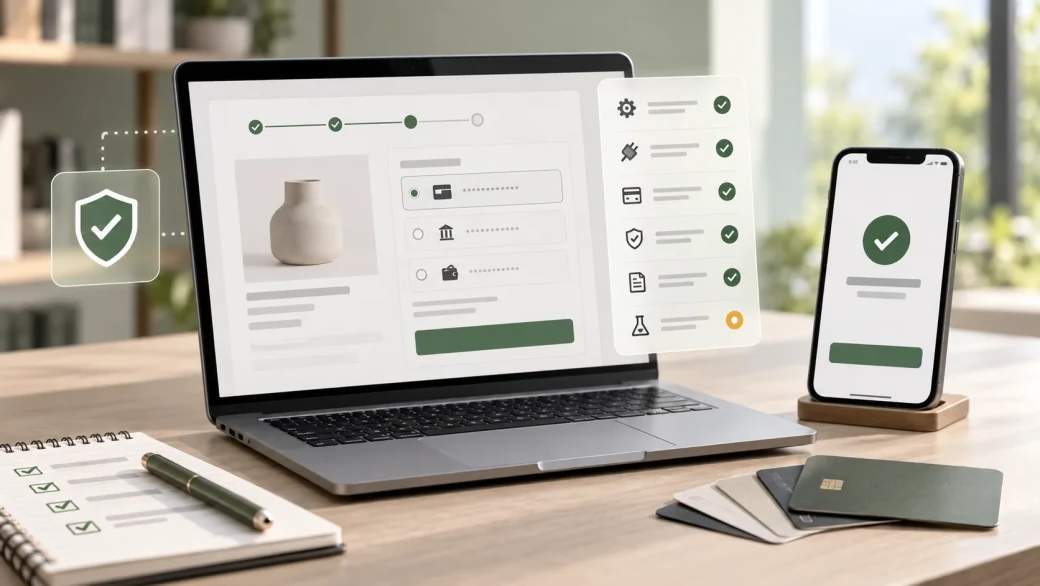
A payment can succeed in the provider dashboard while the WooCommerce order remains pending. A customer can be charged twice after retrying an unclear error. A refund can appear complete in WordPress but never reach the customer. These are not small launch-day details: they affect fulfilment, support, reconciliation, and trust.
Before launching a WooCommerce payment gateway, verify the complete payment lifecycle—not only whether one test card is accepted. The integration should handle the right customers and currencies, work with the store's actual checkout, update orders reliably, recover from failed communication, support operational tasks such as refunds, and give the team enough evidence to resolve exceptions.
This guide is for ecommerce owners, operations managers, and technical teams preparing a new or changed WooCommerce payment method. It provides a practical acceptance checklist rather than instructions for one specific payment provider.
WooCommerce Payment Gateway Pre-Launch Checklist
- Confirm the gateway supports every required country, currency, payment method, settlement account, and business model.
- Understand onboarding, verification, transaction costs, payout timing, reserves, disputes, refunds, and contract ownership.
- Choose a maintained gateway extension that supports your WooCommerce, WordPress, PHP, checkout, and order-storage setup.
- Use HTTPS across the store and follow the provider's current security and credential guidance.
- Separate test and live accounts, keys, callback URLs, and webhook secrets.
- Test guest, account, mobile, desktop, tax, shipping, coupon, and express-checkout journeys that the store actually offers.
- Test successful, declined, cancelled, abandoned, delayed, duplicated, refunded, and partially refunded payments.
- Reconcile the gateway transaction, WooCommerce order, stock change, email, fulfilment action, and accounting handoff.
- Verify logs and alerts without exposing payment or customer data unnecessarily.
- Prepare a launch, rollback, reconciliation, and support-ownership plan.
A checklist is useful only when each item has an owner and observable evidence. Record the test order, expected result, actual result, provider transaction reference, WooCommerce order status, and the person who accepted the outcome.
Ready to improve your WooCommerce store?
Plan the next move for your WooCommerce website.
Get practical help with store UX, performance, content structure, and scalable WooCommerce development.
Confirm the Commercial and Operational Fit First
Gateway selection is partly technical, but the first questions are commercial and operational. Confirm that the provider accepts your legal entity, industry, product type, average transaction profile, selling regions, and required currencies. Check which payment methods are available to your customers and where each method settles.
Review the full commercial model rather than comparing only the advertised transaction rate. Relevant terms may include setup or monthly costs, international or currency-conversion charges, refund treatment, payout schedules, rolling reserves, chargeback fees, and minimum commitments. Terms differ by provider, country, account, and payment method, so verify them directly for your business instead of relying on an old comparison table.
Define who owns the merchant account and who can access the provider dashboard. A developer can implement the connection, but the business should retain appropriate control of contracts, identity verification, settlement details, user access, recovery methods, and escalation contacts.
Choose an Integration That Matches the Store Architecture
WooCommerce gateways can redirect customers to a hosted payment page, embed provider-hosted elements, collect payment details through a direct integration, or support offline methods. These approaches create different checkout experiences and security responsibilities. WooCommerce's Payment Gateway API overview explains the main gateway types and notes that direct gateways require additional server security and may carry greater compliance responsibilities.
For most stores, a maintained extension from the provider or a reputable vendor is a better starting point than a custom gateway. Before installing it, confirm:
- the supported WordPress, WooCommerce, and PHP versions;
- compatibility with the store's theme and checkout customisations;
- support for the Cart and Checkout blocks or classic checkout used by the site;
- compatibility with High-Performance Order Storage (HPOS);
- support for subscriptions, saved methods, multi-currency, express payments, or pre-orders if required;
- the release history, documentation, support route, and response to platform changes;
- whether logs, webhook status, refunds, captures, and voids are available in WooCommerce.
Do not infer compatibility from the fact that the payment option appears at checkout. WooCommerce maintains separate integration paths for checkout blocks, and its extension compatibility guidance recommends testing against current platform components and declaring support for features such as Cart and Checkout blocks and HPOS.
If a packaged extension cannot support a required workflow, define the gap precisely before commissioning custom work. Zeroradius offers WooCommerce API integration for stores that need payment-related data to work reliably with other business systems, and custom WooCommerce development when the checkout or order workflow requires tailored functionality.
Secure the Environment and Credentials
Run the entire customer journey over HTTPS, not only the final payment form. WooCommerce's current SSL and HTTPS guidance recommends HTTPS across the whole store and explains why secure transport matters for customer information, accounts, and payment details.
Use separate test and live credentials, and store secrets outside source code and public configuration. Grant the minimum dashboard and API access people need. Document how keys are created, rotated, and revoked, especially when an agency, contractor, or employee leaves.
Map where payment data travels and which systems can see it. Hosted pages or fields can reduce the payment data handled directly by the store, but they do not remove the need to understand your responsibilities. Confirm the applicable security and PCI DSS requirements with the payment provider, acquiring bank, and a qualified adviser for your specific implementation. Never use real card details in test mode, support tickets, screenshots, analytics, or routine logs.
Configure Test and Live Modes as Separate Environments
Test keys should communicate only with the provider's sandbox or test environment. Live keys should remain unavailable until launch preparation is complete. Check the merchant account, environment toggle, API credentials, webhook endpoint, webhook signing secret, return URL, allowed domain, statement descriptor, capture mode, and enabled payment methods in both systems.
Keep an environment worksheet with masked credential identifiers and endpoint names. It should be possible for a second person to confirm that test and live settings are not mixed without revealing secret values.
WooCommerce recommends testing orders on a staging site because test orders can still trigger emails, analytics, and downstream integrations. Its testing orders guidance also notes that extensions and services may not distinguish a test order from a real one. Pause or safely redirect fulfilment, accounting, CRM, inventory, and customer-notification integrations before running tests.
Test the Real Checkout, Not an Isolated Payment Button
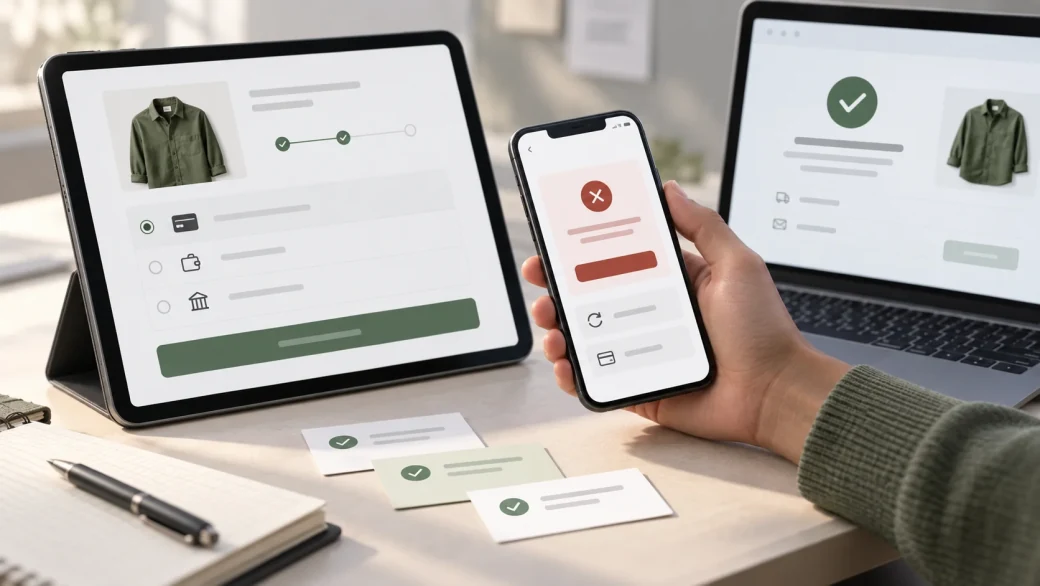
A gateway can work in a minimal test store and fail in the real checkout because shipping, tax, coupons, consent fields, fraud tools, caching, optimisation scripts, or theme code changes the request. Test a staging environment that closely reflects production, then run a controlled live verification after launch using the provider's approved method.
Build a test matrix from the journeys your store actually supports:
- Customer state: guest, new account, returning customer, and saved payment method where enabled.
- Device and browser: supported mobile and desktop combinations, including in-app browsers if they are important to your traffic.
- Cart: simple and variable products, discounted carts, taxable items, digital or physical goods, and boundary values relevant to gateway rules.
- Destination: core billing and shipping regions, currencies, tax results, and available shipping methods.
- Payment route: card, wallet, bank method, local method, redirect, express checkout, and saved method as applicable.
- Authentication: successful and failed customer authentication or challenge flows where the provider supplies test cases.
Check the interface as carefully as the transaction. Payment methods should appear only when eligible, labels should be understandable, the total should not change unexpectedly, validation should point to the correct field, and a returning customer should know whether payment succeeded. Preventing an uncertain customer from blindly trying again reduces the risk of duplicate payment attempts.
Test Failure, Delay, and Recovery Paths
A successful payment is only one case. Use the provider's documented test scenarios to simulate a decline, customer cancellation, failed authentication, interrupted redirect, delayed confirmation, timeout, and temporary provider error. Then observe both the customer-facing response and the order created in WooCommerce.
For every case, answer four questions:
- What does the customer see, and can they recover safely?
- Was an order created once, more than once, or not at all?
- What status does WooCommerce assign, and is stock held or reduced correctly?
- What evidence can the support team use to decide whether money moved?
Do not automatically treat a browser timeout as a failed payment. The customer may have closed the page after the provider accepted the transaction, or the callback may be delayed. The support process should check the provider transaction before encouraging another attempt.
Reconcile Webhooks, Transactions, and Order Statuses
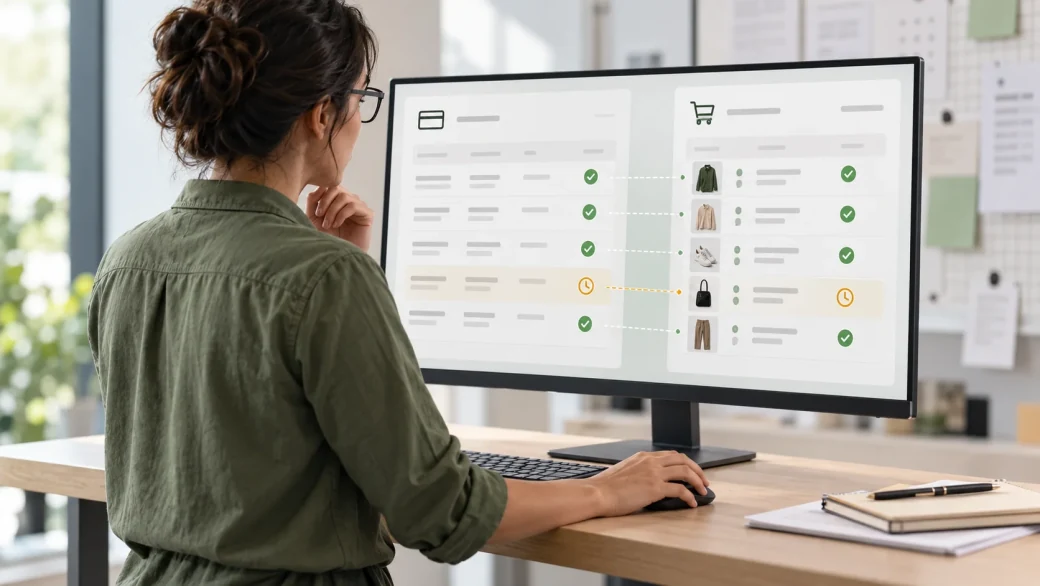
Many gateways notify WooCommerce asynchronously when a payment is authorised, captured, failed, refunded, or disputed. The exact mechanism may be called a webhook, callback, notification, or IPN. A customer returning to the thank-you page is not a reliable substitute for this server-to-server communication.
Verify that the live and test endpoints are correct, reachable, authenticated as the provider requires, and free from security rules or caching that block legitimate requests. Test repeated and delayed notifications. Processing should be safe when the provider sends the same event more than once.
For each test order, compare:
- the provider transaction identifier and amount;
- authorisation, capture, and settlement state;
- the WooCommerce order identifier and order notes;
- the resulting order status and stock movement;
- emails, fulfilment jobs, invoices, CRM events, and accounting entries.
WooCommerce's order troubleshooting guidance recommends comparing the provider transaction with the WooCommerce order and checking gateway logs and webhooks when orders remain pending or payment status is unclear. Build that reconciliation path before launch rather than discovering it during the first support incident.
Verify Refunds, Captures, Voids, and Disputes
Payment operations continue after checkout. If the business uses authorise-now/capture-later, test full and partial capture, capture deadlines, cancellation, and failure. For refunds, test full and partial amounts, confirm the result in both WooCommerce and the provider dashboard, and note whether gateway fees are returned.
Clarify which system is authoritative for each action. A refund started in the provider dashboard may not produce the same WooCommerce notes, stock behaviour, or customer email as a refund initiated from the order screen. Document the approved route and who can use it.
Also rehearse a dispute or chargeback notification using the provider's test capability if available. Decide who monitors the dashboard, collects evidence, updates internal records, and communicates with the customer. The integration may surface the event, but it does not replace an operational process.
Prepare Monitoring, Support, and Rollback
Before launch, decide which signals need immediate attention and which belong in routine reconciliation. Useful signals include a sudden rise in declines, orders stuck in pending payment, webhook delivery failures, duplicated transactions, payment-method disappearance, refund errors, and a mismatch between paid orders and fulfilment.
Enable only the logging needed to diagnose the integration, restrict access, and define retention. Verbose gateway logs should not remain enabled indefinitely if they include unnecessary customer or request data. Confirm that the team knows where WooCommerce logs, order notes, provider events, and hosting logs are found.
A launch plan should include:
- a quiet release window and named technical and business owners;
- a configuration freeze for unrelated checkout changes;
- a final backup and a tested way to restore the previous extension or settings;
- a controlled live transaction and refund where permitted;
- close review of early orders and settlements;
- an alternative payment method or clear customer message if the gateway must be disabled;
- provider, developer, hosting, and internal escalation contacts.
Common Payment Gateway Launch Mistakes
- Testing only a successful card: failures, cancellations, delays, wallets, refunds, and duplicate attempts remain unverified.
- Testing on production first: test orders can trigger real emails, stock changes, analytics, fulfilment, and accounting workflows.
- Assuming plugin installation proves compatibility: checkout blocks, HPOS, subscriptions, caching, themes, and other extensions can change behaviour.
- Mixing environments: a test key paired with a live webhook—or the reverse—creates confusing partial results.
- Using the thank-you page as proof of payment: the provider transaction and asynchronous order update still need reconciliation.
- Leaving ownership unclear: nobody monitors payouts, disputes, expiring credentials, failed webhooks, or extension updates.
- Changing several checkout components at launch: simultaneous changes make failures harder to isolate and rollback.
Make the Gateway Launch-Ready
A reliable WooCommerce payment integration connects the customer experience to order operations, settlement, refunds, and support. Bring Zeroradius your chosen provider, checkout requirements, current extensions, payment flow, and operational constraints. Discuss a WooCommerce API integration to plan the connection, acceptance tests, reconciliation, and launch support around the way your store actually works.
Have questions?
Check business and country eligibility, currencies, payment methods, fees, payouts, refunds, disputes, merchant-account ownership, extension maintenance, checkout compatibility, HPOS support, HTTPS, security responsibilities, and support arrangements. The gateway must fit both the checkout and the business's daily operations.
Use a maintained provider or vendor extension when it supports the required payment flow and store architecture. Consider custom development only when a documented business requirement cannot be met safely by an established integration, because custom gateway code adds ongoing security, compatibility, monitoring, and maintenance responsibilities.
Use a staging site and the provider's test mode for comprehensive testing. Test orders can still trigger emails and connected systems, so isolate or redirect those integrations. After launch, a controlled live transaction may be appropriate if the provider permits it and the team has a clear refund and reconciliation process.
The provider may have accepted the payment while WooCommerce missed or could not process the webhook or callback. Compare the provider transaction with the order, inspect order notes and gateway logs, verify the endpoint configuration, and reconcile the order before fulfilment or asking the customer to pay again.
Test successful, declined, cancelled, abandoned, delayed, duplicated, refunded, and partially refunded payments. Cover the store's real combinations of devices, browsers, customers, products, coupons, tax, shipping, currencies, authentication challenges, wallets, saved methods, and express checkout.
The business should own the merchant account, contracts, settlement details, and authorised access. Named operational and technical owners should monitor payouts, disputes, order mismatches, webhook health, credentials, extension updates, and provider incidents, with a documented escalation path.