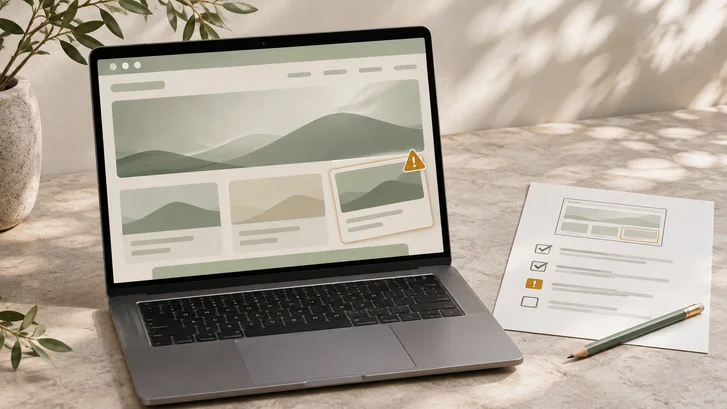
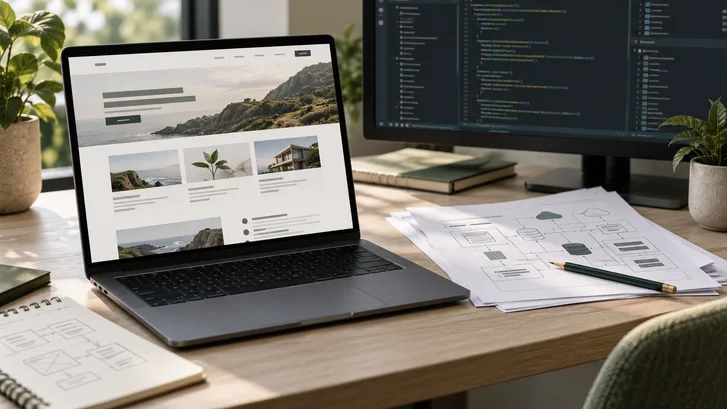
An AI-generated website design can make the first review feel almost finished. The homepage looks polished, the buttons are in place, and a preview opens in a browser. Then someone tries to update a service page, submit the contact form, or use the menu on a phone. That is often when the real project becomes visible.
To turn an AI-generated website design into a production-ready website, first audit the files and working behavior, then choose a platform that fits the business, rebuild weak parts as reusable and editable components, connect real services, and test the complete site before launch. This guide is for business owners and teams deciding what to keep from a generated concept and what still needs development.
What does “production-ready” actually mean?
A visual concept communicates direction. A clickable prototype demonstrates a journey. Generated code may render that journey. A production website also needs accurate content, reliable forms and integrations, responsive behavior, accessibility, security, fast loading, search-friendly pages, deployment, and an owner who can maintain it. A convincing screenshot proves only part of that work.
Set acceptance criteria before changing code: which pages must exist, which content editors must update, which actions visitors can complete, which systems receive data, and what happens when something fails. This turns a vague “make it live” request into a scope a developer can estimate and verify.
Need help applying this to your website?
Turn the article into a focused action plan.
Get support with design, development, SEO, AI, or performance improvements based on what your business actually needs next.
Start with an asset and functionality audit
Ask for the design file, source repository, preview link, dependency list, image and font assets, content, and any notes about how the prototype was made. Do not assume a shared preview includes the editable source or the rights to use every asset. Open the project locally, run its documented build, and list every broken or incomplete path.
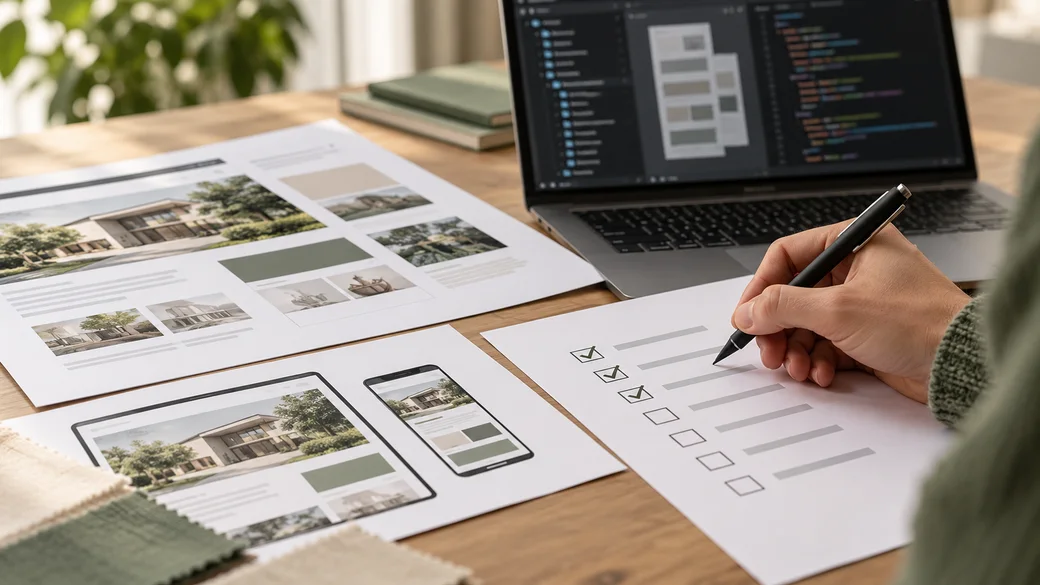
- Design: check desktop and mobile layouts, component states, typography, spacing, imagery, and pages beyond the homepage.
- Code: identify the framework, dependencies, repeated markup, hard-coded data, build errors, and code that only imitates a working control.
- Content and ownership: confirm final copy, legal pages, image licensing, domain access, repository access, and who can edit the site after launch.
- Behavior: follow every navigation link, form, search control, account step, checkout step, or API action relevant to the project.
Record findings as “works,” “needs repair,” or “missing,” with an owner and severity. A small reproducible example is more useful than a long list of visual opinions.
Choose the platform after defining how the site will be used
Use the business model to choose the implementation, not the format exported by the AI tool. A content-led business site may need a CMS so staff can update pages without changing code. A store needs a commerce platform that actually manages products, orders, payment, and fulfilment. A custom application may need its own framework, database, authentication, and operations plan.
Before selecting, ask who publishes content, how often layouts change, what integrations are required, what the team can maintain, and what data must be owned or exported. If WordPress suits a content-led site, a WordPress website development company can help scope editable templates and ongoing maintenance. If the design is for a store, compare the actual requirements with Shopify website development or WooCommerce website development; a static product grid is not a functioning catalog or checkout.
Build a responsive system, not a set of screenshots
Translate repeated elements into reusable headers, footers, buttons, cards, content sections, and form patterns. Define type, spacing, colors, breakpoints, and interaction states once, then test them with real short and long content. Do not rely on fixed pixel positions that happen to match one generated image.
Plan where editors will change headings, images, calls to action, navigation, and page sections. Separate content from layout and application logic. The CMS or platform should make the expected edits straightforward without allowing accidental damage to shared components. For unusual layouts, document which changes require developer support.
Connect the real functionality
A form needs a destination, validation, useful error messages, spam controls where appropriate, confirmation behavior, and a test that the intended team actually receives the submission. Client-side checks help visitors correct mistakes, but the server must validate submitted data too, as MDN's form guidance explains.
For APIs, CMS content, analytics, search, authentication, or payment, write down the data flow and failure state before implementation. Keep credentials out of browser code and the repository. Check permissions and data retention with the service owner. An integration is complete when it behaves correctly with valid, invalid, delayed, and unavailable responses, not merely when a successful demo works once.
Test the site people will actually use
Test representative phones, tablets, and desktop widths, including long headings and translated content if relevant. Check keyboard navigation, focus, labels, contrast, error messages, and screen reader semantics. The W3C WCAG 2.2 guidance provides testable accessibility criteria; automated checks are useful but do not replace manual use.
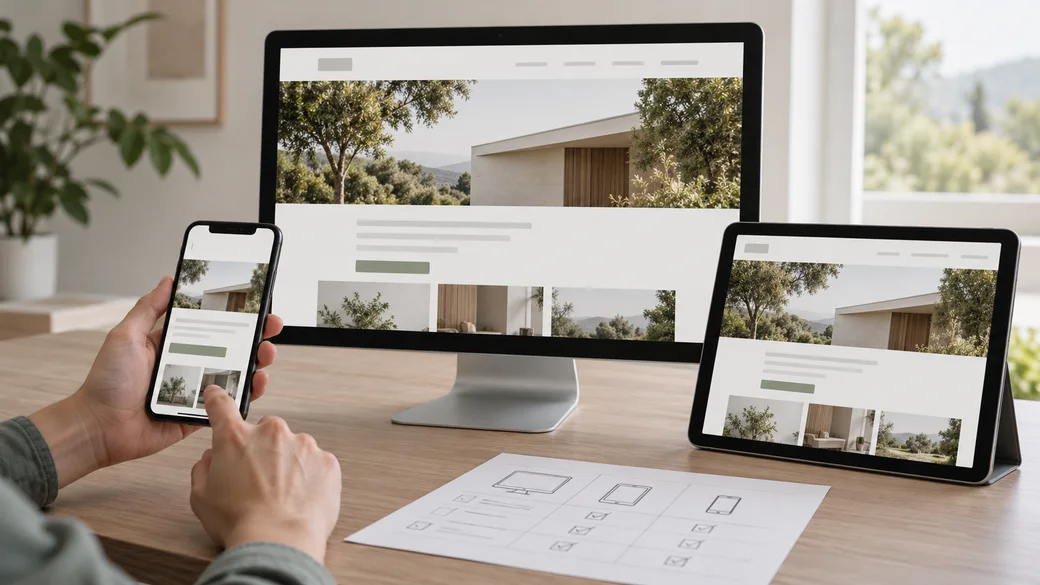
Measure loading on representative pages, compress and size images properly, and test slow connections. Check links, forms, browser compatibility, metadata, redirects, and any search indexing controls. For sites handling accounts or sensitive data, use a security review proportionate to the risk; the OWASP Application Security Verification Standard is a useful reference for defining verification requirements.
Fix the generated output or rebuild it?
Keep and improve the existing code when it builds reliably, uses a maintainable structure, supports the chosen platform, and has limited gaps. Refactor repeated components and replace mock data as you connect real functionality. This can preserve useful work without locking the team into a fragile structure.
A rebuild is often more practical when the output is only an image or non-editable preview, the source is missing, essential interactions are fake, dependencies cannot be maintained, or the code fights the required CMS or commerce platform. Keep the approved visual direction and content decisions, but make a fresh implementation plan. Compare the effort of both paths using a short technical audit rather than guessing from appearance.
Production handoff checklist
- Confirm page inventory, content owners, design assets, licenses, and the approved source of truth.
- Document platform choice, reusable components, editable fields, and any developer-only changes.
- Test forms, APIs, analytics, search, and all important customer journeys with failure cases.
- Review responsive layouts, accessibility, loading times, security, metadata, and browser behavior.
- Use version control and staging, approve a launch checklist, and keep a rollback or recovery plan.
- Transfer domain, hosting, repository, CMS, and integration access to the right owners; document maintenance responsibilities.
Common mistakes include treating a visual preview as working code, choosing a platform before deciding who edits the site, leaving placeholder content in hidden pages, and testing only the homepage. A staged review with named owners catches these problems while they are still cheap to fix.
Make the next step a scoped build
Bring your design file, source code or preview, page list, content-editing needs, and required integrations into a project review. Zeroradius can help assess a content-led build and define the implementation, testing, and handoff work through its WordPress website development service. Start with the audit checklist above so the quote reflects the site you need to operate, not just the screen you want to reproduce.
Have questions?
Sometimes a simple generated page is usable, but publication still requires checking its source, content rights, functionality, responsive behavior, accessibility, security, and ownership. A visual preview alone does not establish those checks.
No. Keep it when an audit shows it is maintainable and fits the chosen platform. If it is incomplete or costly to adapt, retain the design decisions and rebuild the implementation.
Share the editable design and source, page inventory, required journeys and integrations, content-editing needs, assets, and launch deadline. Ask the team to identify assumptions and missing materials in the quotation.
Choose a suitable CMS or platform, define which content fields the team needs to change, and build reusable templates around them. Test the editing workflow with the people who will publish content.
Approve the site on staging after testing the full journeys, content, responsive layouts, accessibility, integrations, and recovery plan. Then transfer access and document who handles updates and incidents.