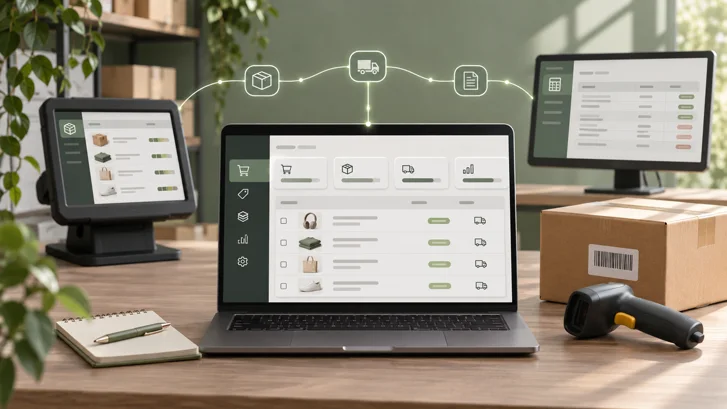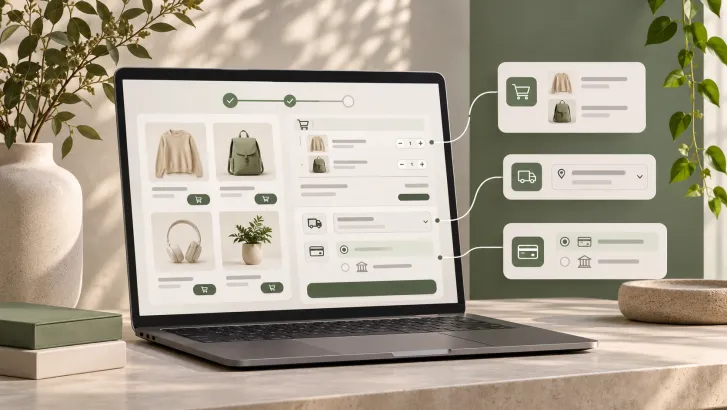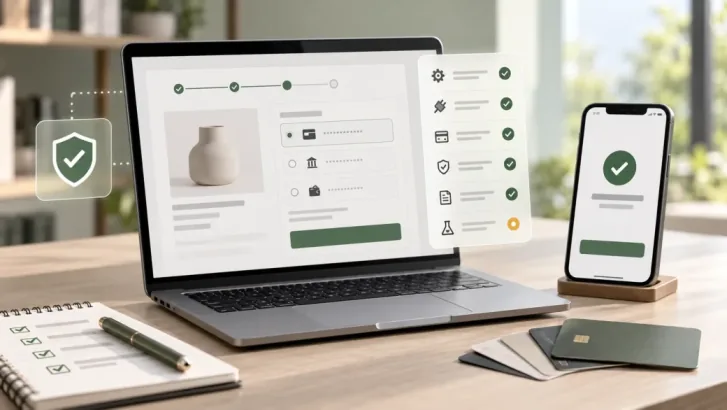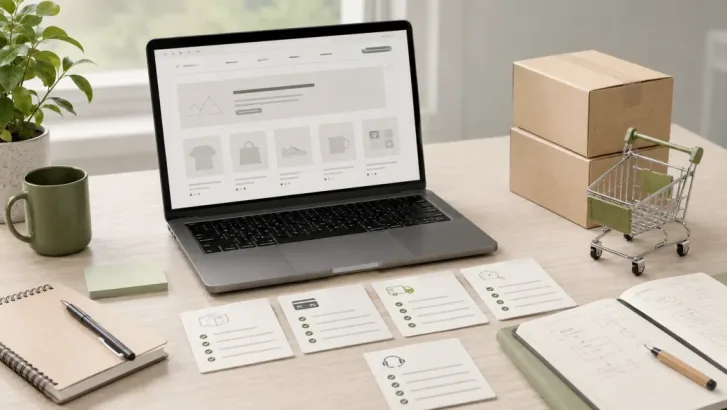
A subscription can look like a simple product setting until the first renewal fails, a customer changes their delivery address, or a trial ends without a usable payment method. Those moments determine whether the model works for customers and the team running it.
Before implementing WooCommerce subscriptions, define the recurring promise, the billing and fulfillment rules, and the exception paths. This guide is for store owners and ecommerce leads deciding whether recurring sales fit their business and what to specify before development. It focuses on the WooCommerce Subscriptions extension and the connected systems a real store may need.
First decide whether a subscription is the right product
Repeat purchases do not automatically justify recurring billing. A subscription makes sense when the customer receives a clear ongoing benefit, such as replenishment on a predictable schedule, recurring access, or a service delivered each billing period. If customers buy irregularly or need to approve each order, reminders, saved carts, or a one-time purchase flow may be a better starting point.
Write the offer in one sentence: what the customer gets, when they get it, when they pay, and how they stop. Then decide whether a product can also be purchased once. The current WooCommerce Subscriptions product guide documents subscription plans, one-time purchase options, billing intervals, optional sign-up fees and free trials. Confirm the exact combination you need in the extension version you will deploy.
- Offer: What is delivered or unlocked on each cycle? Can the contents or quantity change?
- Schedule: Does billing follow the sign-up date or a common calendar date? Is there an end date or fixed number of payments?
- First charge: Is there a trial, sign-up fee, shipping charge, or discounted first period? Show the first and later totals clearly.
- Choice: Can customers buy once, switch plans, pause, or change quantity? Which actions require staff approval?
Check payment compatibility before designing checkout
Automatic renewal requires a gateway that supports the subscription payment flow you intend to offer. A method that works for an ordinary purchase may support only manual subscription renewals. Check the gateway's current subscription feature list, the enabled payment methods, token storage, payment method changes, refunds, and your target countries. WooCommerce's payment gateway documentation separates automatic and manual payments and notes that support differs by gateway and payment method.
Manual renewals can be valid for an invoice-led business, but someone must pay each renewal order. That changes the email, account, and operations workflow. Test the exact checkout configuration, including Cart and Checkout blocks if your store uses them. Our payment gateway integration checklist covers the broader gateway review.
For a free trial, decide whether to collect a payment method at sign-up and what happens at the first charge. Do not assume a zero-total checkout will leave an automatically chargeable subscription. Test trial expiry with the actual gateway and customer account flow.
Design the renewal and failed-payment journey
A renewal is a new business event, not simply a copy of the first checkout. Define which order status starts fulfillment, who receives failure alerts, when access or delivery pauses, and when staff should intervene. The official renewal process guide explains the automatic and manual paths.
WooCommerce Subscriptions includes a failed recurring payment retry system, but it is off by default and applies only to qualifying automatic payments. Decide whether to enable it, review its rules and emails, and confirm your gateway supports the intended behavior. Give customers an understandable way to update their payment method or pay a failed renewal. Record what happens if every retry fails.
For example, a replenishment store might pause dispatch when a renewal order remains unpaid, email a payment link, and have support review the subscription after the retry window. An access-based service might need a different grace period. Define that policy before wiring subscription status to fulfillment or access control.
Make account actions and cancellation policy clear
Customers should be able to see the next payment date, current plan, recent renewal orders, and the actions your business allows. Specify who can change an address, payment method, quantity, or plan, and when each change takes effect. A cancellation request may stop the next charge while a paid period remains active; a refund is a separate decision. Document both customer-facing wording and staff steps.
As of the November 6, 2026 WooCommerce Subscriptions 9.4.0 and 9.4.1 update, the extension adds a customer cancellation email and fixes several switching and renewal cases. That is useful for stores updating their subscription flow, but it does not replace testing your own theme, gateway, email templates, and account settings. Confirm the installed extension version before writing instructions for staff.
Plan shipping, tax, reporting, and connected systems
Physical subscriptions need a delivery rule for every renewal. Decide whether shipping is charged on each cycle, whether the rate can change, how address changes are handled, and what happens when stock is unavailable. WooCommerce's product documentation describes a one-time shipping setting for relevant subscription products and stock reduction on renewals. Test the configuration against your actual delivery schedule and shipping methods.
Map tax treatment for the first order, renewals, fees, shipping, trials, discounts, and refunds with a qualified adviser for the jurisdictions you sell into. Then verify the configured tax calculation on sample orders. Reporting should distinguish sign-ups, active subscriptions, renewal orders, failed payments, cancellations, refunds, and fulfilled shipments. A paid renewal is not the same metric as a new subscriber.
Inventory, CRM, accounting, fulfillment, membership, and email tools may each need subscription events rather than only ordinary order events. Identify which system owns the customer, status, entitlement, stock, and financial records. If those flows require development, Custom WooCommerce Development can be scoped around the missing workflow. Our WooCommerce integration guide explains data ownership and reconciliation in more detail.
Budget for the extension and its maintenance
Include the WooCommerce Subscriptions license, gateway costs, related extensions, development, testing, support, and future updates in the plan. Check current vendor terms rather than assuming a fixed price or perpetual support. Review compatibility with your WooCommerce and WordPress versions, theme, checkout setup, payment gateway, and other extensions. Assign an owner for updates and regression testing, especially when billing or customer account behavior changes.
Test a complete subscription lifecycle
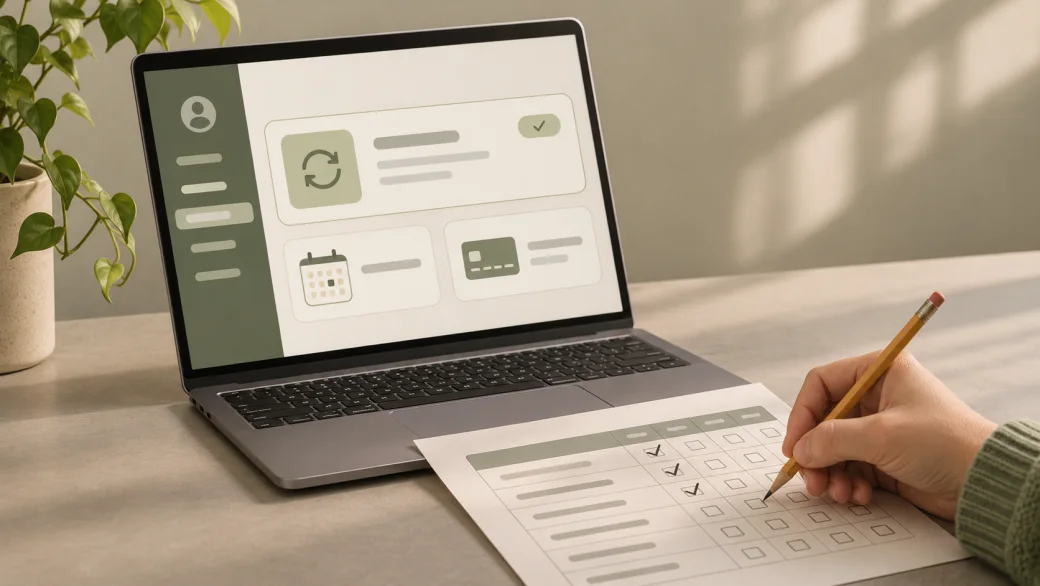
Use a staging store and gateway test mode where available. Check the customer screen, store records, emails, fulfillment actions, and connected systems after each event. WooCommerce provides guidance for testing failed renewal retries; adapt it to your installed versions and gateway.
- Buy a subscription with and without a one-time purchase in the cart, if mixed checkout is allowed.
- Run the first payment, trial end, normal renewal, manual renewal, and a failed automatic payment.
- Change a payment method and address, then check the next order and notification.
- Test plan switching, cancellation, pending cancellation, refund, and any permitted reactivation.
- Check taxes, shipping, stock, discounts, fulfillment, and reporting on initial and renewal orders.
- Verify account controls, email wording, mobile checkout, and accessibility with a customer-level account.
Common planning mistakes
The most costly mistake is launching after testing only the first checkout. Other common gaps are assuming every payment method supports automatic renewal, offering a trial without a first-charge plan, using subscription status as a fulfillment trigger without checking payment, and letting a cancellation email stand in for a clear cancellation policy. Avoid buying several overlapping extensions before mapping the customer journey and the operational owner of each exception.
WooCommerce subscription planning
Define the renewal journey before you build it.
Share your offer, payment methods, delivery rules, and customer account requirements. Zeroradius can help scope the WooCommerce implementation and test the workflows that matter after the first sale.
Have questions?
No. Use subscriptions when a defined recurring benefit and billing schedule serve customers. For irregular repeat purchases, a one-time checkout with reminders may be simpler.
No. Automatic renewal support varies by gateway and payment method. Verify the specific gateway's subscription features and test a renewal before launch.
An automatic renewal attempts a charge through a supported gateway. A manual renewal creates an order that the customer must pay through checkout.
WooCommerce Subscriptions supports trial periods. Plan what is charged at sign-up, whether a payment method is collected, and what happens when the trial ends.
The extension has a retry system, but it is off by default and only applies to eligible automatic payments. Enable and test it if it fits your recovery policy.
Customer actions depend on your Subscriptions settings, product setup, and gateway support. Define the allowed actions, effective dates, and staff exceptions, then test them with a customer account.
It depends on the product and shipping configuration. Decide whether shipping recurs, verify the rate on renewal orders, and test address and stock changes.
Compare initial orders, renewal orders, successful payments, failures, refunds, cancellations, and fulfillment records. Check that each connected system represents the same event consistently.
Recheck checkout, gateway renewals, account actions, cancellation messages, email templates, integrations, and your documented staff procedure on staging before updating the live workflow.