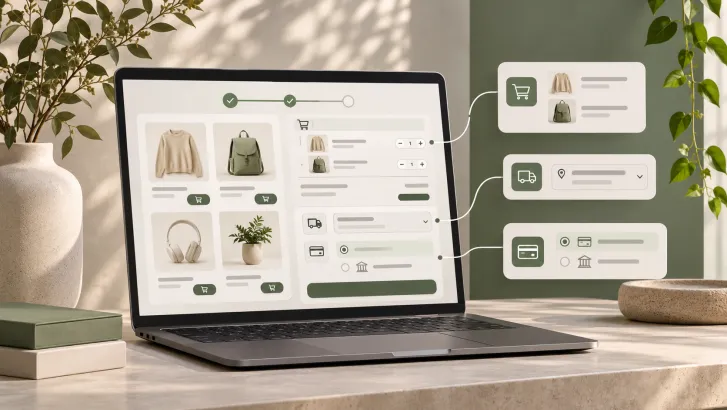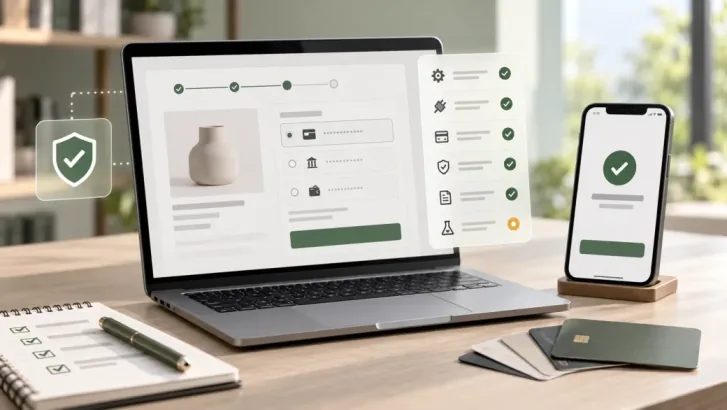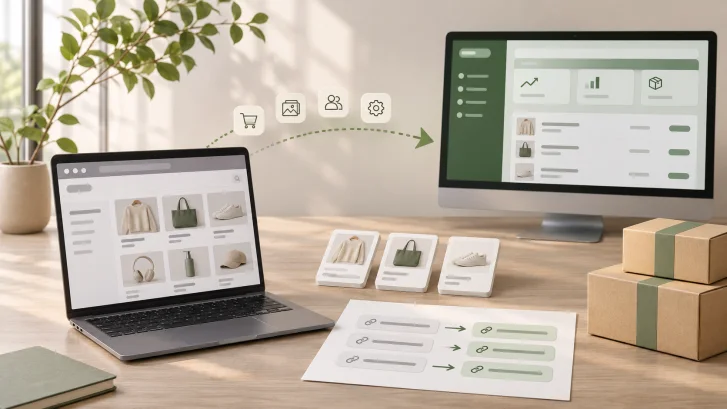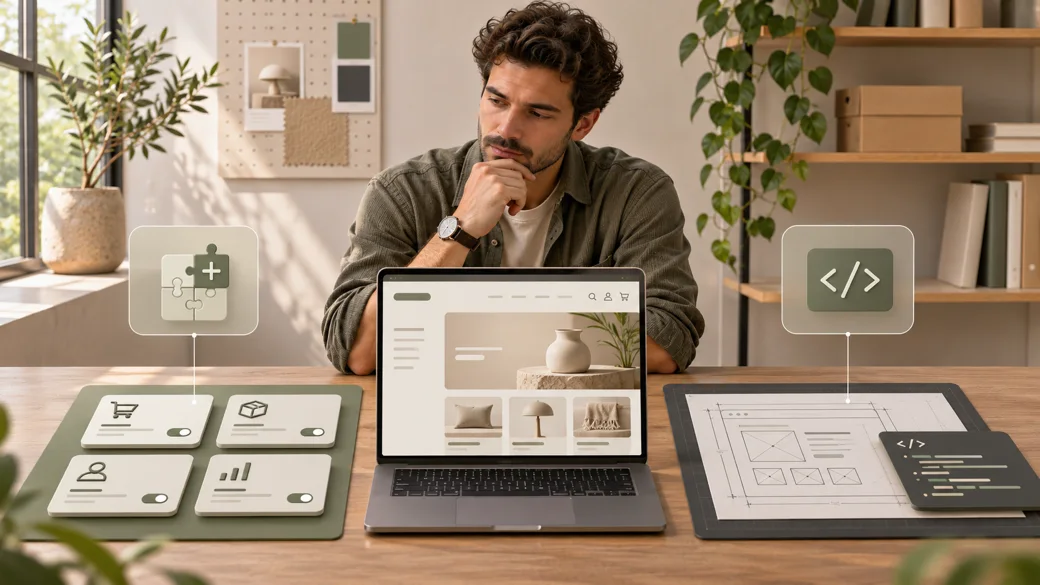
A plugin can make a WooCommerce feature available in an afternoon. A poor fit can leave staff working around it for years. Custom code gives you control, but it also gives your team responsibility for updates, testing, and support. The right choice depends on the workflow the store must run, not on a target number of plugins.
Use a maintained plugin when its supported behavior matches the requirement and its ongoing cost is acceptable. Choose custom development when a material business rule or customer journey cannot be delivered reliably through configuration or a supported extension point. Sometimes the best answer is a small custom integration around a proven plugin, with each part given a clear owner.
This guide is for store owners and ecommerce managers deciding how to implement a specific feature in an existing or planned WooCommerce store. If you are defining the entire store first, start with our WooCommerce website planning guide.
A quick decision checklist
- Write the required buyer and staff workflow, including exceptions, before comparing products.
- Check whether WooCommerce core or existing licensed tools already cover it.
- Test a candidate plugin's actual behavior, compatibility, support, renewal terms, and data portability.
- Document any gap that changes revenue, compliance, order accuracy, or staff workload.
- Estimate build effort and the ongoing cost of maintaining custom code.
- Test the selected approach on staging with real product, cart, checkout, and order scenarios.
Start with the requirement, not the plugin catalog

Describe the outcome in terms a buyer or operations person would recognize. “Add a wholesale plugin” is a proposed solution. “Approved trade buyers see their agreed prices, meet the minimum quantity, and receive an invoice with the correct account reference” is a requirement you can test.
For each feature, list the user roles, product types, data source, rule owner, required screens, failure states, and what staff need to edit. Separate must-haves from preferences. A plugin that covers every visible screen but cannot apply the required order rule may be a worse fit than one that looks simpler.
Next, inspect WooCommerce core and the store's current extensions. Reusing an existing capability avoids duplicate discount, shipping, or account logic. When two plugins both alter the same checkout field or order status, identify which one owns that behavior before adding another.
When an existing plugin is a good choice
A plugin is usually the practical choice for a common, well-defined function when its settings cover the required workflow. Examples can include a standard shipping carrier connection, a supported payment method, or a routine product display feature. The exact plugin still needs evaluation; a familiar category does not guarantee a good implementation.
Check its release history, current WordPress and WooCommerce compatibility, support channel, documentation, license owner, renewal terms, and export options. Ask what happens if updates stop or the vendor changes its product. Test with your actual theme and other extensions, especially where the plugin changes orders or checkout. WooCommerce's extension compatibility guidance calls out Cart and Checkout blocks, High Performance Order Storage (HPOS), the Product Editor, and the Site Editor as components that may need explicit compatibility testing. A “works with WooCommerce” claim does not answer all of those questions.
Support is part of the purchase. A lower setup cost can be outweighed by slow issue resolution, unclear ownership, or a renewal that the business did not budget. Compare the total operating arrangement, not just the initial license fee.
When custom development earns its place
Custom work is justified when a specific rule is important and available plugins cannot meet it without brittle workarounds. That might be a product configuration with dependent options, an approval flow tied to an internal system, or pricing that must follow a contractual hierarchy. Write down the unmet requirement and show the failed plugin proof of concept before committing to a build.
Scope the smallest piece of custom work that solves the gap. A custom plugin can own a business rule while an established payment or shipping extension handles its specialized provider integration. If the requirement is only a visual adjustment, theme work may be more appropriate than a new plugin. Zeroradius offers Custom WooCommerce Development for stores whose tested requirements need tailored functionality.
Custom code also needs a maintenance owner. Budget for documentation, version control, automated checks where useful, a staging environment, periodic compatibility reviews, and a response path when a WooCommerce or WordPress update changes behavior. The source code and access credentials should be handed over under agreed ownership terms.
Compare the full cost and risk of both options
- Feature fit: can the solution handle the required rule and its exceptions without manual workarounds?
- Compatibility: does it work with the store's checkout type, HPOS setup, theme, payment methods, and other extensions?
- Security: who reviews access permissions, input handling, data storage, and fixes?
- Performance: what does it load on product pages, cart, checkout, and admin screens?
- Support: who diagnoses an issue after launch, and what are the response and update terms?
- Ownership: who controls the license, vendor account, source code, data, and deployment process?
- Exit path: can the business export its data or replace the solution without rebuilding the store?
Plugin count alone is a weak risk measure. One poorly maintained extension that controls checkout can be more consequential than several narrow, well-supported tools. Likewise, custom code is not inherently faster or safer. Measure the actual behavior in the store and the team's ability to maintain it.
Use supported extension patterns for custom code
Keep business rules out of WooCommerce core files so platform updates can be applied. Use documented WordPress and WooCommerce hooks and APIs for the intended task. For order data, follow WooCommerce's CRUD approach rather than assuming WordPress post tables are the order system; this matters for HPOS compatibility. For block checkout changes, check the current supported extension interfaces instead of assuming legacy checkout hooks will render there. These are implementation checks, not a promise that one code snippet fits every store.
The WordPress Plugin Handbook covers capability checks, input validation, sanitization, nonces, and escaping for plugin code. A nonce does not replace an authorization check. Treat customer and order data as sensitive, give integrations only the access they need, and document any external data transfer.
WooCommerce's November 11, 2026 release notes for 11.3.0 show why current compatibility testing matters: even a backwards-compatible core release can require a database update. The November 4 security update for 11.2.2 also changed API hardening. Neither release by itself means a store needs new custom code; review the changes against the extensions and workflows it actually uses.
Test the decision before the store depends on it
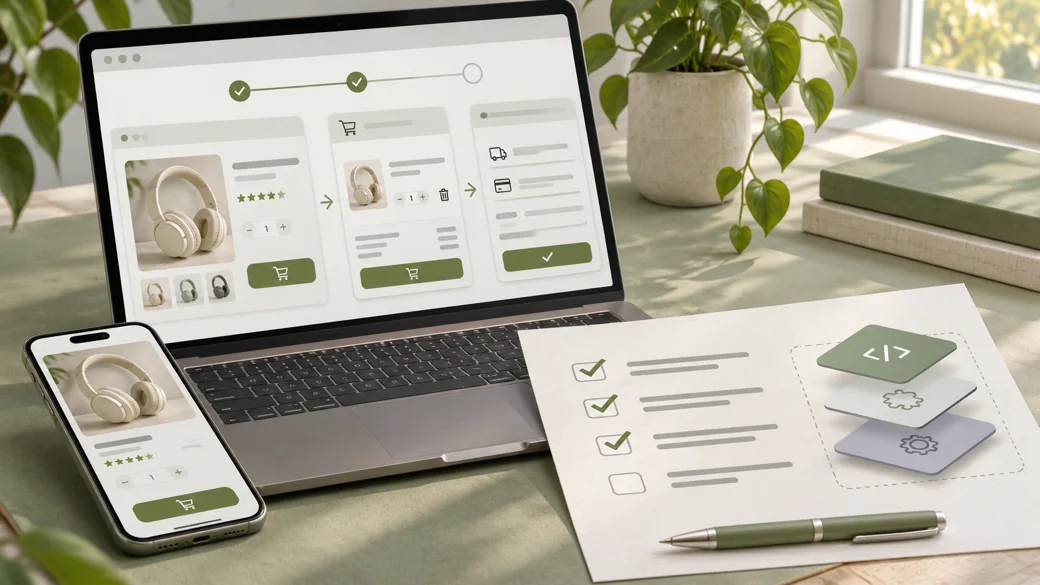
Build a small proof of concept on staging. Use realistic products, roles, coupons, addresses, and order states. Confirm the main workflow, then test the cases most likely to expose a mismatch:
- Guest and signed-in checkout, including the store's actual Cart and Checkout blocks or legacy pages.
- Variable products, out-of-stock items, quantity changes, discounts, taxes, and shipping rules.
- Successful and failed payments, order emails, refunds, and staff edits where the feature affects them.
- Mobile and keyboard use, error messages, and the journey back from a validation failure.
- Data sent to inventory, accounting, fulfillment, or CRM systems, including duplicate and failed events.
Record the WooCommerce, WordPress, theme, and extension versions used in the test. WooCommerce recommends a backup and staging environment for update and conflict checks in its plugin conflict guide. After approval, document the release and rollback steps, then repeat the critical journey after launch.
Common mistakes that make the choice expensive
- Buying a plugin after viewing its feature list without testing the business's exception cases.
- Commissioning custom code before checking core functionality and existing licensed tools.
- Stacking multiple extensions that each modify prices, checkout fields, or order status.
- Ignoring license ownership, renewals, vendor support, and data export until handover.
- Making a legacy checkout customization without checking the store's block checkout.
- Testing only the happy path on staging and skipping update and rollback plans.
If performance is already a concern, use our guide to diagnose a slow WooCommerce store before attributing every delay to the number of plugins.
WooCommerce feature planning
Choose a feature approach your team can maintain.
Bring Zeroradius the workflow, existing plugin list, and the cases that must work. We can assess fit, identify the gaps, and scope the custom work only where it is justified.
Have questions?
No. A maintained plugin that fits the workflow can be quicker to implement and easier to support. Custom development is worthwhile when a material requirement remains unmet after testing available options.
There is no useful universal number. Review what each plugin does, whether functions overlap, how it affects performance and checkout, and who maintains it.
Yes. A supported extension can handle a common function while a small custom component implements a store-specific rule. Define which system owns each piece of data and behavior.
Test feature fit, supported versions, checkout and HPOS compatibility, support quality, release history, licensing, renewal terms, and how your data can be exported.
Do not assume so. Ask for explicit block compatibility information and test the extension on the checkout type your store uses.
Usually in a maintained custom plugin or another documented extension layer, not edits to WooCommerce core. Keep theme-specific presentation in the theme and document the ownership boundary.
Review release notes, back up the store, apply the intended update set on staging, and test the affected customer and staff journeys before updating the live store.
Confirm who owns the account and license, whether data is exportable, what happens if support ends, and how a replacement would preserve essential records and workflows.