Your team has an attractive AI-generated website, but changing a service description still means asking a developer to edit a file. That is a handoff problem, not a small inconvenience. A site is only useful to its owners when routine publishing can happen without breaking its layout.
To make an AI-generated website editable, audit the source, choose a CMS around the team's publishing tasks, separate content from layout, build reusable page components, and test edits with real staff accounts. This guide is for business owners and marketing teams who have a generated site or prototype and need a manageable publishing workflow. Conversion is a development project, not a one-click export.
Start by defining what “editable” means
List the changes your team makes in an ordinary month. A useful brief names the page, the field, the editor, the approval step, and the expected result. “Edit the website” is too broad: changing a headline, adding a case study, rearranging a landing page, and changing navigation all carry different design and permission risks.
- Routine content: headings, body copy, images, links, calls to action, team profiles, articles, and service details.
- Structured records: testimonials, FAQs, locations, or case studies that appear in more than one place.
- Controlled layout: which sections editors may add, hide, reorder, or duplicate without changing the design system.
- Site settings: menus, global contact details, forms, metadata, redirects, and legal pages.
For example, a marketing editor may need to publish a new case study and update a homepage feature card, while only an administrator should alter the header or install an integration. Write those boundaries down before selecting a platform.
Audit the generated site and its source
Get the source repository or export, not just a preview URL. Inventory every route, component, dependency, font, image, content file, form, external service, and build step. Confirm who owns the design and media assets and whether the code can be maintained. A screenshot cannot tell you whether a page is a single hard-coded component or a reusable template.
Mark each piece of visible content as hard-coded, already data-driven, duplicated, or missing. Check mobile layouts and interactive states before moving anything. If the source is incomplete or broken, our AI-generated website code audit guide covers how to record and prioritize those defects. The broader design-to-production guide covers launch requirements beyond editing.
Keep the original site running in a local or staging environment and capture representative pages at desktop and mobile widths. Those views become the baseline for the CMS rebuild.
Choose the CMS around the publishing workflow
A content-led business site may suit WordPress when editors need pages, posts, media, and reusable patterns. A site with a highly custom application may instead keep its frontend and use a separate content service. An ecommerce site needs a commerce platform and product administration in addition to editorial content. The right choice depends on who edits what, how often the layout changes, what integrations are required, and who will maintain the system.
Compare platforms using an actual task: ask an editor to create a draft service page, replace an image, preview it, request approval, and publish it. Also check export options, access control, media handling, backups, and ongoing costs. If WordPress fits, WordPress CMS development services can be scoped around the fields, templates, and editor experience your team needs.
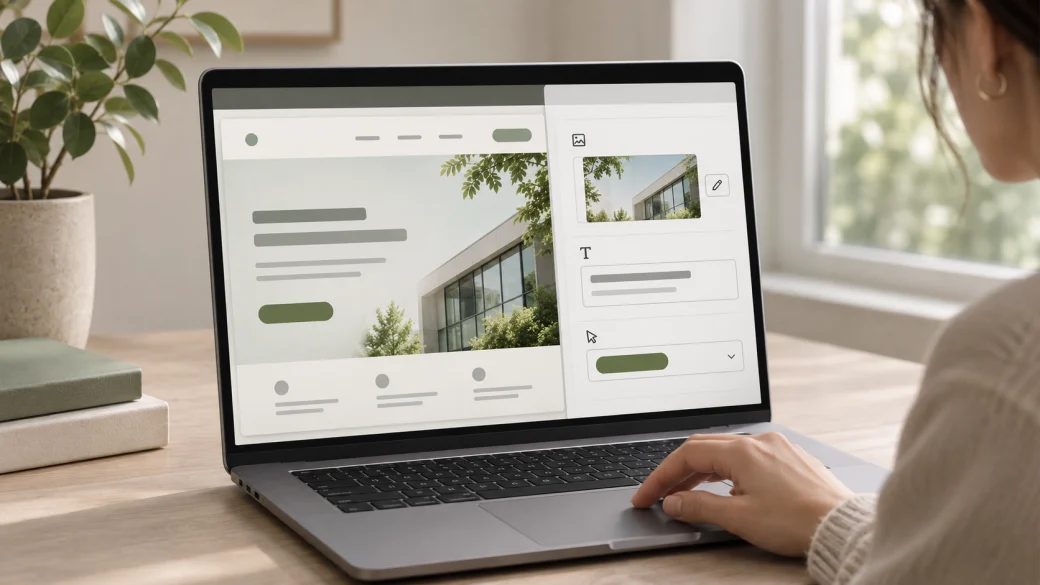
WordPress's Site Editor documentation describes templates, template parts, styles, and page editing with block themes. Its patterns guide distinguishes reusable patterns from template parts. These are options to evaluate, not evidence that every generated layout can be imported automatically or that every editor should control global styles.
Separate content from layout and application logic
Turn repeated information into a content model before building fields. A service might have a title, summary, body, hero image with alt text, proof points, related services, and an optional CTA. The page template controls spacing, typography, responsive behavior, and allowed section order. Forms, calculations, authentication, and integration code remain application logic.
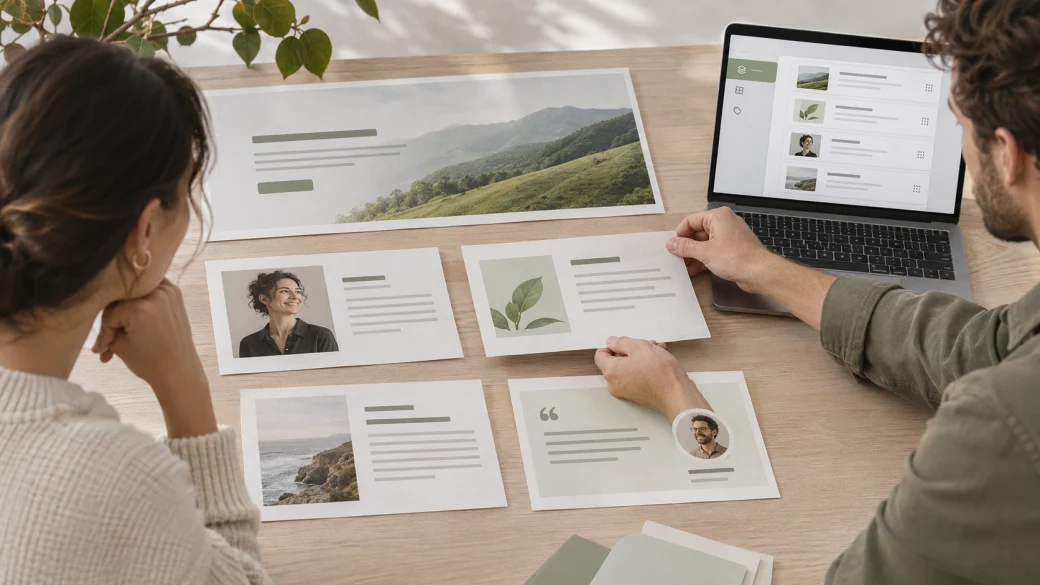
Give fields names that make sense to an editor. “Hero supporting sentence” is clearer than “text block 3.” Add guidance for image aspect ratio, character length where the design needs a limit, required links, and alt text. Reuse one service template across service pages, but allow a carefully defined optional section where content genuinely differs. Avoid turning every pixel into a field; that creates a fragile editor and inconsistent pages.
Map old URLs and page titles before migration. Preserve useful paths where possible, plan redirects when paths change, and carry over reviewed page titles and descriptions. Google recommends helpful, people-first content; an editable CMS should make it easier to maintain accurate pages, not multiply thin generated pages.
Build an editor workflow your team can actually use
Set up roles around responsibilities. A contributor might draft an article, an editor might approve and publish, and an administrator might manage templates and integrations. Test these roles with separate accounts. Restrict global layout and system settings if an accidental change could affect the whole site.
Choose a media workflow for upload, crop, captions, alt text, replacement, and deletion. Make it clear when an image appears in multiple places. Add preview and draft states so editors can inspect a page before publishing. If approvals matter, document who signs off and how corrections are made. A CMS is only operationally useful when its permissions and publishing steps match the team's real process.
Protect the design, responsive behavior, and performance
Rebuilding the page in a CMS can change spacing, image crops, navigation, and mobile stacking even when the desktop view looks close. Keep a small set of approved components and design tokens. Test the longest realistic heading, a short paragraph, a missing image, and a page with every optional section enabled. Those content extremes expose weak templates.
Check keyboard navigation, focus states, heading order, image descriptions, contrast, form labels, and responsive behavior. Optimize the media editors will upload and prevent oversized images from slowing the site. Compare representative pages before and after integration, then retest after a nondeveloper publishes a real draft. The editor's actions are part of the performance and quality test.
Use a handoff checklist before launch
- Confirm source code, licenses, assets, hosting access, and ownership are documented.
- Inventory pages and decide which fields and sections editors can change.
- Choose a CMS using a real draft, review, preview, and publish exercise.
- Build and populate reusable templates, structured records, and media fields.
- Set roles, approval rules, backups, redirects, and integration ownership.
- Have a team member edit representative pages without developer help.
- Check the published result on desktop and mobile, including forms and links.
- Provide short documentation, training, and a maintenance owner.
Agree on acceptance criteria such as “an editor can publish a new case study, set its image and metadata, preview it on mobile, and link it from the relevant service page.” That is more testable than “the site has a CMS.”
Common conversion mistakes
A common mistake is connecting a CMS to the homepage while leaving the rest of the site hard-coded. Others include copying generated placeholder text into production, letting every editor change global styles, rebuilding pages with dozens of ambiguous fields, forgetting redirects, and handing over a login without training. A rushed import can preserve visual flaws and broken interactions from the generated source. Audit first, then rebuild the parts that need to be reliable.
No tool can infer your content model, permissions, approvals, or design limits perfectly from a screenshot. Some source code can be reused, but custom interactions and integrations may need deliberate redevelopment. Scope the work from an inventory and a working editor test, not a promise of automatic conversion.
Editable website planning
Give your team a publishing workflow it can own.
Share the generated site, source files, and the pages your team needs to update. Zeroradius can assess the starting point and scope an editable WordPress CMS implementation with clear templates and handoff tests.
Have questions?
Usually not as a complete production workflow. A tool may transfer some markup or content, but the content model, templates, permissions, integrations, and testing still need human decisions.
Not always. Reusable, maintainable code and assets may be retained. Audit the source and working behavior to decide what to keep, refactor, or rebuild.
Start with routine changes: page copy, images, links, articles, service details, and metadata. Add layout controls only where the team has a real need and a safe template.
No. WordPress is one option for content-led sites. A separate content service or another platform may fit better when the frontend, commerce needs, integrations, or team workflow differ.
They can use the approved sections and style controls you provide. Major layout or interaction changes may still require design and development work.
Use constrained components, sensible image and text guidance, preview tools, and tests with long and short content. Check representative edits at mobile widths before handoff.
Inventory existing paths and metadata before migration. Preserve paths where practical, redirect changed URLs, and review page titles, descriptions, headings, and internal links after publishing.
Define upload sizes, cropping, replacement, captions, and alt text. Test how a changed image appears wherever the same content is reused.
Ask a nondeveloper to complete real tasks with the intended role: draft, edit, preview, approve, and publish a page. The result should render correctly and the team should have documentation and a maintenance owner.