Launching a Shopify store is relatively easy. Turning that store into a reliable sales engine is much harder. Many brands assume that once products are live and traffic starts arriving, conversions should follow naturally. When they do not, the first instinct is often to blame the product, the pricing, or the traffic source. In reality, the more common problem is that the store experience is not doing enough to support the buying decision.
Most Shopify stores fail to convert for practical reasons: they feel slow, the product pages do not answer real questions, mobile browsing feels awkward, trust is weak, or checkout creates friction. These are not dramatic problems, but together they quietly reduce sales. The encouraging part is that they are usually fixable.
Conversion Problems Usually Begin Before Checkout
Store owners often focus on checkout when sales are low, but many conversion failures start much earlier. A customer may arrive on a product page and still leave because the page feels incomplete, visually confusing, or unconvincing. If the first impression is weak, the rest of the funnel rarely gets the chance to work.
That is why Shopify conversion optimization is not just about buttons or discounts. It starts with the overall quality of the shopping journey. The store has to feel clear, credible, and easy to use before buyers are willing to move forward.
Slow Store Performance Damages Intent Quickly
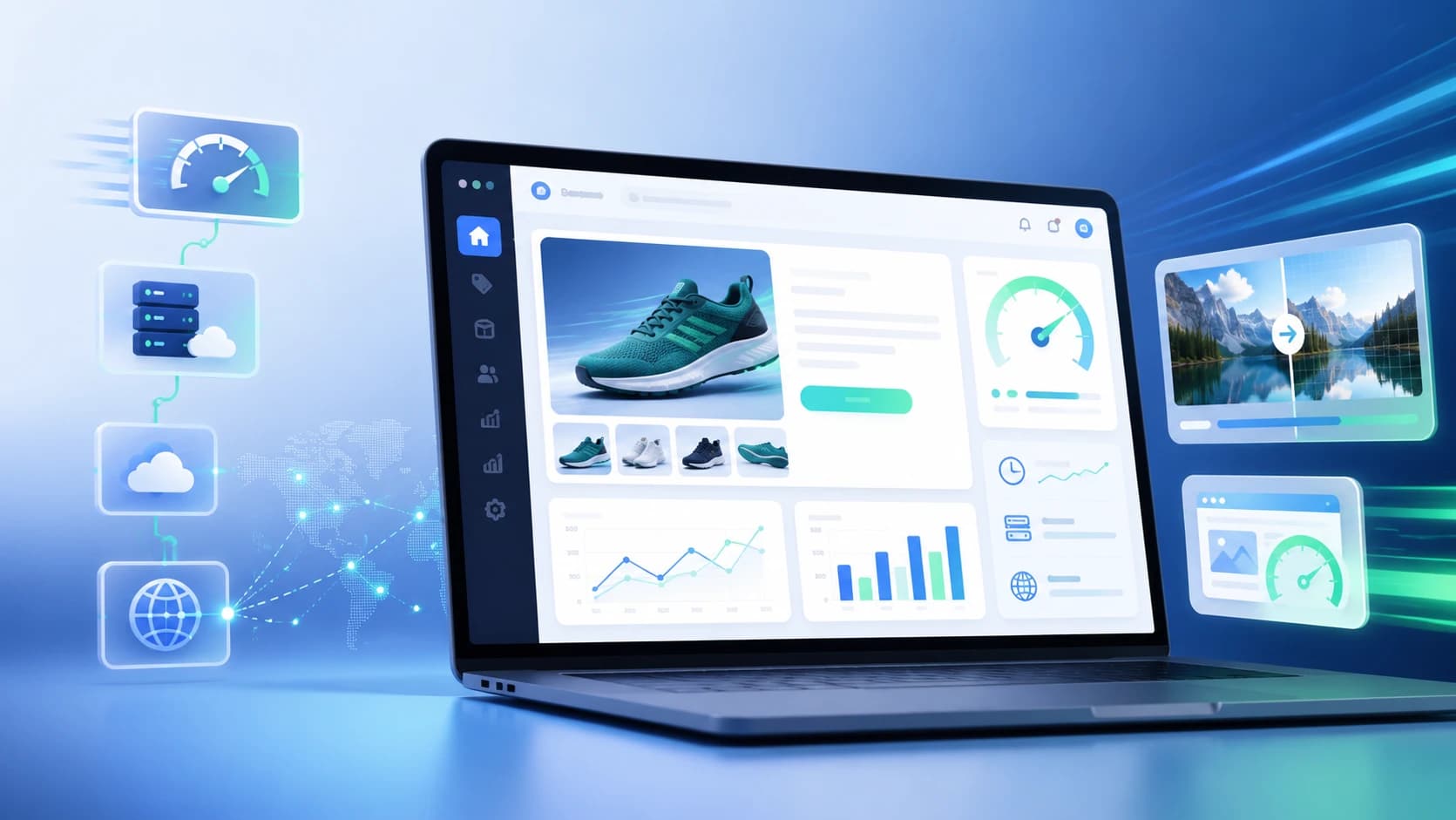
Speed has a direct relationship with conversion. If pages take too long to load, product images appear slowly, or interactions feel delayed, the customer starts to lose confidence before engaging deeply with the product. This is especially damaging on mobile, where patience is even lower and comparison shopping happens quickly.
Shopify stores usually become slow for familiar reasons: heavy themes, too many apps, oversized images, and unnecessary scripts. A store does not need to look broken to feel expensive to use. Even small delays can create hesitation at the exact moment the customer should be moving toward purchase. Our Core Web Vitals guide covers the performance side in more detail.
Weak Product Pages Reduce Buyer Confidence
Product pages carry more conversion responsibility than many store owners realize. They need to do more than show the item and the price. They need to answer doubts, build confidence, and help the customer imagine ownership. If descriptions are generic, images feel thin, or the layout makes important information hard to find, the customer is left to do too much interpretive work.
Strong product pages explain value clearly. They show the product well, surface trust signals naturally, and make practical details easy to find. That is often the difference between curiosity and commitment.
Mobile Experience Still Breaks Too Many Shopify Stores
Most Shopify traffic now arrives from phones, but many stores still behave as if desktop is the default. Navigation becomes awkward, media feels cramped, buttons are harder to tap, and the page loses its rhythm on smaller screens. That creates friction long before checkout begins.
Mobile optimization should not be treated as a final QA step. It should shape the entire structure of the store. When the mobile experience feels natural, customers browse longer, trust the interface more, and move through the cart with less hesitation.
Too Many Apps Usually Make the Store Worse, Not Better
Shopify's app ecosystem is one of its strengths, but it is also a common source of bloat. Businesses often add tools for upsells, reviews, popups, chat, bundling, analytics, and personalization without realizing how much those layers can slow the store and clutter the experience.
The issue is not that apps are bad. The issue is that many stores keep adding functionality without asking whether it improves the customer journey. A smaller set of useful, well-integrated tools usually performs better than an overloaded store full of scripts and overlapping features.
Trust Has to Be Earned on the Page
Customers hesitate when a store looks unproven. Missing reviews, unclear return policies, weak product photography, vague delivery information, and poor brand presentation all contribute to that hesitation. Even if the store is legitimate, it may not feel legitimate enough in the few seconds buyers use to make a judgment.
Trust signals work best when they appear naturally throughout the shopping journey. Reviews, payment clarity, shipping expectations, return information, and overall visual polish help the store feel safer to buy from. Our article on building trust signals explains why this layer matters so much.
Checkout Friction Still Kills Sales
By the time a customer reaches checkout, the store should be making the purchase feel easier, not harder. Extra steps, confusing fields, unclear costs, or any feeling of instability can trigger abandonment at the worst possible moment.
High-converting Shopify stores reduce that friction. They make payment options clear, keep the process simple, and avoid asking for more effort than necessary. Checkout should feel like a continuation of the buying flow, not a final test of patience.
What Better Shopify Stores Do Differently
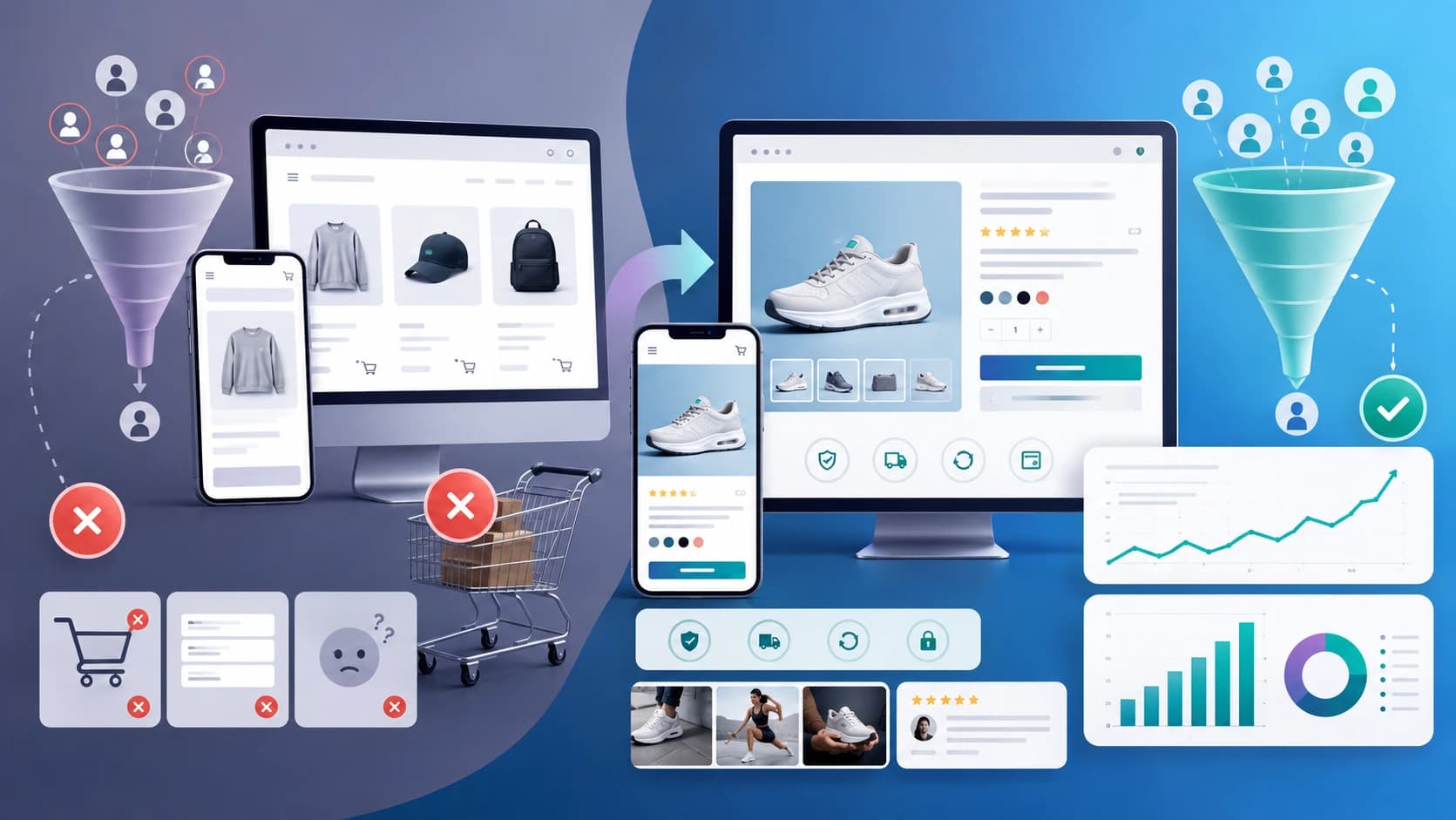
Stores that convert well tend to share the same qualities. They are fast, easy to navigate, visually clear, credible, and disciplined about what appears on the page. Their product content is stronger. Their mobile experience is more thoughtful. Their apps serve the journey instead of interrupting it.
That difference usually does not come from one major redesign trick. It comes from removing the small points of friction that accumulate across the customer experience.
AI Can Help, but It Cannot Replace the Fundamentals
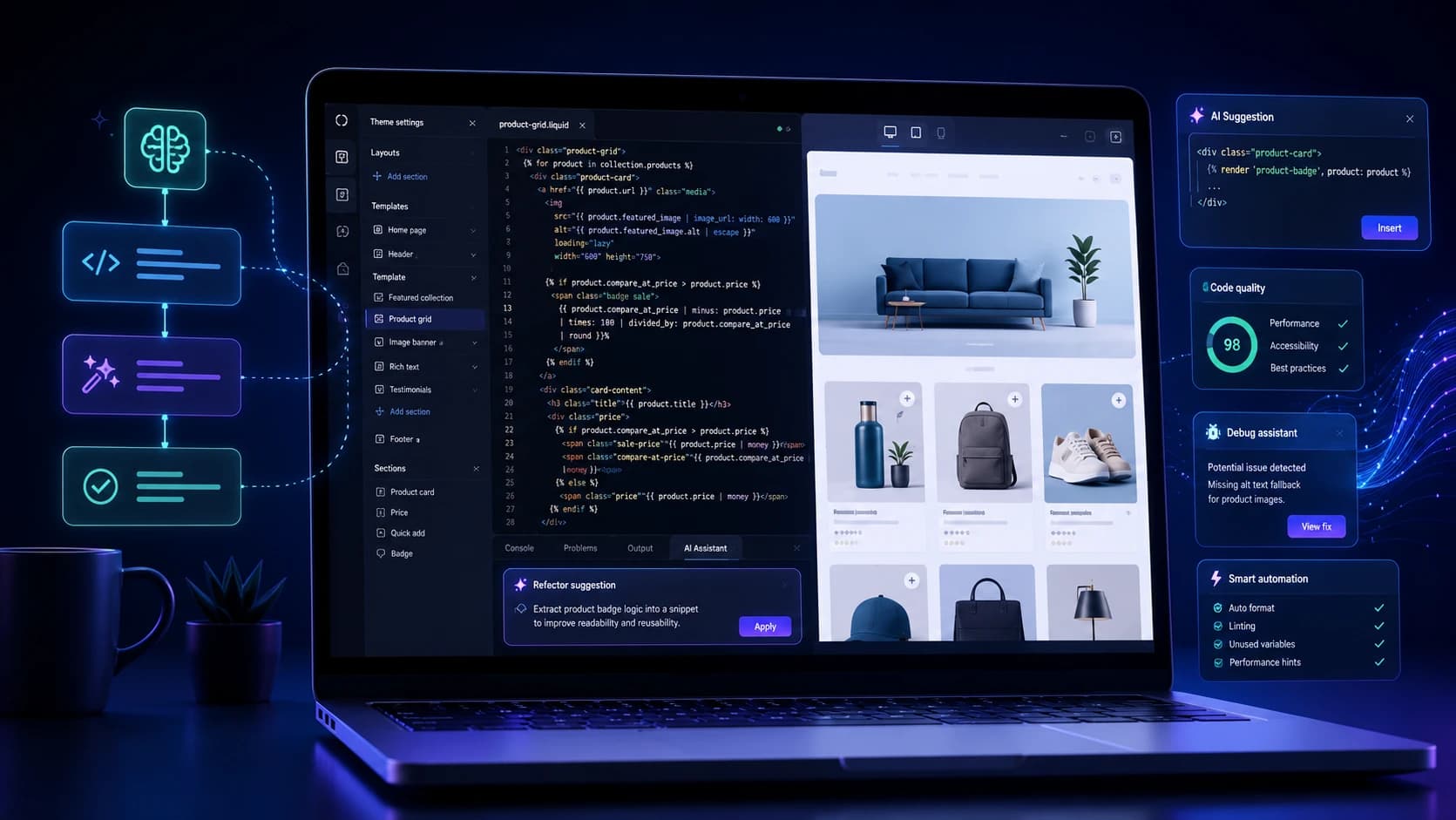
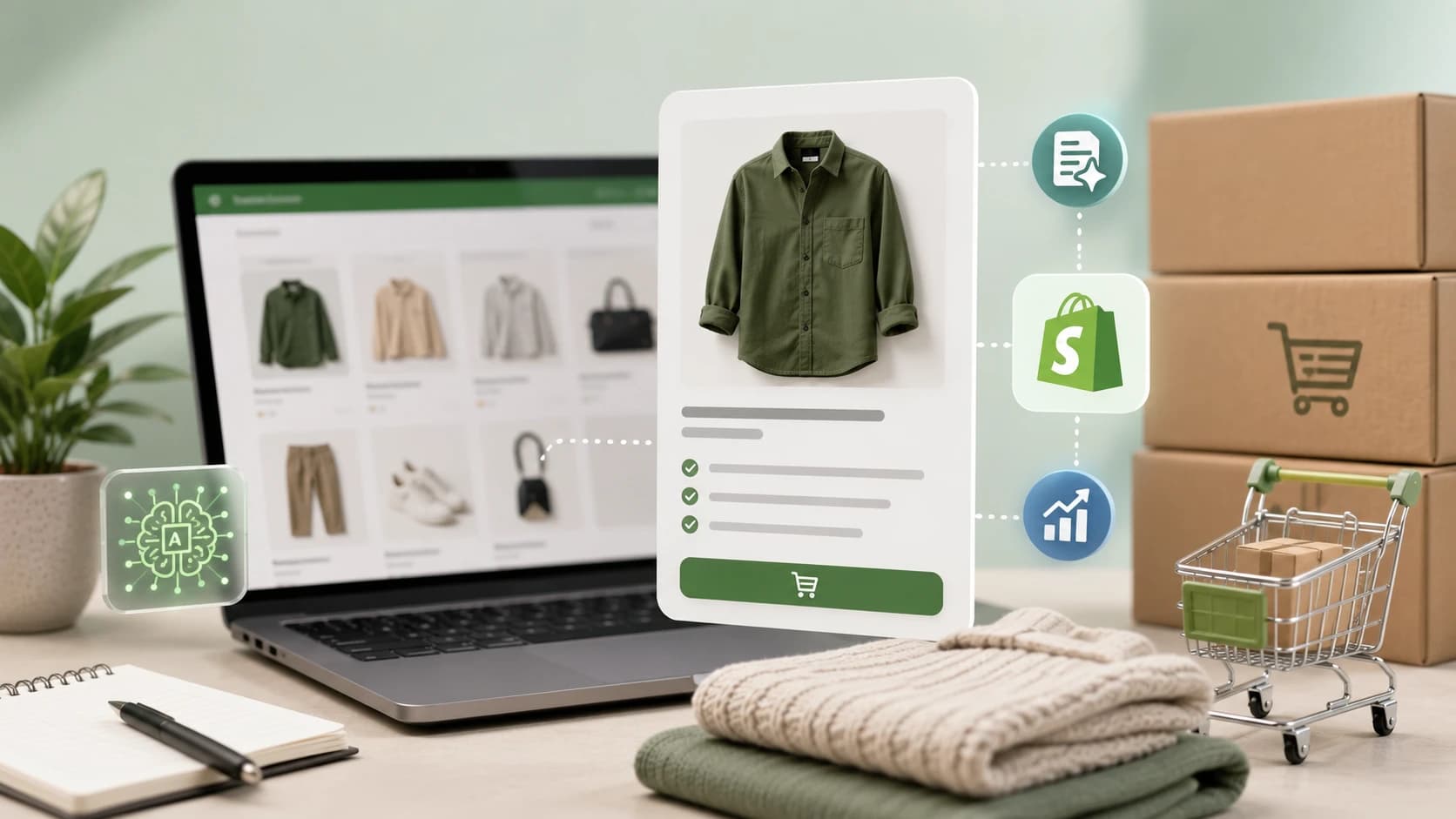
AI tools can help Shopify stores with better recommendations, stronger product copy, and more useful personalization. Those gains are real. But AI does not fix a store that is slow, confusing, or structurally weak. The fundamentals still come first. Once the store experience is solid, AI can make it smarter.
Our AI conversion optimization guide for Shopify is useful if you want to layer those improvements on top of a stronger base.
Ready to improve your Shopify store?
Get a sharper plan for Shopify growth.
Talk through theme decisions, speed issues, merchandising, product discovery, and conversion improvements with the Zeroradius team.
Final Thoughts
Most Shopify stores fail to convert not because Shopify is the problem, and not because the products are bad. They fail because the experience around the product is underdeveloped. The store may be discoverable, but it is not persuasive enough. It may be attractive, but it is not clear enough. It may be functional, but it is not smooth enough.
When speed, trust, product-page quality, and mobile UX improve together, conversion often improves faster than store owners expect. If you want to see what that looks like in practice, our conversion case study shows how optimization can change outcomes without needing more traffic.
If you want help improving the store itself, Zeroradius offers Shopify development services built around performance, UX, and conversion quality.
Have questions?
The most common reasons are weak product pages, slow performance, poor mobile UX, low trust, and too much friction in the shopping flow.
Yes. Faster stores usually retain attention better, build confidence more quickly, and reduce drop-off before purchase.
Improve the quality of product pages, reduce speed issues, strengthen trust signals, simplify the mobile journey, and remove unnecessary app-driven clutter.
They can. Too many apps, or poorly chosen ones, often add scripts and complexity that hurt both speed and user experience.